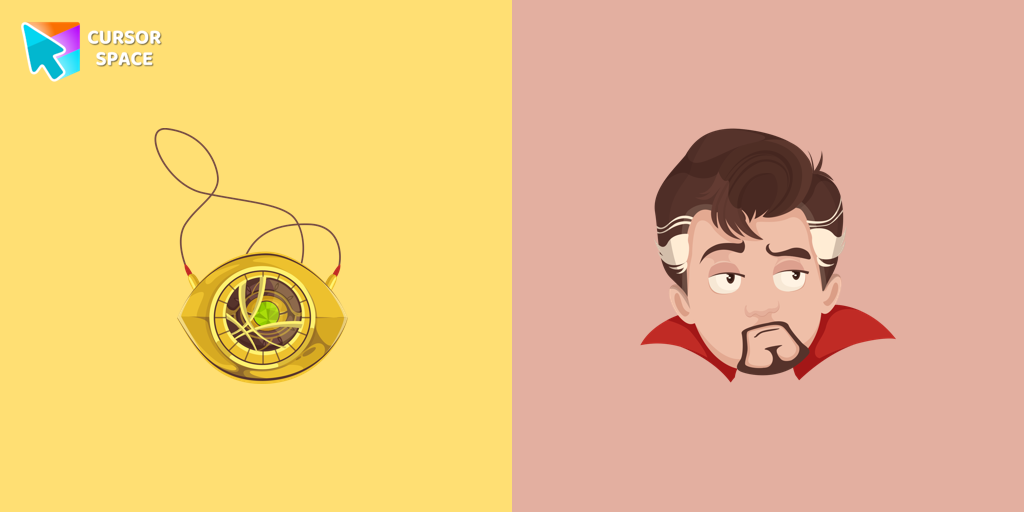
Doctor Strange Cursor
Try this cursor
Preview Doctor Strange Cursor in this sandbox. Hover and click - no extension needed for a test on this page. Download PNG, JPG, or CUR
Move here to see the default cursor
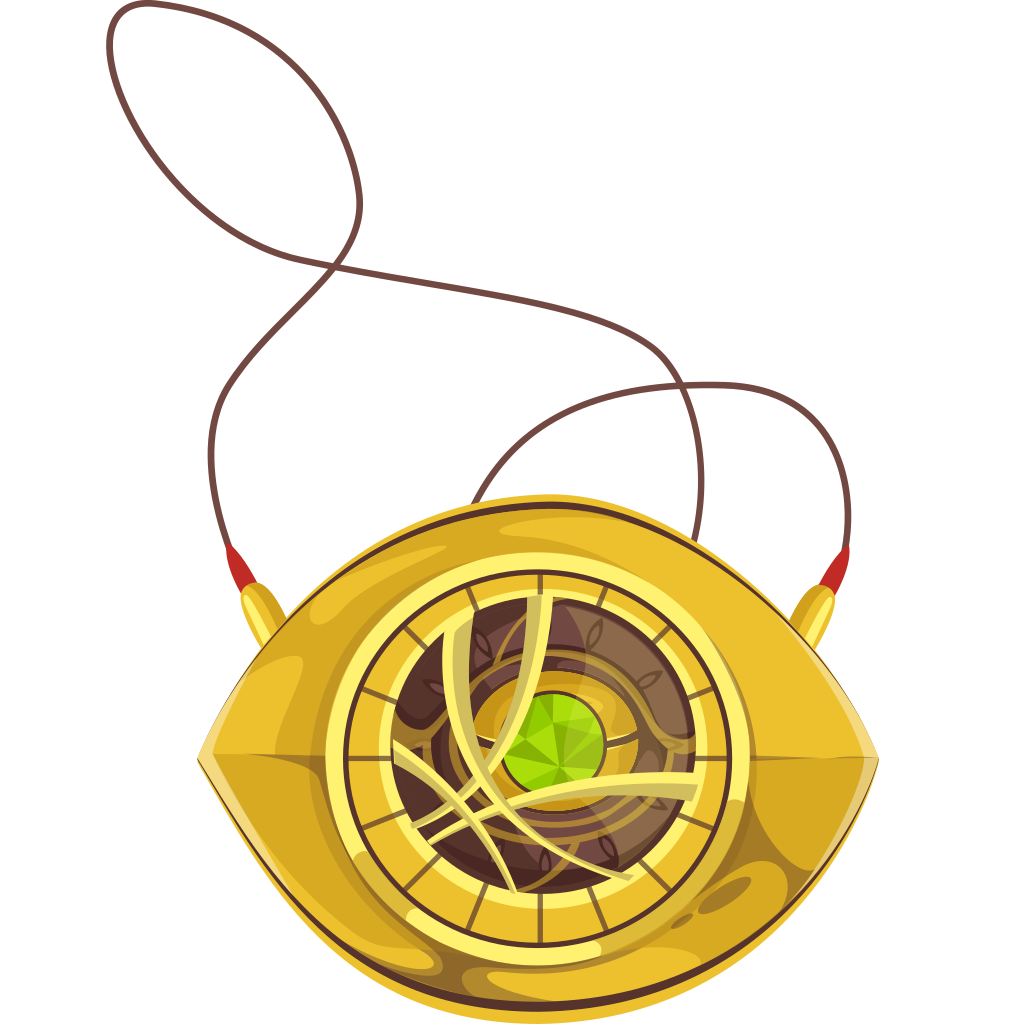 DefaultMove around the board
 PointerHover a button or link
Description
The Doctor Strange cursor is a must-have for fans of the Marvel Comics universe, bringing a touch of magic and mystery to your browsing experience. This custom cursor transforms your standard mouse pointer into a stunning design inspired by the Sorcerer Supreme himself. Featuring the iconic Eye of Agamotto, this colorful cursor captures the essence of Doctor Strange’s mystical powers, making every click feel like a journey through the multiverse.
Doctor Strange, played by Benedict Cumberbatch in the Marvel Cinematic Universe, is one of the most powerful superheroes, known for his ability to manipulate time, space, and reality. His signature artifacts, including the Cloak of Levitation and the Eye of Agamotto, symbolize wisdom, knowledge, and immense power. With this fun cursor, you can bring a little of his magic style to your daily browsing, whether you’re working, gaming, or simply exploring the web.
This cartoon cursor is perfect for Marvel fans, movie lovers, and anyone who enjoys themed cursors with a unique and superhero-inspired touch. The yellow and brown color scheme reflects Doctor Strange’s classic look, making it a standout addition to any collection of browser cursors. Whether you’re a longtime fan of the comics or just discovering the Doctor Strange movies, this character cursor is an exciting way to personalize your Chrome extension and showcase your love for the Marvel universe.
Ready to experience the power of the Sorcerer Supreme every time you move your cursor? Download the Doctor Strange cursor today and add some magic to your screen!
What's included in the package
- Default Cursor
- Pointer (Hand)
How to install a custom cursor pack Doctor Strange Cursor
Install the Cursor Space extension for Chrome or Cursor Space for Edge in your browser.
On this page, click "Add this cursor pack to the extension".
Open the extension and go to the Packs tab.
Find the custom cursor pack "Doctor Strange cursor" and click it.
Enjoy!
Ready to install?
Get this cursor pack and thousands of others by installing our extension. It's fast and free!
Install for ChromeAbout this cursor pack
Doctor Strange Cursor is a themed cursor pack you can add to your browser to personalize your pointer across common cursor states (default and pointer). Use it for everyday browsing, streaming, studying, or gaming-anywhere you want your cursor to match your vibe.
Instant preview
See how the cursors look before installing.
Easy install
Add the pack to the extension in a few clicks.
Works in your browser
Designed for Chrome and Edge via the extension.
FAQ
Quick answers to common questions about cursor packs, collections, and installation.
Do I need an extension?
Yes. To apply cursor packs in Chrome or Edge, install the Cursor Space extension and add this pack to it.
Which browsers are supported?
Cursor packs are designed for Chromium browsers like Chrome and Microsoft Edge.
How do I switch back to the default cursor?
Open the extension, choose another pack or disable the current one to return to your default cursor.
Can I try the cursor before installing?
Yes. Use the Try this cursor section on this page to preview default, pointer, and other states. Add the pack to the extension to use it across the web.
Can I download the cursor files?
Yes. Open Download files on this page for Arrow and Pointer PNG, JPG, and CUR (hotspot included). You can also copy CSS, Roblox, Unity, and Godot snippets.
Popular cursors today
Custom cursor and packs - neon, anime, pixel art. Quickly add to Chrome and Microsoft Edge for free
- Top 1
 Undertale Muffet cursorNow you can get a cursor with Muffet for your browser.
 - Top 2
 Sweetcoron cursorSweetcoron is a rosy-cheeked honeybee character from the Japanese company Sanrio in our Hello Kitty custom cursors collection for Chrome.
 - Top 3
 Shamrock Freddy cursorCustom cursor with Shamrock Freddy includes a well-designed mouse cursor with Shamrock Freddy and a hover pointer with a golden microphone mockup.
  Rouge the Bat cursorRouge the Bat as a custom cursor for mouse and a pointer is presented in our Sonic the Hedgehog custom cursors collection for Chrome.
 Post Malone cursorIn our custom cursors collection Rappers, we have illustrated a Post Malone custom cursor for mouse and pointer in a nice art.
 Polar Bear cursorCreate a custom cursor with a Polar Bear in Minecraft style, featuring an adorable design from the New Year collection.
 Owl cursorMost owls sleep during the day and hunt at night. Add a custom cursor with owl from our adorable custom cursors collection with animals.
Collection hits
Installation leaders from "Marvel Comics cursor": free packs, neon/anime/pixel art, quick add to Chrome and Edge.
- Top 1
 Groot cursorThe Groot custom cursor is a fun and adorable choice for fans, featuring the beloved Groot character from Guardians of the Galaxy. Perfect for Chrome users!
 - Top 2
 Captain America cursorUpgrade your browsing with the Captain America custom cursor. Featuring Captain America's shield, this custom cursor for Google Chrome adds superhero flair to your screen.
 - Top 3
 Thor cursorThor Odinson, also known as the God of Thunder, possesses the extraordinary powers of the Asgardians
  Deadpool cursorTransform your browsing with Deadpool's custom cursor for Google Chrome. This unique, cute mouse and pointer cursor adds style and fun to your screen.
 Spiderman cursorTransform your browsing with the Spiderman custom cursor for Google Chrome. Enjoy the thrilling design and web-slinging animations of this iconic superhero.
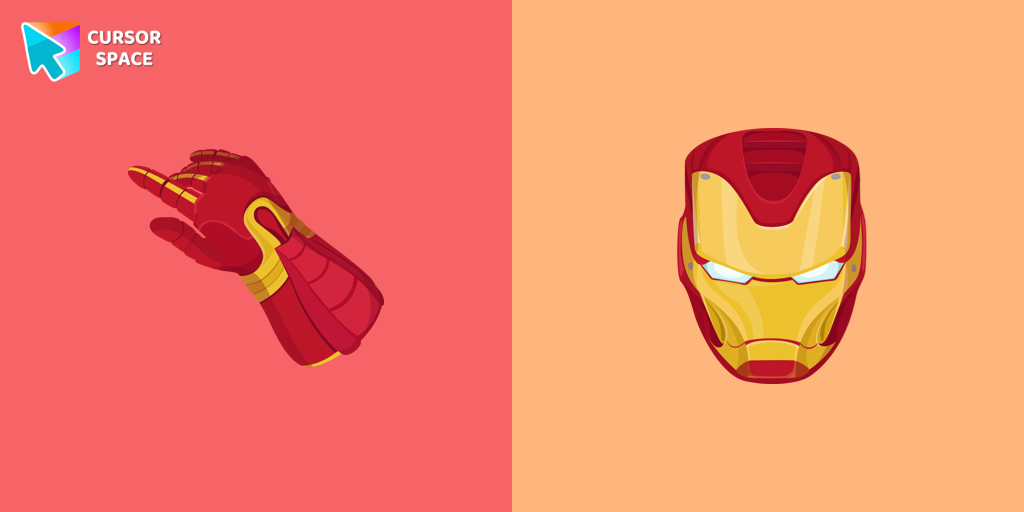 Iron Man cursorUpgrade your browsing with the Iron Man custom cursor for Google Chrome. This sleek and futuristic design adds a touch of sophistication for superhero fans.
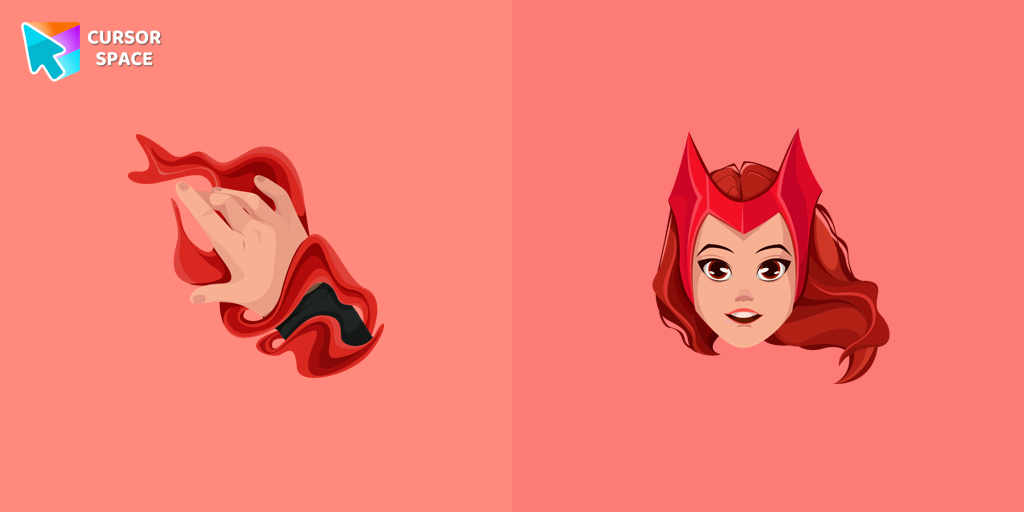 Wanda cursorTransform your browsing experience with the Wanda custom cursor for Google Chrome. Featuring the powerful Wanda Maximoff, this magical cursor adds enchantment to your screen
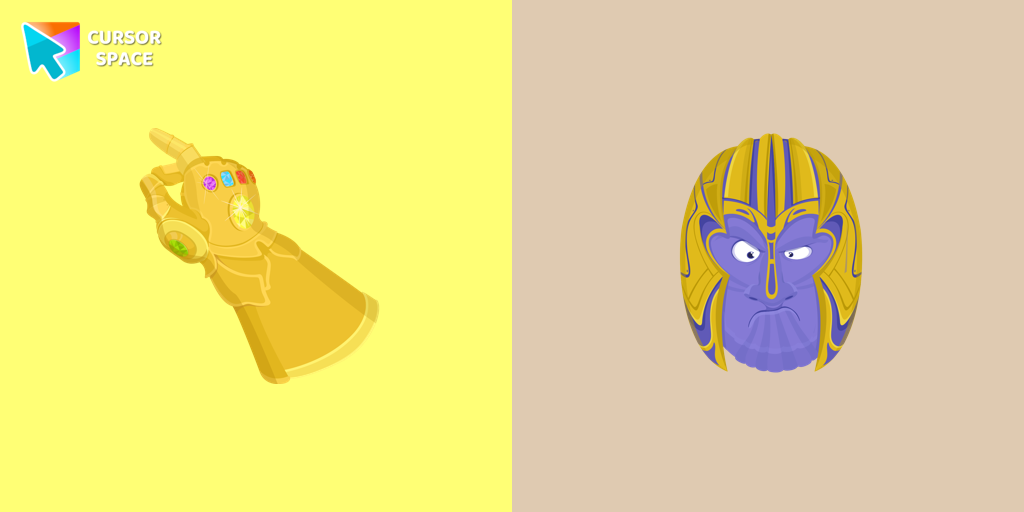 Thanos cursorThe Thanos custom cursor for Google Chrome brings the power of the Mad Titan to your screen. Embrace strength and cosmic animations with this unique design.
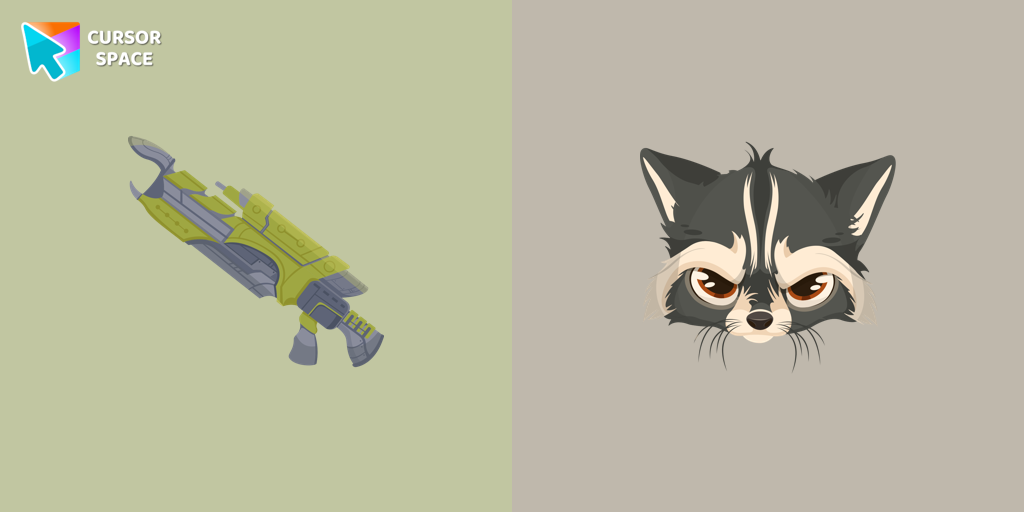 Raccoon cursorTransform your browsing with the Raccoon custom cursor for Google Chrome. Enjoy the playful design and lively animations of this adorable raccoon character.
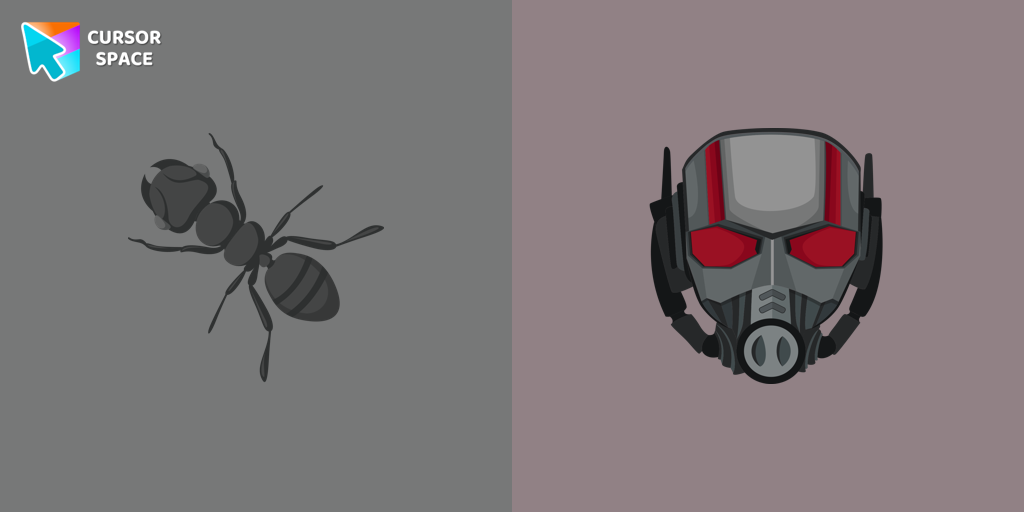 Ant-Man cursorThe Ant-Man custom cursor for Google Chrome brings the Marvel hero's size-shifting powers to your screen. Fun, playful, and unique for fans of the character.
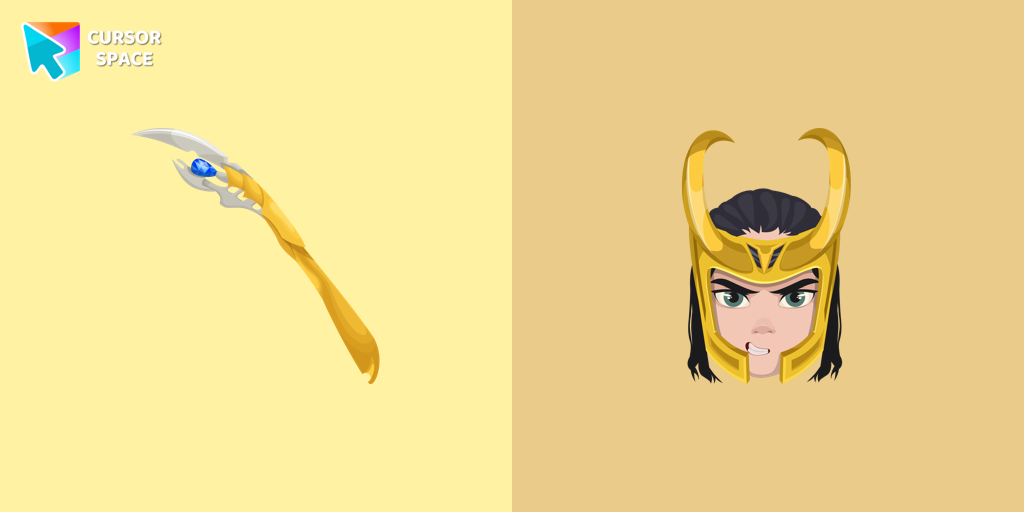 Loki cursorThe Loki custom cursor for Google Chrome brings the mischievous charm of the Marvel anti-hero to your screen, adding a playful touch to your browsing experience.
 Hulk cursorTransform your browsing with the Hulk custom cursor for Google Chrome. Add excitement and power with this dynamic cursor inspired by the iconic green superhero.
Install Cursor Space - A Collection of Custom Cursors for Chrome & Edge
Add packs instantly and unlock access to thousands of cursors: neon, anime, pixel-art, and more. Fast, safe, and free.
- Free cursor packs
- HD/HiDPI & animated icons
- Quick browser installation
Cursor Space is an extension for changing your mouse cursor in Chrome and Edge browsers: themed collections, HiDPI icons, neon, animated, and pixel cursors, with quick installation.