
Top cursor packs - This week
Discover the most-installed cursor packs. Switch between weekly, monthly, and all-time rankings and open any pack to install it in seconds.
Top 3 packs
- 1
 Pointer neon cursorPointer Neon Cursor is a customizable cursor option for those who want to add some color to their computer interface.
 - 2
 Bibata Modern Classic CursorEnhance your desktop with Bibata Modern Classic Cursor - a stylish custom cursor that combines elegant design with classic comfort for everyday use.
 - 3
 Veggie Pizza CursorColorful Veggie Pizza Cursor with peppers, olives and mushrooms for Chrome, Edge and Brave.
Full leaderboard
Rankings are based on installs for the selected period. Open any pack to view previews, details, and install instructions.
- 1
 FNF Kissy Missy cursorAdd Kissy Missy custom cursor in the collection of custom cursors with Friday Night Funkin for the browser.
 - 2
 Striped cursorEnhance your desktop with the Striped custom cursor set, featuring vibrant green and blue stripes that bring a modern style and unique personality to your screen.
 - 3
 Green cursorEnhance your browsing experience with the charming Green custom cursor, a delightful upgrade that transforms your ordinary pointer with style and playfulness.
 - 5
 Fliqpy cursorFliqpy custom cursor for Google Chrome brings the dark side of Happy Tree Friends to your screen, featuring his weapon as a hover pointer for a sinister touch.
 - 7
 8 bit cursorEnhance your browsing with the 8-bit custom cursor. This custom cursor for Google Chrome adds a nostalgic, pixelated charm to your screen for a retro experience.
 - 9
 Robot cursorImprove your online experience with The Robot custom cursor. It's cute, customizable, and full of personality - your ideal internet companion is ready for you!
 - 10
 Purple cursorWelcome to our Cursors custom collection for Chrome, featuring a stunning purple cursor to enhance your browsing experience.
 - 11
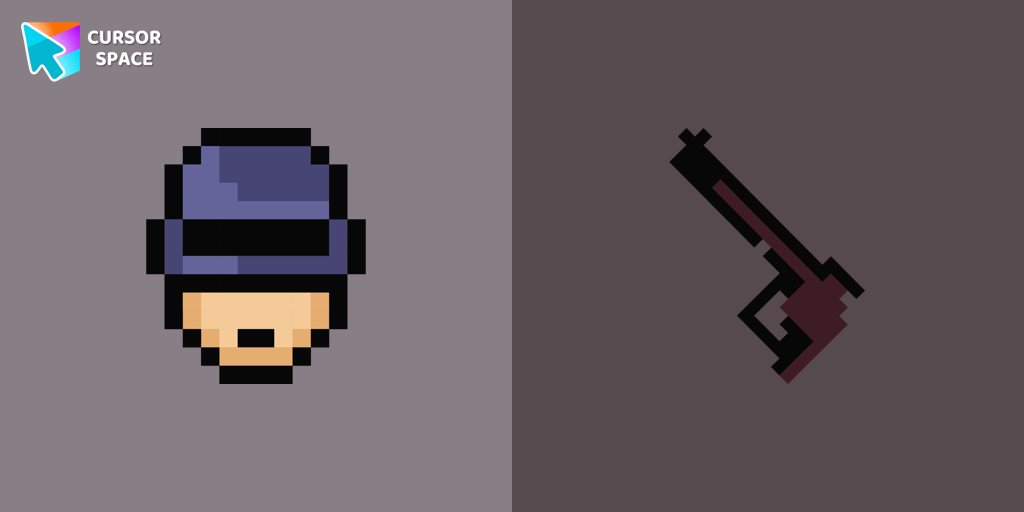 Robocop Pixel cursorRoboCop Pixel as a custom cursor for Chrome. Now you can get cursor with RoboCop Pixel for your browser.
 - 12
 Oreo white cursorsUpgrade your interface with Oreo White Cursors. Enjoy a clean, custom cursor design that complements any digital environment.
 - 13
 Orange gradient cursorUpgrade your browsing with the Vibrant Orange Gradient Cursor. This custom cursor offers a seamless orange gradient, merging style with functionality
 - 14
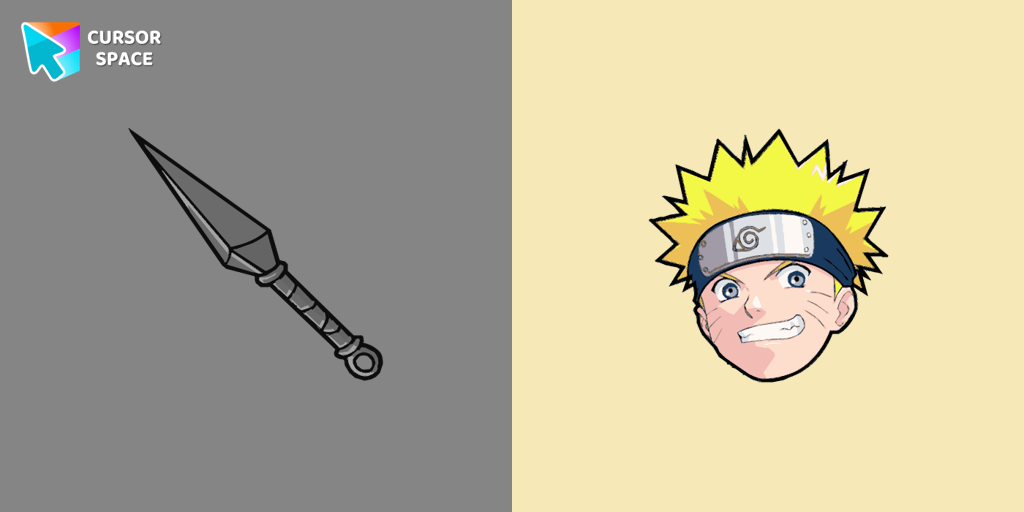 Naruto Uzumaki cursorThe Naruto Uzumaki custom cursor for Google Chrome lets fans personalize their browsing experience with an iconic mouse pointer featuring Naruto himself.
 - 15
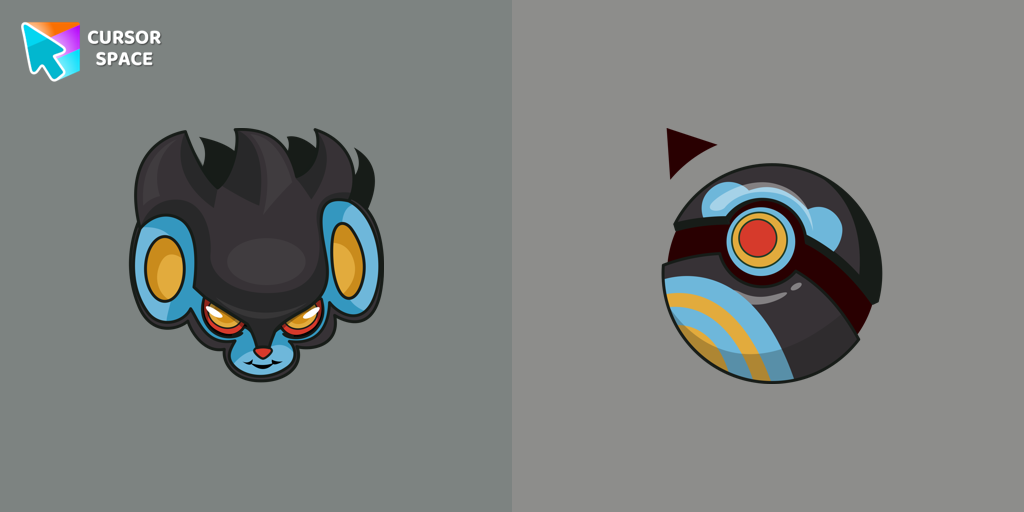 Luxray cursorLuxray custom cursor from our Pokemon cursors collection for mouse and pointer.
 - 16
 Kawaii Scarlet Macaw CursorCute Kawaii Scarlet Macaw Cursor with matching red-and-blue feather pointer for Chrome and Edge.
 - 17
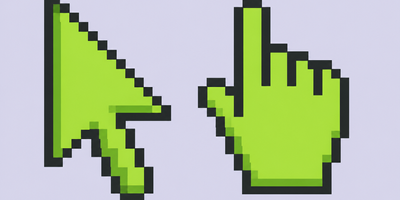 Green Pixel CursorChunky green 8-bit pixel arrow and hand cursors for Chrome, Edge and Brave.
 - 18
 Captain America cursorUpgrade your browsing with the Captain America custom cursor. Featuring Captain America's shield, this custom cursor for Google Chrome adds superhero flair to your screen.
 - 19
 Blue Abstract Texture cursorEnhance your browsing with the Blue Abstract Texture custom cursor. This custom cursor for Google Chrome adds style and sophistication with its captivating blue design.
 - 20
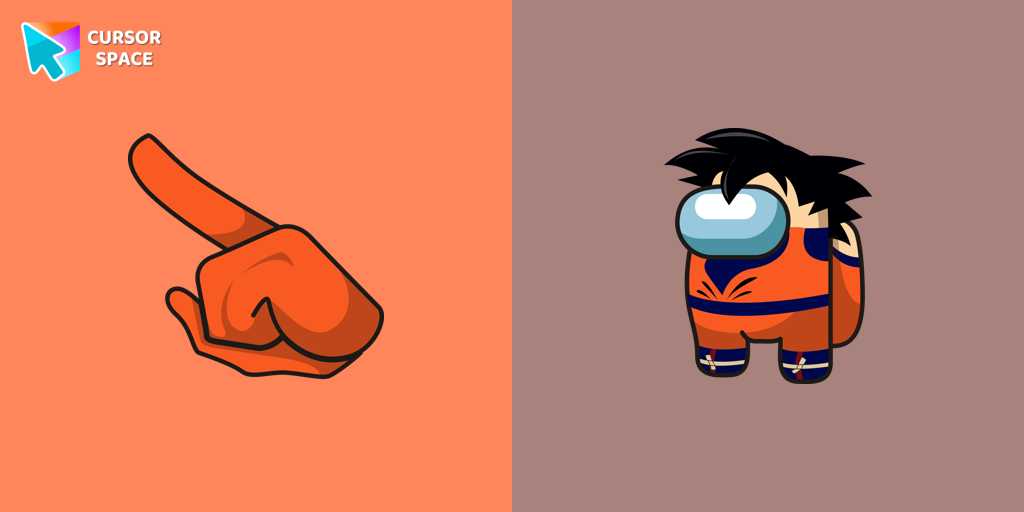 Among Us Son Goku Character cursorThe Among Us Son Goku Character cursor is an exciting addition to the browser cursor collection.
How the Top Packs ranking works
Rankings count successful Add to extension installs. Weekly and monthly lists use the last 7 and 30 days. All-time uses the full install total.
Weekly
Fresh momentum and newly popular packs.
Monthly
More stable list with fewer short spikes.
All-time
Classic favorites with the biggest install counts.
FAQ
Quick answers to common questions about cursor packs, collections, and installation.
How do I install a top-ranked cursor pack?
Open a pack from the leaderboard, click the install or add button, and follow the prompts. If needed, install the Cursor Space browser extension, then apply the pack.
Why do rankings change?
Weekly and monthly lists update as packs gain installs. All-time rankings change more slowly as total install counts accumulate.