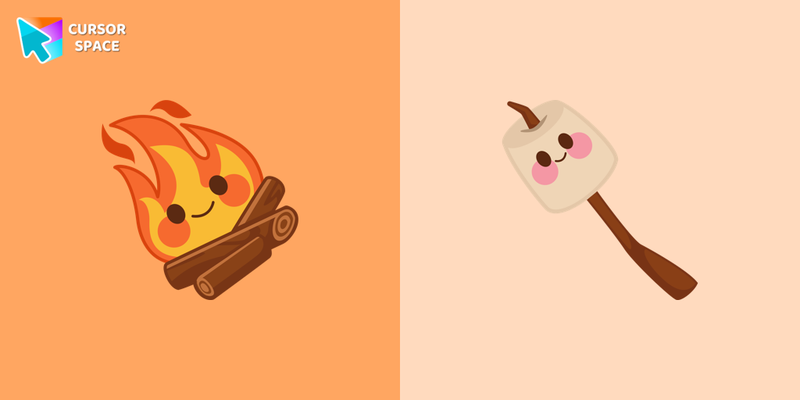
Kawaii Happy Fire Cursor
Try this cursor
Preview Kawaii Happy Fire Cursor in this sandbox. Hover and click - no extension needed for a test on this page. Download PNG, JPG, or CUR
Move here to see the default cursor
 DefaultMove around the board
 PointerHover a button or link
Description
What's included in the package
- Default Cursor
- Pointer (Hand)
How to install a custom cursor pack Kawaii Happy Fire Cursor
Install the Cursor Space extension for Chrome or Cursor Space for Edge in your browser.
On this page, click "Add this cursor pack to the extension".
Open the extension and go to the Packs tab.
Find the custom cursor pack "Kawaii Happy Fire cursor" and click it.
Enjoy!
Ready to install?
Get this cursor pack and thousands of others by installing our extension. It's fast and free!
Install for ChromeAbout this cursor pack
Kawaii Happy Fire Cursor is a themed cursor pack you can add to your browser to personalize your pointer across common cursor states (default and pointer). Use it for everyday browsing, streaming, studying, or gaming-anywhere you want your cursor to match your vibe.
Instant preview
See how the cursors look before installing.
Easy install
Add the pack to the extension in a few clicks.
Works in your browser
Designed for Chrome and Edge via the extension.
FAQ
Quick answers to common questions about cursor packs, collections, and installation.
Do I need an extension?
Yes. To apply cursor packs in Chrome or Edge, install the Cursor Space extension and add this pack to it.
Which browsers are supported?
Cursor packs are designed for Chromium browsers like Chrome and Microsoft Edge.
How do I switch back to the default cursor?
Open the extension, choose another pack or disable the current one to return to your default cursor.
Can I try the cursor before installing?
Yes. Use the Try this cursor section on this page to preview default, pointer, and other states. Add the pack to the extension to use it across the web.
Can I download the cursor files?
Yes. Open Download files on this page for Arrow and Pointer PNG, JPG, and CUR (hotspot included). You can also copy CSS, Roblox, Unity, and Godot snippets.
Popular cursors today
Custom cursor and packs - neon, anime, pixel art. Quickly add to Chrome and Microsoft Edge for free
- Top 1
 Lightning cursorTransform your Chrome experience with custom cursors like Lightning and Star Wars themes. Add style and fun to your screen today!
 - Top 2
 KEL cursorAdd KEL cursor in the collection of custom cursors with avengers for the browser.
 - Top 3
 Guava cursorIf you want to change your usual cursor to something cute, our guava cursor for mouse and pointer will be a good match for this job. Cute little guava cursor and pointer in our adorable custom cursors collection Fruits Cursors.
 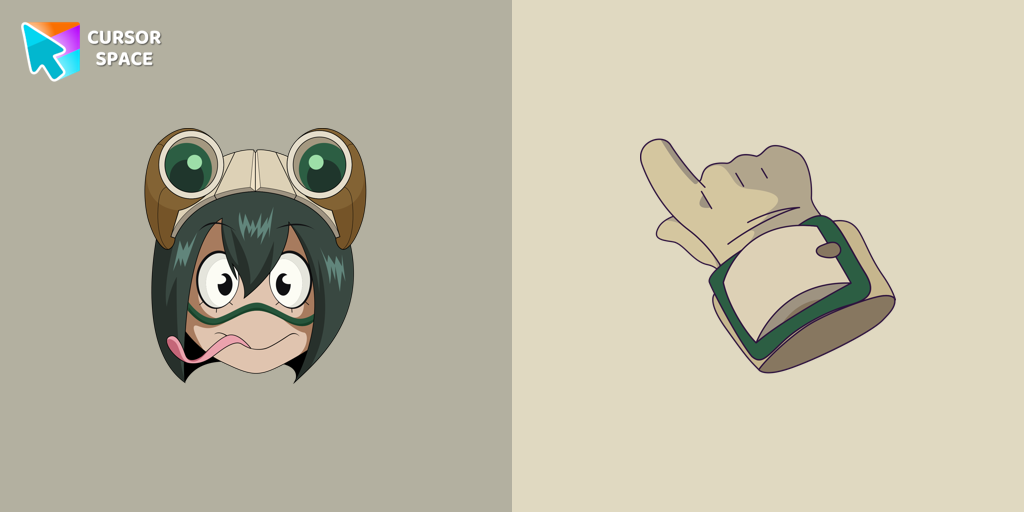 Tsuyu Asui cursorTsuyu Asui custom cursor from our My Hero Academia cursors collection for mouse and pointer.
 Sword cursorBegin an adventure with our Sword custom cursor. Turn your browsing experience into a journey of precision and style.
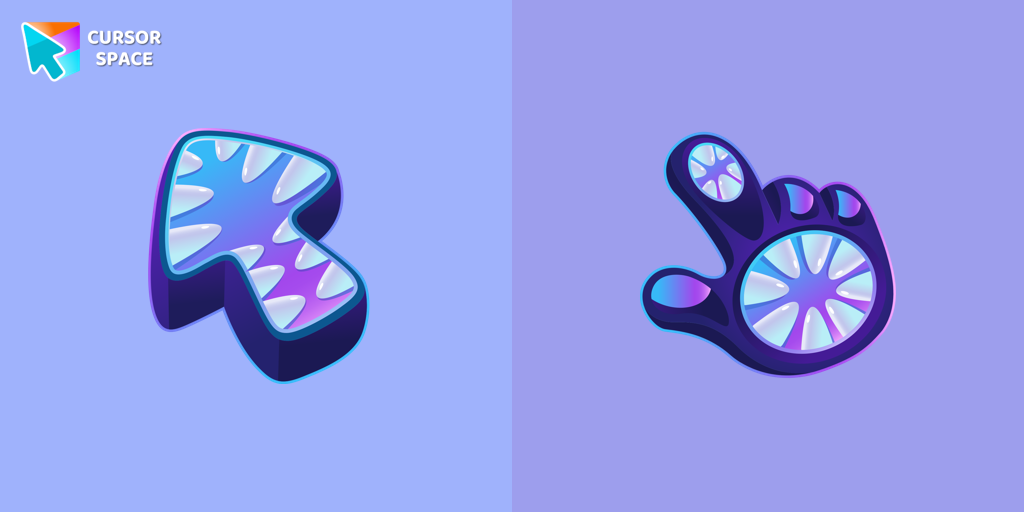 Monster cursorElevate your cursor game with our Monster custom cursor. Discover unique designs for Chrome and stand out with style and creativity.
 Snowman Pixel cursorSnowman Pixel cursor element is a cute custom mouse and pointer cursor with stylish pointing.
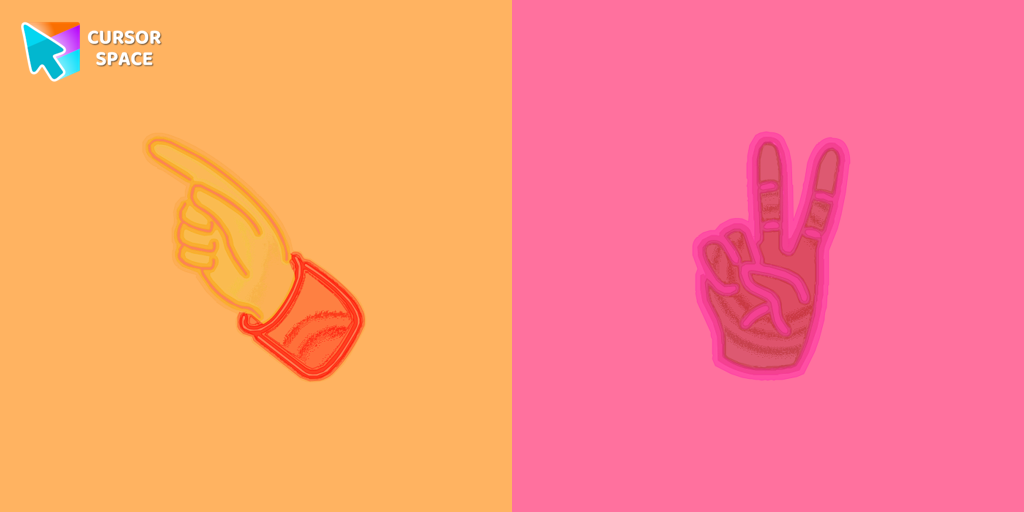 Pointer neon cursorPointer Neon Cursor is a customizable cursor option for those who want to add some color to their computer interface.
 Mint CursorEnhance your browsing experience with the Custom Mint Cursor, a calming personalized cursor symbolizing harmony, renewal, and inner balance.
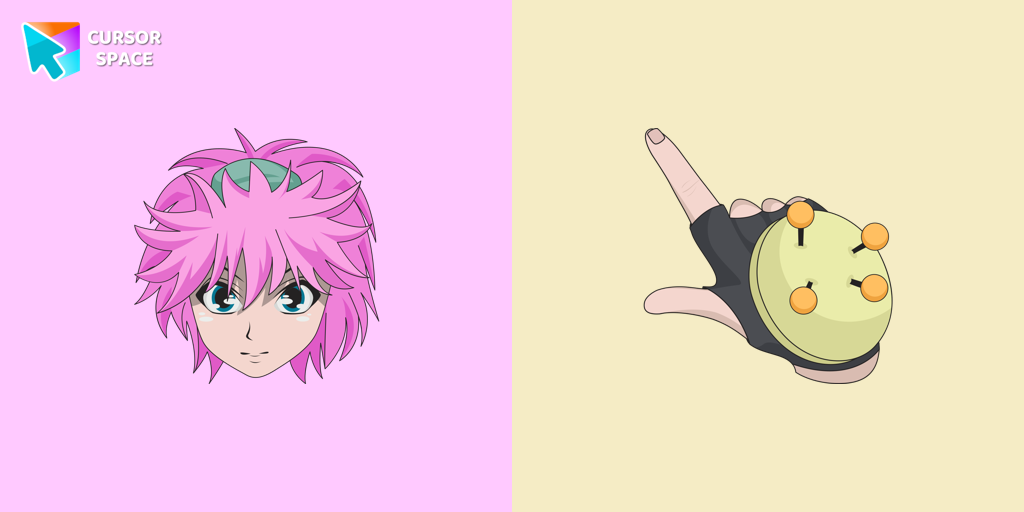 Machi Komacine cursorCute custom cursor with Machi Komacine includes a well-designed mouse cursor with the character's ability and a hover pointer with Machi Komacine.
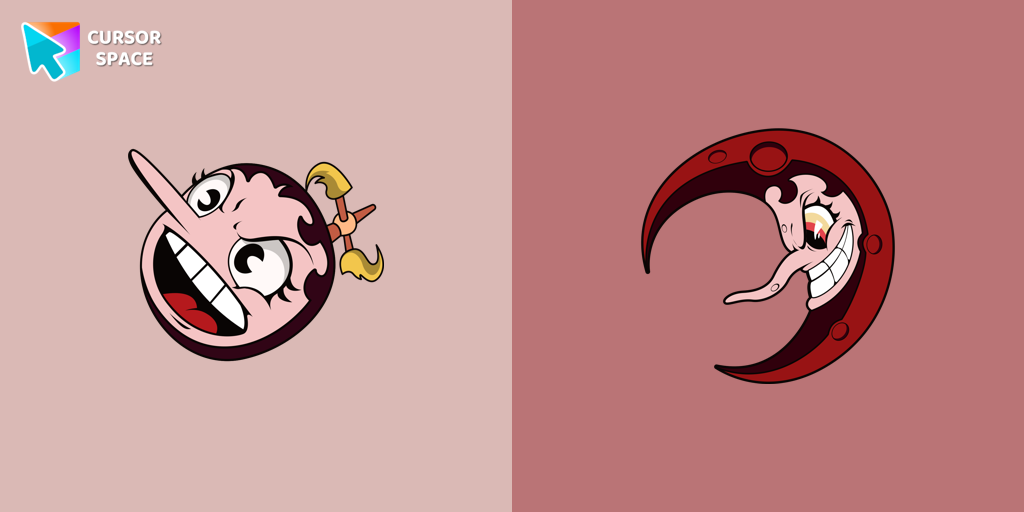 Hilda Berg cursorTransform your browsing with the Hilda Berg custom cursor for Google Chrome. Enjoy an animated touch of whimsy inspired by the Cuphead boss character
 Green CursorUpgrade your workspace with the Custom Green Minimal Cursor, a simple yet striking design symbolizing harmony, freshness, and positivity.
Collection hits
Installation leaders from "Kawaii": free packs, neon/anime/pixel art, quick add to Chrome and Edge.
- Top 1
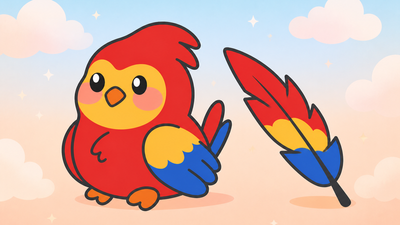 Kawaii Scarlet Macaw CursorCute Kawaii Scarlet Macaw Cursor with matching red-and-blue feather pointer for Chrome and Edge.
 - Top 2
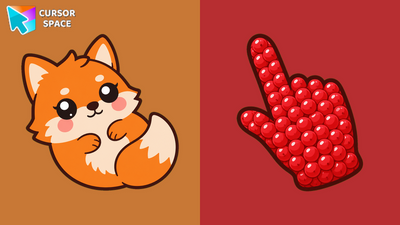 Kawaii Fox CursorCute Kawaii Fox Cursor with a berry pointing hand for Chrome and Edge.
 - Top 3
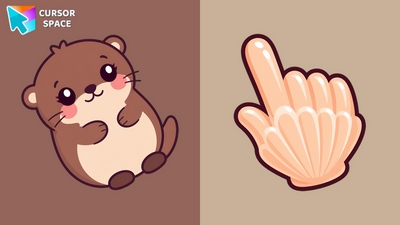 Kawaii Otter CursorCute Kawaii Otter Cursor with a clam pointing hand for Chrome, Edge and Brave.
 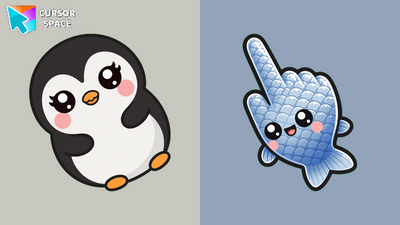 Kawaii Penguin CursorCute Kawaii Penguin Cursor with a fish pointing hand for Chrome and Edge.
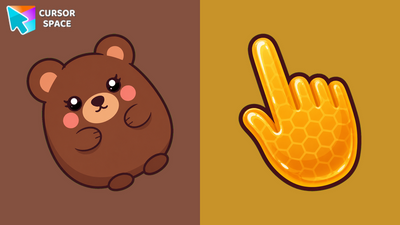 Kawaii Bear CursorCute Kawaii Bear Cursor with a honey pointing hand for Chrome, Edge and Brave.
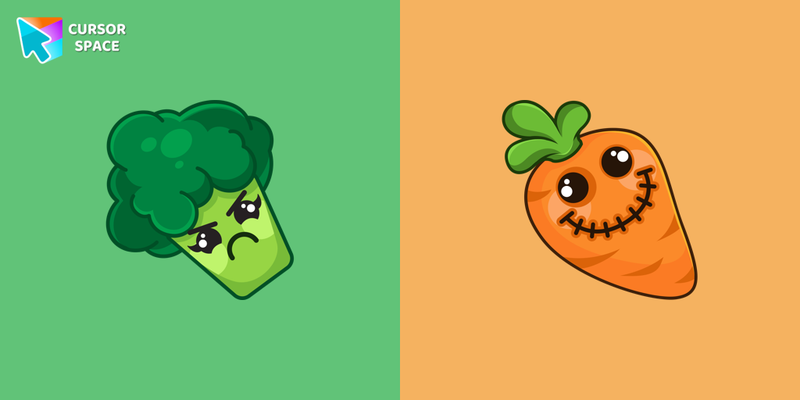 Kawaii Vegetable cursorSullen broccoli as a mouse cursor and a hover pointer with a funny carrot.
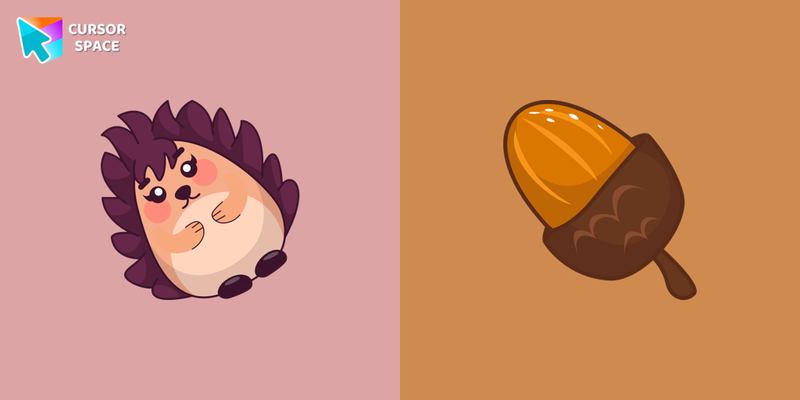 Kawaii Hedgehog cursorKawaii Hedgehog cute cursor for a mouse and acorn hover comes together with the custom cursor with Kawaii Hedgehog.
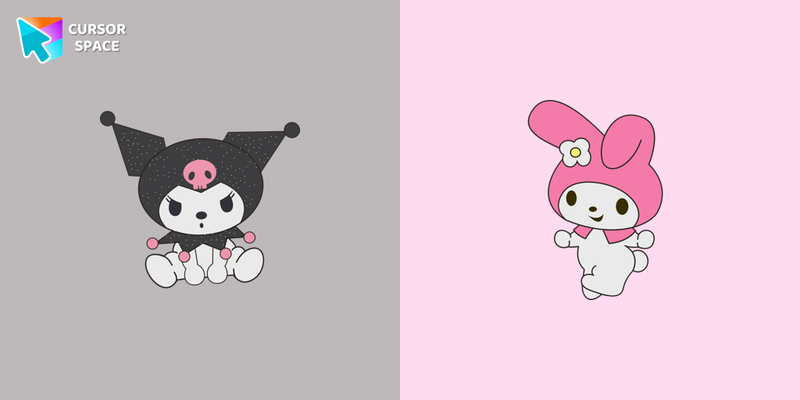 Kawaii Hello Kitty cursorAdd Hello Kitty cursor in the collection of custom cursors with Kawaii for the browser.
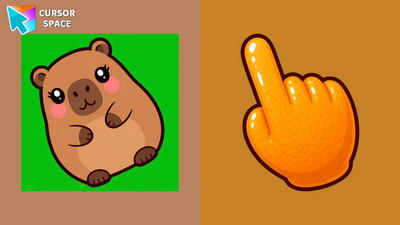 Kawaii Capybara CursorCute Kawaii Capybara Cursor with an orange pointing hand for Chrome and Edge.
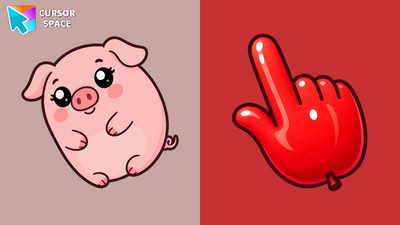 Kawaii Pig CursorCute Kawaii Pig Cursor with an apple pointing hand for Chrome and Edge.
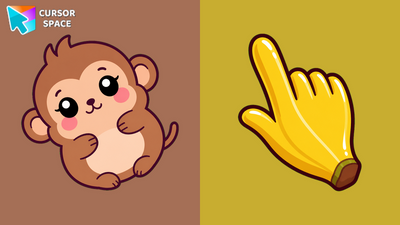 Kawaii Monkey CursorCute Kawaii Monkey Cursor with a banana pointing hand for Chrome, Edge and Brave.
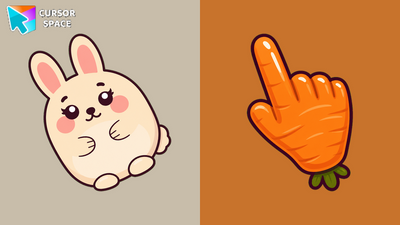 Kawaii Rabbit CursorCute Kawaii Rabbit Cursor with a carrot pointing hand for Chrome, Edge and Brave.
Install Cursor Space - A Collection of Custom Cursors for Chrome & Edge
Add packs instantly and unlock access to thousands of cursors: neon, anime, pixel-art, and more. Fast, safe, and free.
- Free cursor packs
- HD/HiDPI & animated icons
- Quick browser installation
Cursor Space is an extension for changing your mouse cursor in Chrome and Edge browsers: themed collections, HiDPI icons, neon, animated, and pixel cursors, with quick installation.