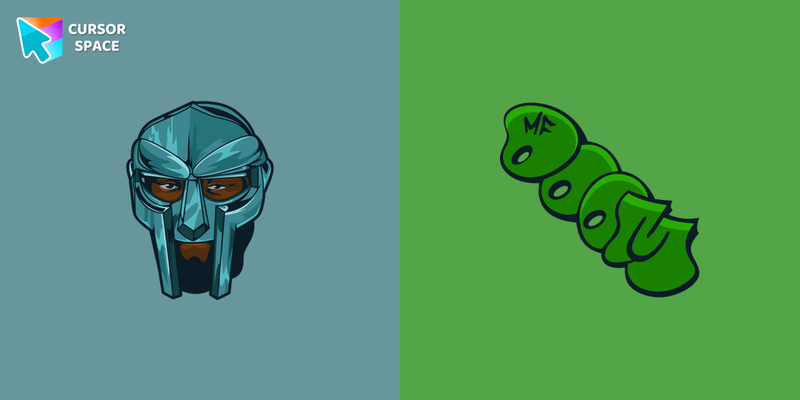
MF DOOM Cursor
Try this cursor
Preview MF DOOM Cursor in this sandbox. Hover and click - no extension needed for a test on this page. Download PNG, JPG, or CUR
Move here to see the default cursor
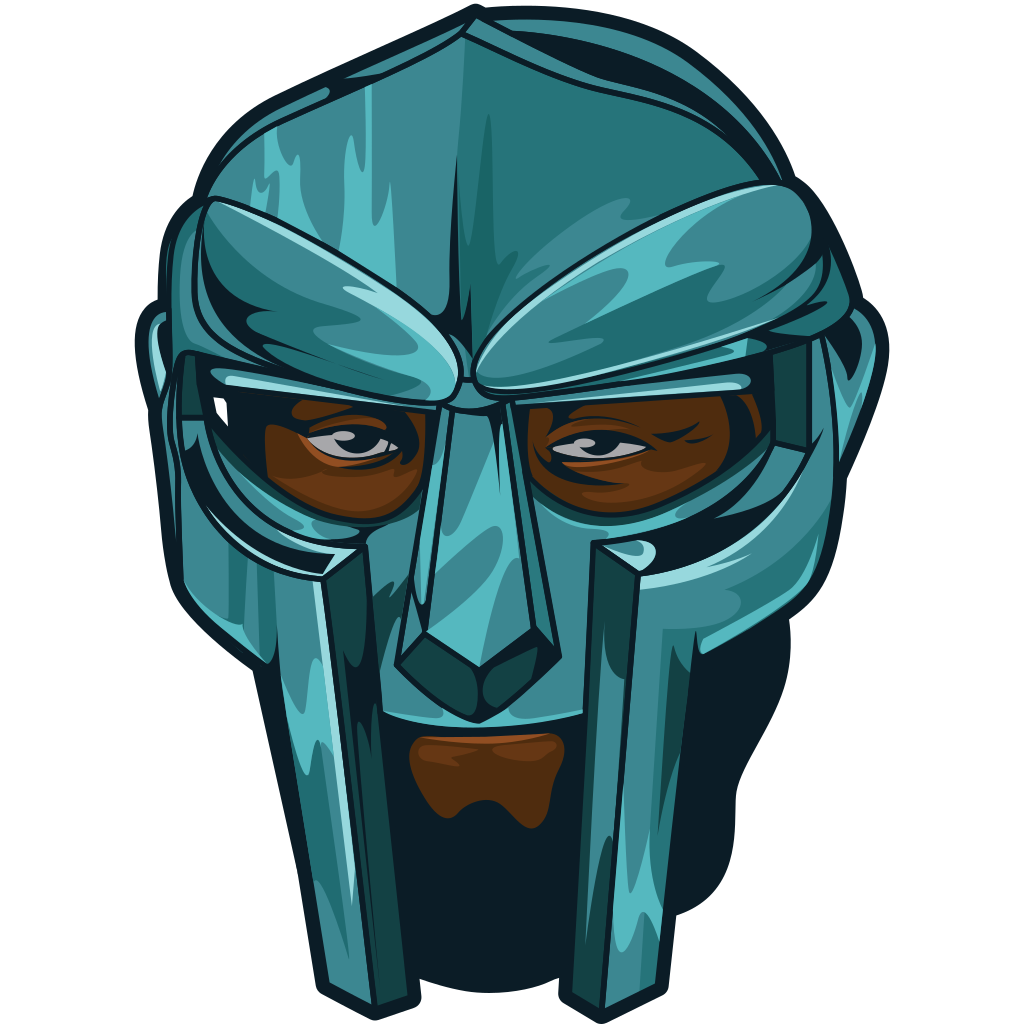 DefaultMove around the board
 PointerHover a button or link
Description
What's included in the package
- Default Cursor
- Pointer (Hand)
How to install a custom cursor pack MF DOOM Cursor
Install the Cursor Space extension for Chrome or Cursor Space for Edge in your browser.
On this page, click "Add this cursor pack to the extension".
Open the extension and go to the Packs tab.
Find the custom cursor pack "MF DOOM cursor" and click it.
Enjoy!
Ready to install?
Get this cursor pack and thousands of others by installing our extension. It's fast and free!
Install for ChromeAbout this cursor pack
MF DOOM Cursor is a themed cursor pack you can add to your browser to personalize your pointer across common cursor states (default and pointer). Use it for everyday browsing, streaming, studying, or gaming-anywhere you want your cursor to match your vibe.
Instant preview
See how the cursors look before installing.
Easy install
Add the pack to the extension in a few clicks.
Works in your browser
Designed for Chrome and Edge via the extension.
FAQ
Quick answers to common questions about cursor packs, collections, and installation.
Do I need an extension?
Yes. To apply cursor packs in Chrome or Edge, install the Cursor Space extension and add this pack to it.
Which browsers are supported?
Cursor packs are designed for Chromium browsers like Chrome and Microsoft Edge.
How do I switch back to the default cursor?
Open the extension, choose another pack or disable the current one to return to your default cursor.
Can I try the cursor before installing?
Yes. Use the Try this cursor section on this page to preview default, pointer, and other states. Add the pack to the extension to use it across the web.
Can I download the cursor files?
Yes. Open Download files on this page for Arrow and Pointer PNG, JPG, and CUR (hotspot included). You can also copy CSS, Roblox, Unity, and Godot snippets.
Popular cursors today
Custom cursor and packs - neon, anime, pixel art. Quickly add to Chrome and Microsoft Edge for free
- Top 1
 Xiao cursorAdd Xiao cursor in the collection of custom cursors with Genshin Impact for the browser.
 - Top 2
 Rainbow Pixel cursorAdd an attractive rainbow custom cursor for the mouse and pointer.
 - Top 3
 Comic cursorImmerse yourself in the dynamic realm of comics with our animated comic custom cursor, which brings visual storytelling to your screen and enriches your browsing experience with every move!
  Zeno Zoldyck cursorZeno Zoldyck cursor for mouse and custom hover pointer with spiritual power in the form of a dragon in a Hunter × Hunter collection of custom cursors.
 Undertale Error Sans cursorThe custom cursor for mouse and pointer from our Undertale and Deltarune collection lets you happily navigate through tabs.
 Toby Domzalski cursorToby cursor for a mouse is a good fan art to decorate your browsing. A battle hammer hover comes together with the custom cursor with Toby.
 The Moon Texture cursorExplore the wonders of the universe right from your screen with the Moon Texture custom cursor for Google Chrome designed to inspire your cosmic curiosity.
 The Mole cursorThe Mole custom cursor for Google Chrome adds a fun and quirky touch to your browsing. Inspired by a small mole, it brings a playful alternative to the default cursor.
 Gingerbread cursorImprove your browsing experience with The Gingerbread custom cursor. Its charming and delightful design adds warmth and nostalgic appeal to every click.
 Tenderheart Bear cursorExperience Love and Compassion with the Tenderheart Bear Cursor
 Tartaglia cursorOur Genshin Impact custom cursors collection for Chrome will allow you to use the Tartaglia character as a custom cursor for the mouse and pointer.
 Super Mushroom Pixel cursorCute custom cursor with Super Mario includes a mouse cursor in the form of super mushroom and a hover pointer with the star.
Collection hits
Installation leaders from "Rappers": free packs, neon/anime/pixel art, quick add to Chrome and Edge.
- Top 1
 Travis Scott cursorChange your usual cursor to our stylish custom cursor with Travis Scott for mouse and pointer.
 - Top 2
 50 Cent cursorIf you want to change the default cursor to 50 Cent, you are welcome to our collection of cursors Rappers.
 - Top 3
 Snoop Dogg cursorAdd Snoop Dogg cursor in the collection of custom cursors with Rappers for the browser.
  Logic cursorAdd Logic cursor in the collection of custom cursors for the browser.
 Tech N9ne cursorTech N9ne cursor for mouse and custom hover pointer with a baseball bat in a Rappers collection of custom cursors.
 Raekwon cursorAdd Raekwon cursor to the collection of custom cursors in cool art.
 Post Malone cursorIn our custom cursors collection Rappers, we have illustrated a Post Malone custom cursor for mouse and pointer in a nice art.
 Redman cursorRedman cursor for mouse and custom hover pointer in a Rappers collection of custom cursors.
 Eminem cursorEminem cursor for a mouse is a good fan art to decorate your browsing.
 Tyler, the Creator cursorCustom cursors with Tyler, the Creator from our Rappers custom cursors collection for the Chrome browser.
 XXXTENTACION cursorXXXTENTACION cursor you can use as a custom cursor for mouse and pointer from our Rappers custom cursors collection for Chrome.
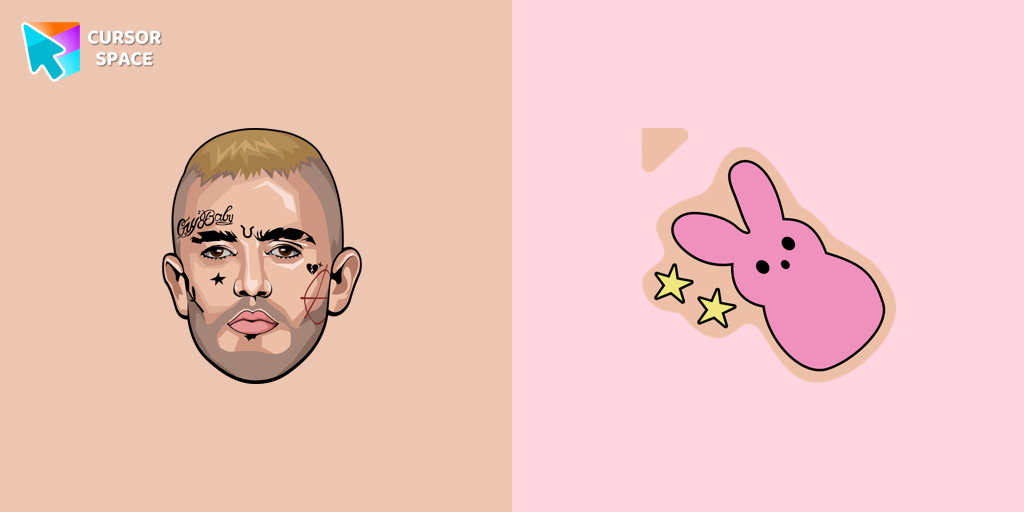 Lil Peep cursorThere is a custom cursor with Lil Peep as a hover in a collection of Rappers cursors for Chrome.
Install Cursor Space - A Collection of Custom Cursors for Chrome & Edge
Add packs instantly and unlock access to thousands of cursors: neon, anime, pixel-art, and more. Fast, safe, and free.
- Free cursor packs
- HD/HiDPI & animated icons
- Quick browser installation
Cursor Space is an extension for changing your mouse cursor in Chrome and Edge browsers: themed collections, HiDPI icons, neon, animated, and pixel cursors, with quick installation.