
Raya Cursor
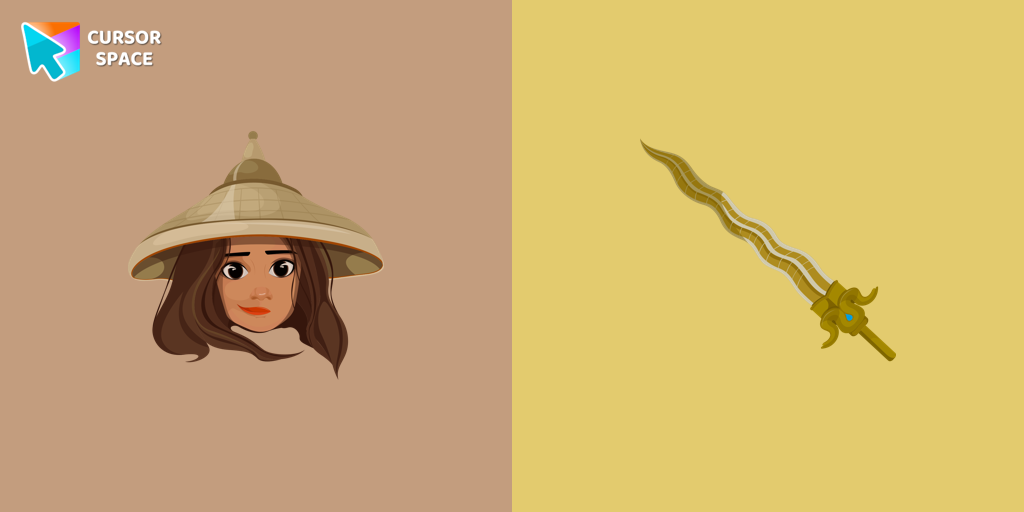
Try this cursor
Preview Raya Cursor in this sandbox. Hover and click - no extension needed for a test on this page. Download PNG, JPG, or CUR
Move here to see the default cursor
 DefaultMove around the board
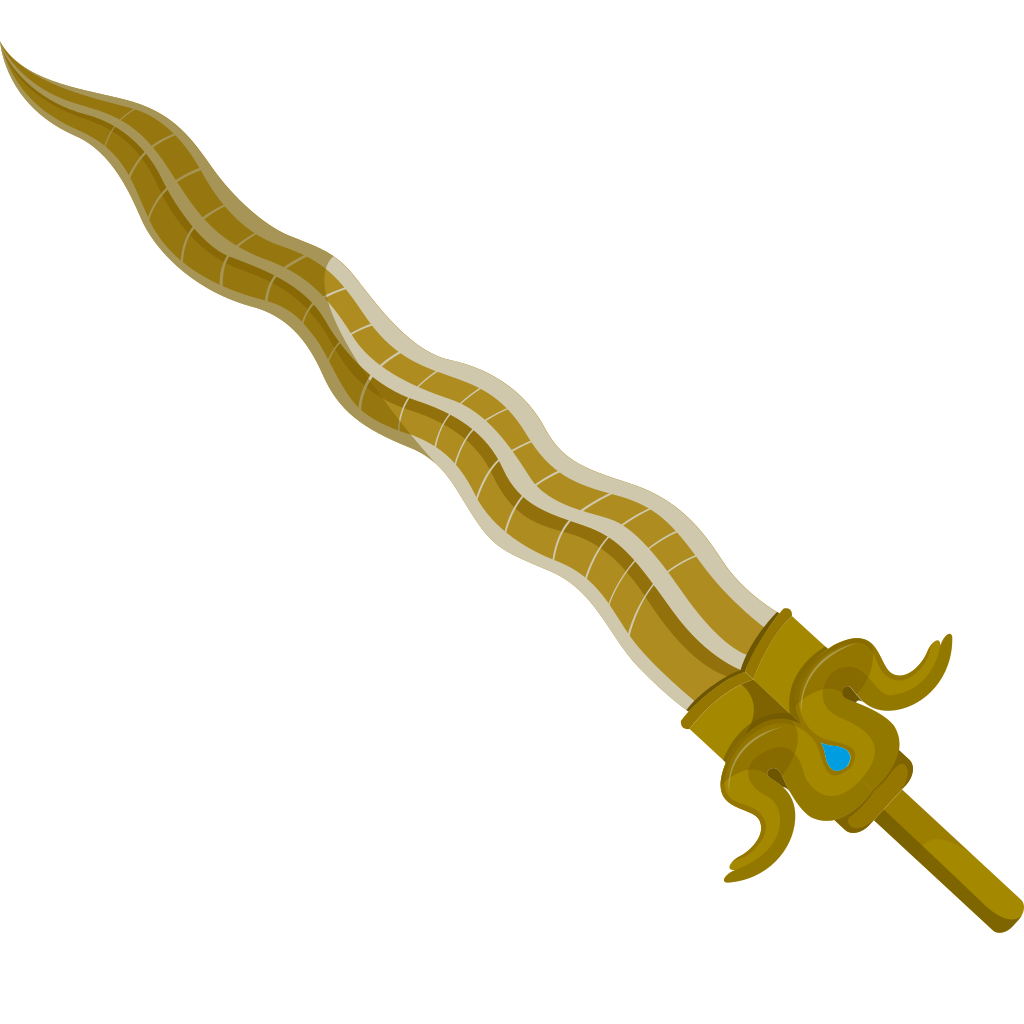 PointerHover a button or link
Description
What's included in the package
- Default Cursor
- Pointer (Hand)
How to install a custom cursor pack Raya Cursor
Install the Cursor Space extension for Chrome or Cursor Space for Edge in your browser.
On this page, click "Add this cursor pack to the extension".
Open the extension and go to the Packs tab.
Find the custom cursor pack "Raya cursor" and click it.
Enjoy!
Ready to install?
Get this cursor pack and thousands of others by installing our extension. It's fast and free!
Install for ChromeAbout this cursor pack
Raya Cursor is a themed cursor pack you can add to your browser to personalize your pointer across common cursor states (default and pointer). Use it for everyday browsing, streaming, studying, or gaming-anywhere you want your cursor to match your vibe.
Instant preview
See how the cursors look before installing.
Easy install
Add the pack to the extension in a few clicks.
Works in your browser
Designed for Chrome and Edge via the extension.
FAQ
Quick answers to common questions about cursor packs, collections, and installation.
Do I need an extension?
Yes. To apply cursor packs in Chrome or Edge, install the Cursor Space extension and add this pack to it.
Which browsers are supported?
Cursor packs are designed for Chromium browsers like Chrome and Microsoft Edge.
How do I switch back to the default cursor?
Open the extension, choose another pack or disable the current one to return to your default cursor.
Can I try the cursor before installing?
Yes. Use the Try this cursor section on this page to preview default, pointer, and other states. Add the pack to the extension to use it across the web.
Can I download the cursor files?
Yes. Open Download files on this page for Arrow and Pointer PNG, JPG, and CUR (hotspot included). You can also copy CSS, Roblox, Unity, and Godot snippets.
Popular cursors today
Custom cursor and packs - neon, anime, pixel art. Quickly add to Chrome and Microsoft Edge for free
- Top 1
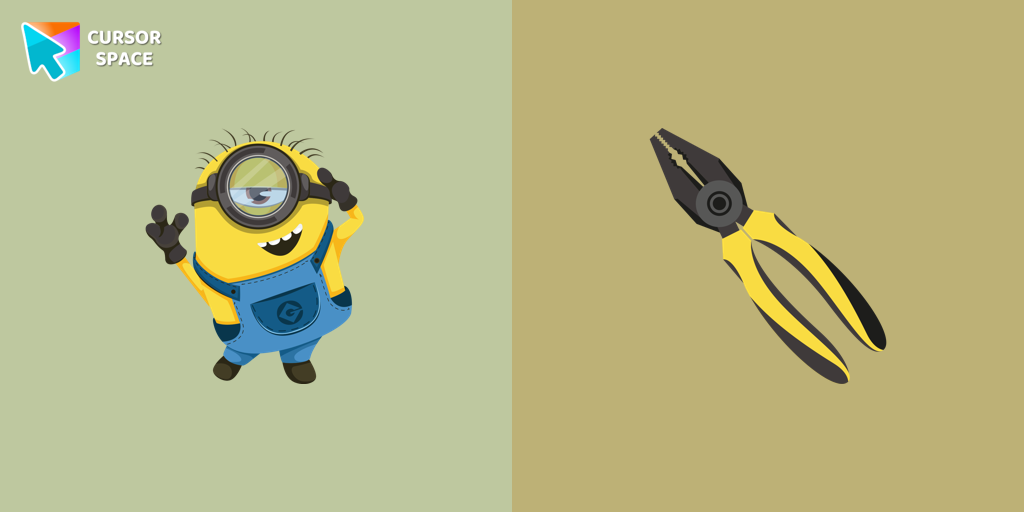 Stuart the Minion cursorWe suggest you, too, relax while surfing the web with a custom cursor with Stuart the Minion.
 - Top 2
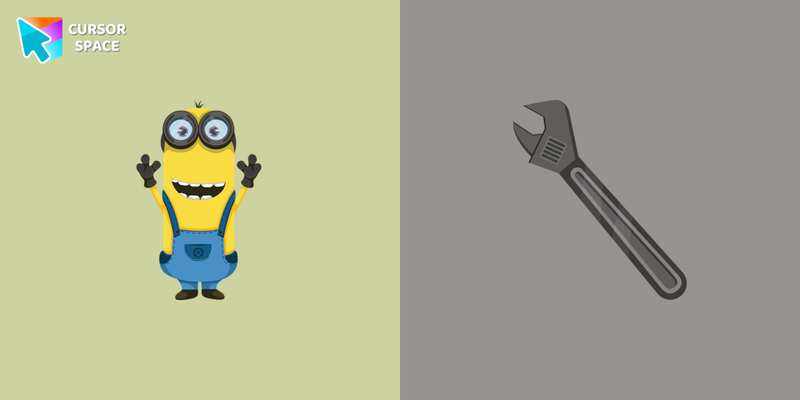 Kevin the Minion cursorKevin the Minion custom cursor for mouse and pointer with the adjustable wrench in a Minions collection of custom cursors.
 - Top 3
 Byakuya Togami cursorExplore custom cursor collections featuring Byakuya Togami, pixel art, and gaming icons. Perfect for personalizing your browsing experience!
Collection hits
Installation leaders from "Aja Tarron": free packs, neon/anime/pixel art, quick add to Chrome and Edge.
- Top 1
 Mirabel Madrigal cursorMirabel cursor for mouse and custom hover pointer with character's weapon in Animation Movies collection of custom cursors.
 - Top 2
 Skrael cursorCustom cursor with Skrael in an Animation Movies cursors collection for Chrome browser.
 - Top 3
 Dyan cursorAdd a custom cursor with Dyan from our Animation Movies custom cursors collection.
  Uka cursorThis cutest, smallest, and youngest Ongis of the trinity is a custom cursor for mouse and pointers from the adorable custom cursors collection.
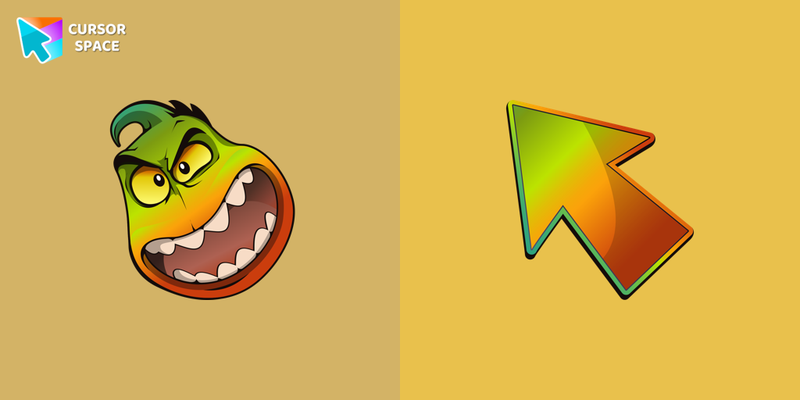 Mr. Piranha cursorMr. Piranha cursor for a mouse is a good fan art to decorate your browsing, a pointer together with the custom cursor with Mr. Piranha.
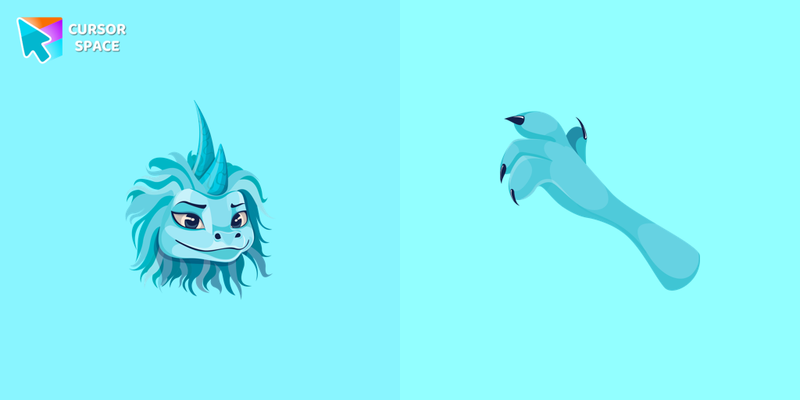 Sisu cursorIn our cute custom cursors collection Animation Movies, we have illustrated a Sisu as a custom cursor for the browser in a nice art.
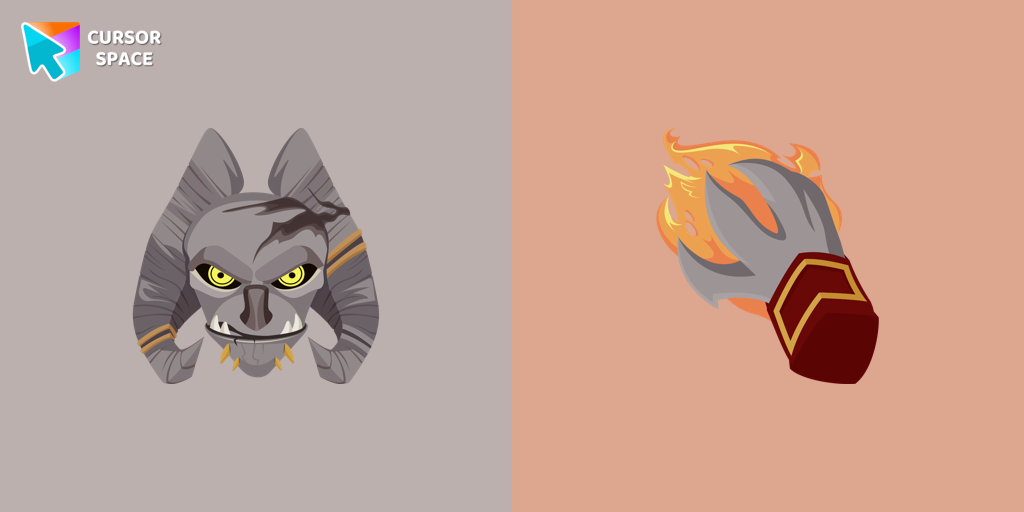 Angor Rot cursorThere is a custom cursor with a character weapon and an Angor Rot as a hover in a set of Animation Movies cursors for Chrome.
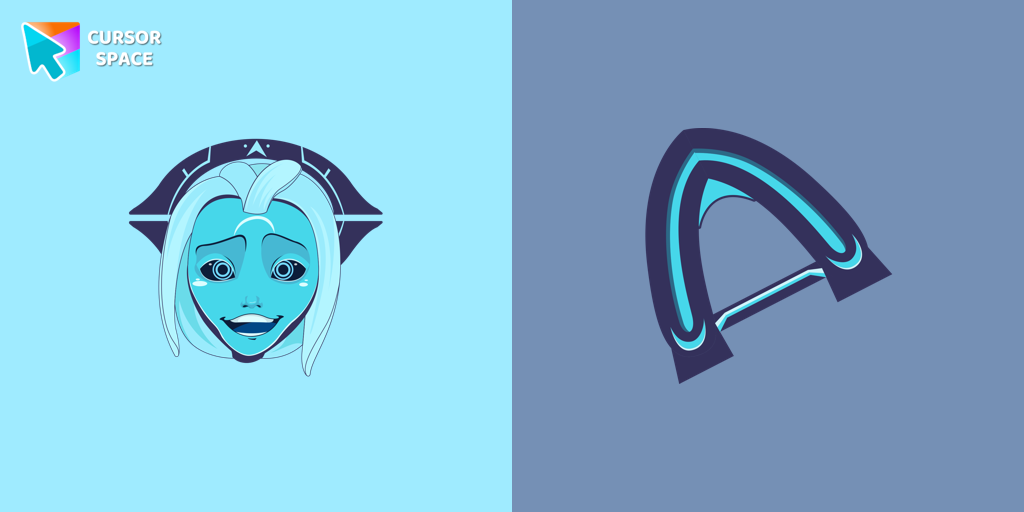 Aja Tarron cursorCustom cursors with Aja Tarron are available for the Chrome browser.
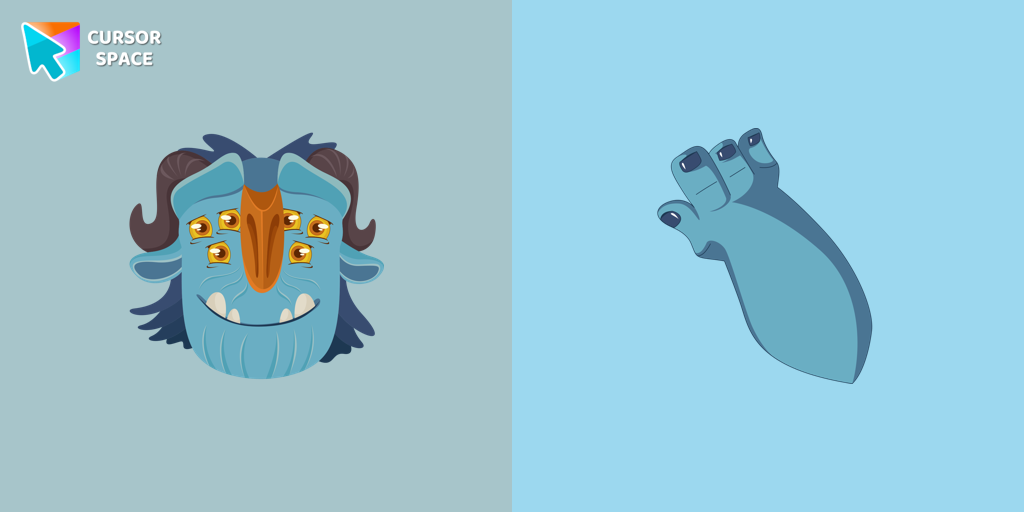 Blinky Galadrigal cursorInstall the Blinky Galadrigal cursor from our Animation Movies custom cursor collection.
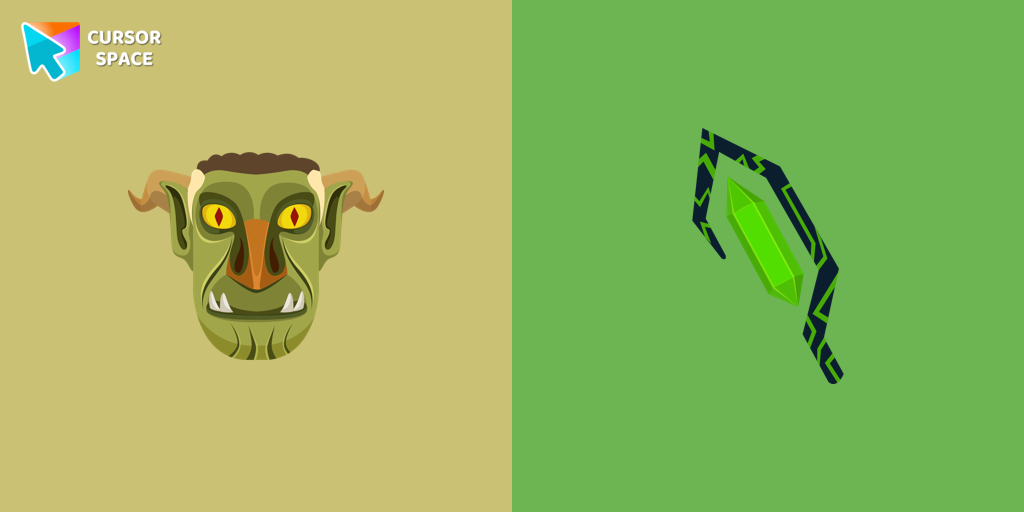 Stricklander cursorWe are glad to present this custom cursor with Stricklander from the custom cursors collection for the mouse and pointer with Animation Movies.
 Joe Gardner's Soul cursorJoe Gardner's Soul custom cursor in your browser.
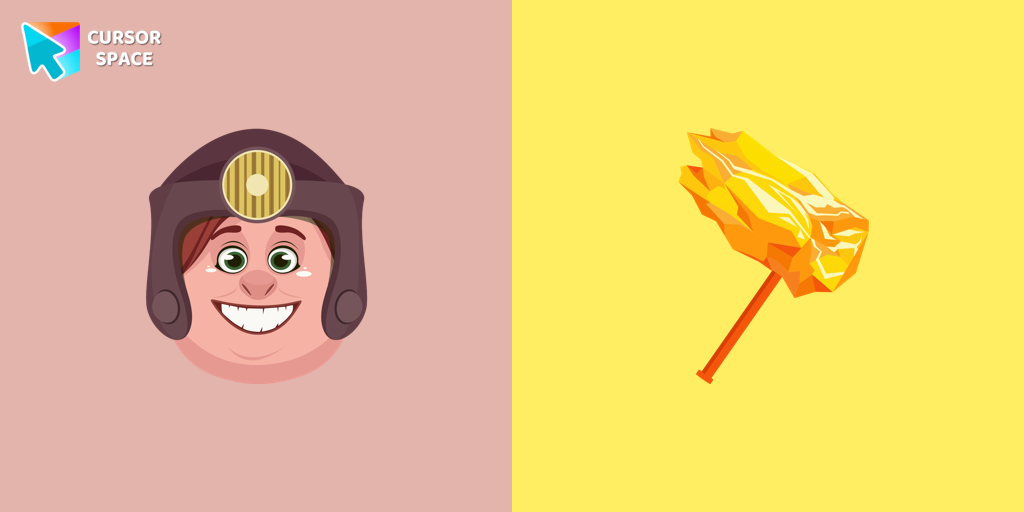 Toby Domzalski cursorToby cursor for a mouse is a good fan art to decorate your browsing. A battle hammer hover comes together with the custom cursor with Toby.
Install Cursor Space - A Collection of Custom Cursors for Chrome & Edge
Add packs instantly and unlock access to thousands of cursors: neon, anime, pixel-art, and more. Fast, safe, and free.
- Free cursor packs
- HD/HiDPI & animated icons
- Quick browser installation
Cursor Space is an extension for changing your mouse cursor in Chrome and Edge browsers: themed collections, HiDPI icons, neon, animated, and pixel cursors, with quick installation.