Red Cursor
Try this cursor
Preview Red Cursor in this sandbox. Hover and click - no extension needed for a test on this page. Download PNG, JPG, or CUR
Move here to see the default cursor
 DefaultMove around the board
 PointerHover a button or link
Description
Replace the default cursor with an adorable red one. Transform the ordinary mouse into a stunningly cute red cursor or simply download one.
Elevate your browsing experience with these charming red cursor options for Chrome. Express your uniqueness through vibrant and stunning mouse pointers on any webpage you visit.
Say goodbye to the mundane and basic cursor that has been around for years. Embrace the opportunity to switch to these delightful red cursor designs and add a touch of cuteness to your browsing experience ;)
What's included in the package
- Default Cursor
- Pointer (Hand)
How to install a custom cursor pack Red Cursor
Install the Cursor Space extension for Chrome or Cursor Space for Edge in your browser.
On this page, click "Add this cursor pack to the extension".
Open the extension and go to the Packs tab.
Find the custom cursor pack "Red Cursor" and click it.
Enjoy!
Ready to install?
Get this cursor pack and thousands of others by installing our extension. It's fast and free!
Install for ChromeAbout this cursor pack
Red Cursor is a themed cursor pack you can add to your browser to personalize your pointer across common cursor states (default and pointer). Use it for everyday browsing, streaming, studying, or gaming-anywhere you want your cursor to match your vibe.
Instant preview
See how the cursors look before installing.
Easy install
Add the pack to the extension in a few clicks.
Works in your browser
Designed for Chrome and Edge via the extension.
FAQ
Quick answers to common questions about cursor packs, collections, and installation.
Do I need an extension?
Yes. To apply cursor packs in Chrome or Edge, install the Cursor Space extension and add this pack to it.
Which browsers are supported?
Cursor packs are designed for Chromium browsers like Chrome and Microsoft Edge.
How do I switch back to the default cursor?
Open the extension, choose another pack or disable the current one to return to your default cursor.
Can I try the cursor before installing?
Yes. Use the Try this cursor section on this page to preview default, pointer, and other states. Add the pack to the extension to use it across the web.
Can I download the cursor files?
Yes. Open Download files on this page for Arrow and Pointer PNG, JPG, and CUR (hotspot included). You can also copy CSS, Roblox, Unity, and Godot snippets.
Popular cursors today
Custom cursor and packs - neon, anime, pixel art. Quickly add to Chrome and Microsoft Edge for free
- Top 1
 Papaya cursorJuicy papaya cursor is illustrated for our Fruits Cursors custom cursors collection for Chrome. Slice of papaya as a cursor for the mouse and funny papaya pointer will look pretty nice on your screen.
 - Top 2
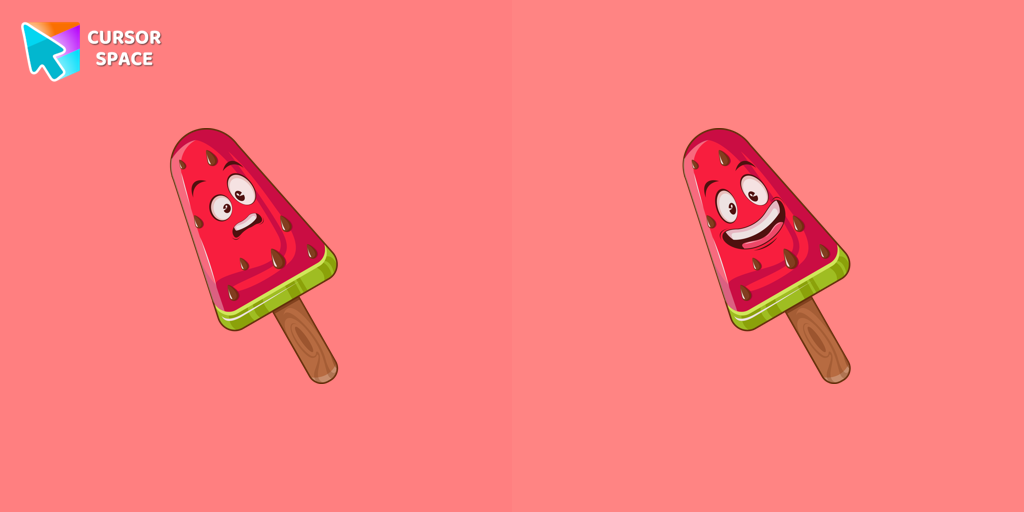 Watermelon Ice Cream cursorLovely dessert watermelon ice cream as a custom cursor for mouse and pointer is presented in our sweet ice cream custom cursors collection for Chrome.
 - Top 3
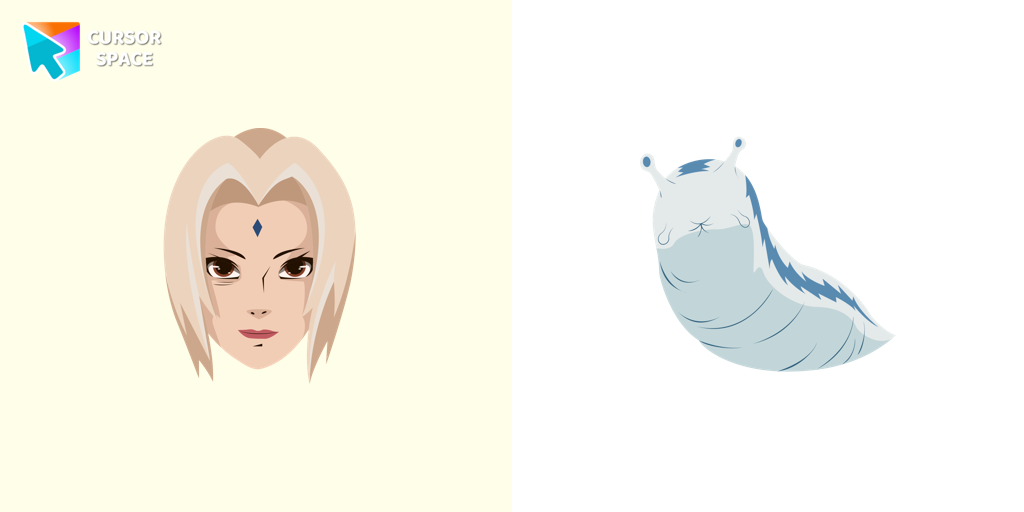 Tsunade cursorWell-designed Tsunade cursor for mouse will be loved by Naruto fans. There is a custom cursor with Katsui and Tsunade as a hover in a set of Naruto cursors for Chrome.
 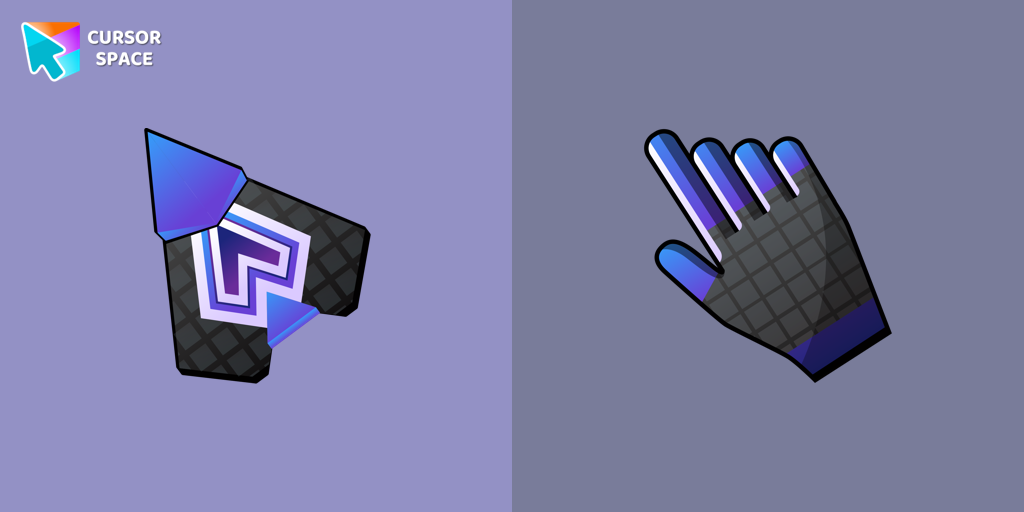 Spaceship cursorEmbark on a cosmic adventure with our custom cursor spaceship design—sleek, stylish, and crafted for an extraordinary browsing experience!
 Ring cursorEnhance your desktop with The Ring custom cursor. Its sleek, animated ring design adds elegance and focus to your workflow.
 The Purple CursorEnhance your Chrome browsing with Custom Cursor Space, a sleek purple cursor crafted to complement your style and elevate your online experience.
 Purple cursorWelcome to our Cursors custom collection for Chrome, featuring a stunning purple cursor to enhance your browsing experience.
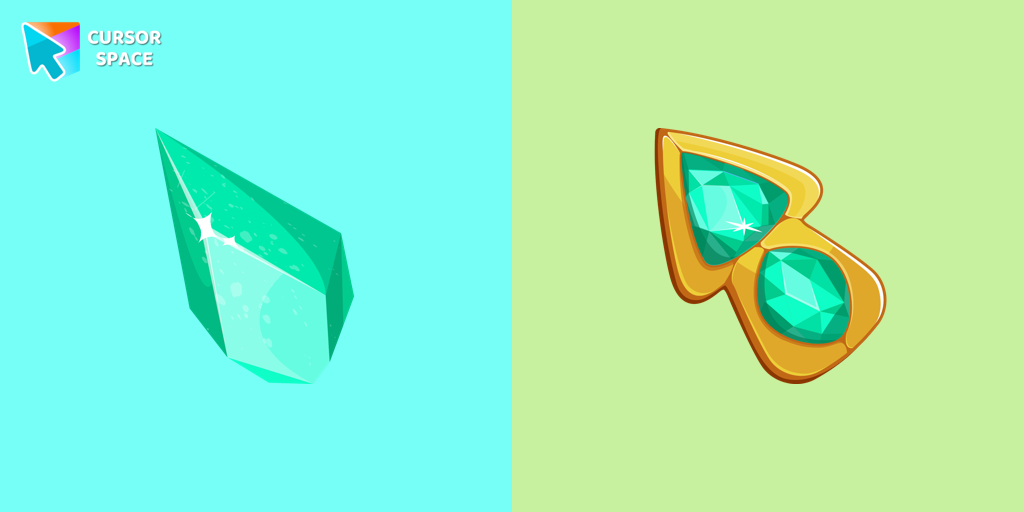 Green Amethyst cursorUpgrade your browsing with the Green Amethyst custom cursor! Elegant and unique, it adds a touch of beauty to your screen. Make your pointer shine today!
 Ghost cursorUnleash the fear with The Ghost custom cursor for Chrome. Add a spine-chilling touch to your screen and conquer your Samhainphobia!
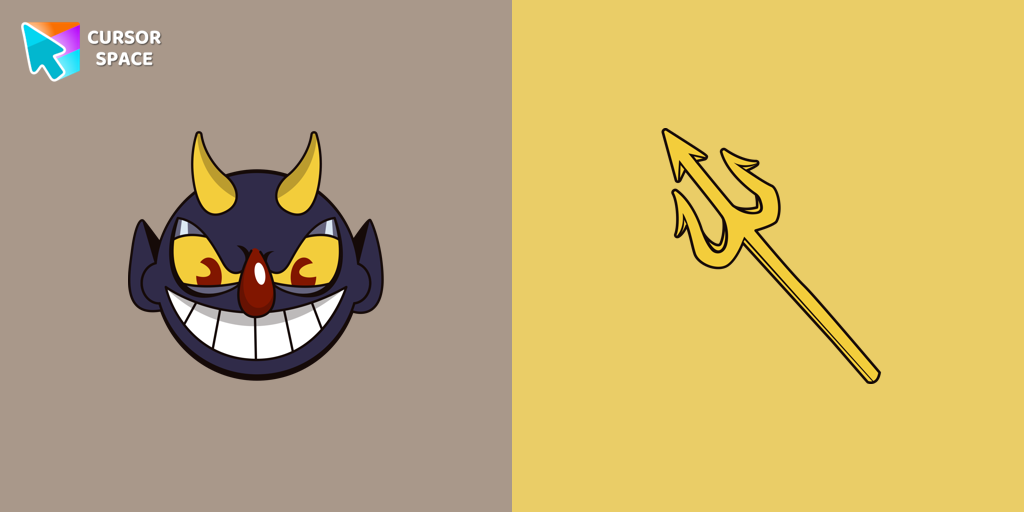 The Devil cursorAdd a touch of sinister charm with the Devil custom cursor from our Cuphead collection. Upgrade your browsing with this unique custom cursor for Google Chrome.
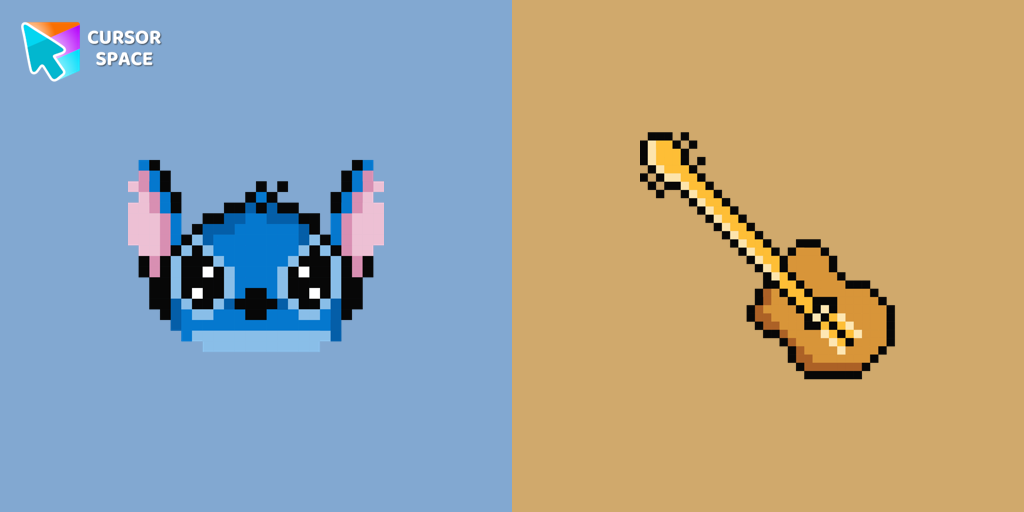 Stitch Pixel cursorThe only thing that can destroy Stitch Pixel Cursor from our custom cursors collection for Chrome is boring time on the Internet.
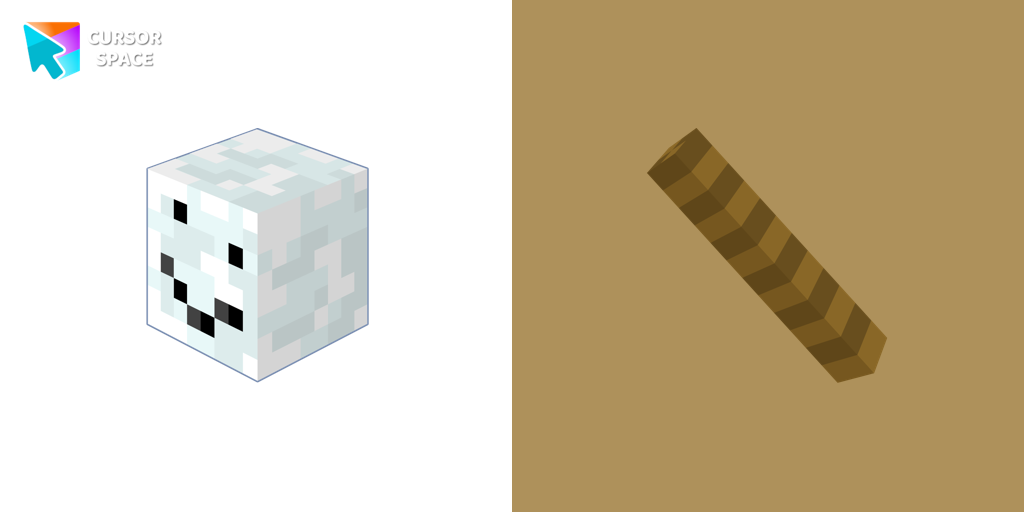 Snowman Minecraft cursorEnhance your browsing experience with the authentic Snowman custom cursor, inspired by Minecraft.
Collection hits
Installation leaders from "Colorful Custom Cursors": free packs, neon/anime/pixel art, quick add to Chrome and Edge.
- Top 1
 Mint CursorEnhance your browsing experience with the Custom Mint Cursor, a calming personalized cursor symbolizing harmony, renewal, and inner balance.
 - Top 2
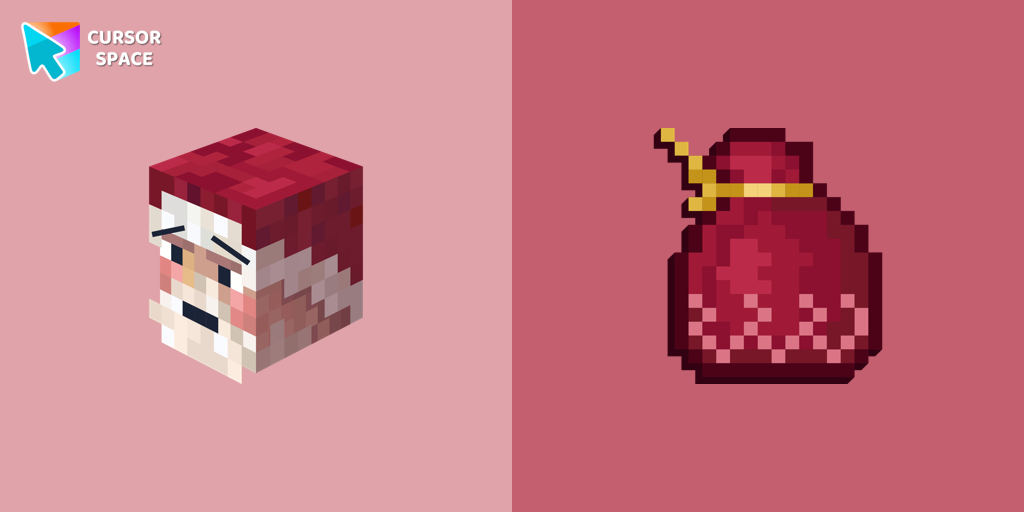 Santa Claus Minecraft Skin cursorImprove your browsing experience with this playful custom cursor that turns your pointer into a cheerful Santa Claus, adding a festive touch. Embrace the holiday spirit!
 - Top 3
 Empty Butterfly GreenEnhance your desktop with the "Empty Butterfly Green" custom cursor set. Experience vibrant butterfly designs that bring a unique flair to your screen.
  Purple cursorElevate your browsing experience with a purple custom cursor, infusing your screen with a sense of mystery, creativity, and uniqueness.
 Orange cursorIlluminate your screen with a vibrant, energetic custom cursor in orange. Boost creativity, capture attention, and enhance your browsing experience!
 Comic cursorImmerse yourself in the dynamic realm of comics with our animated comic custom cursor, which brings visual storytelling to your screen and enriches your browsing experience with every move!
 Blue Black CursorReplaces default cursor with Blue Cursor cute. Change the usual mouse to an amazing cute Blue Cursor cursors or download cursor
- The Purple CursorEnhance your Chrome browsing with Custom Cursor Space, a sleek purple cursor crafted to complement your style and elevate your online experience.
 Green CursorUpgrade your workspace with the Custom Green Minimal Cursor, a simple yet striking design symbolizing harmony, freshness, and positivity.
 Burgundy cursorUpgrade your computer's interface with a stylish burgundy custom cursor, adding elegance, sophistication, and a personal touch to your browsing experience.
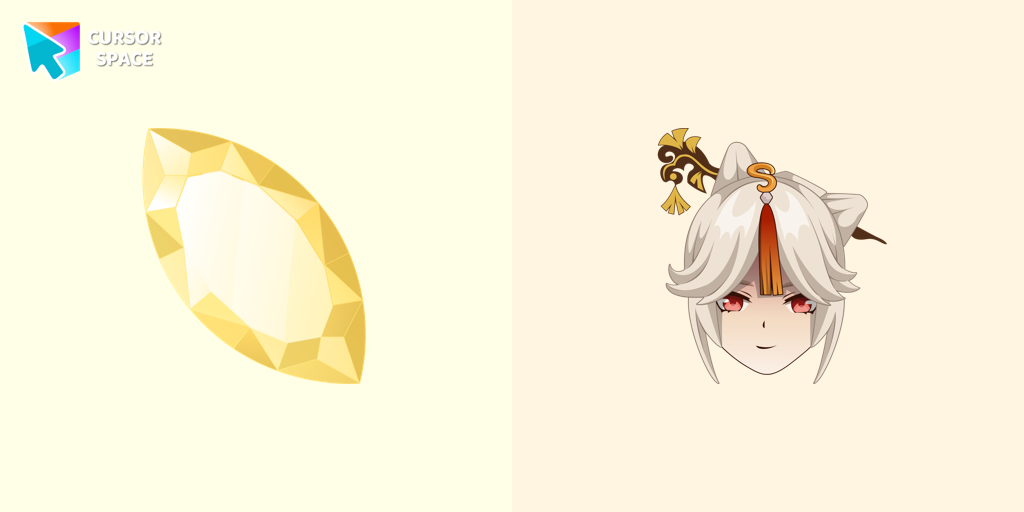 Ningguang CursorEnhance your pointer with the Ningguang custom cursor. This captivating gem elevates your browsing experience with elegance, making every click a masterpiece!
 Black cursorReplace the standard cursor with an adorable Black one. Transform the ordinary mouse into a stunningly adorable Black cursor or download a cursor of your choice.
Install Cursor Space - A Collection of Custom Cursors for Chrome & Edge
Add packs instantly and unlock access to thousands of cursors: neon, anime, pixel-art, and more. Fast, safe, and free.
- Free cursor packs
- HD/HiDPI & animated icons
- Quick browser installation
Cursor Space is an extension for changing your mouse cursor in Chrome and Edge browsers: themed collections, HiDPI icons, neon, animated, and pixel cursors, with quick installation.