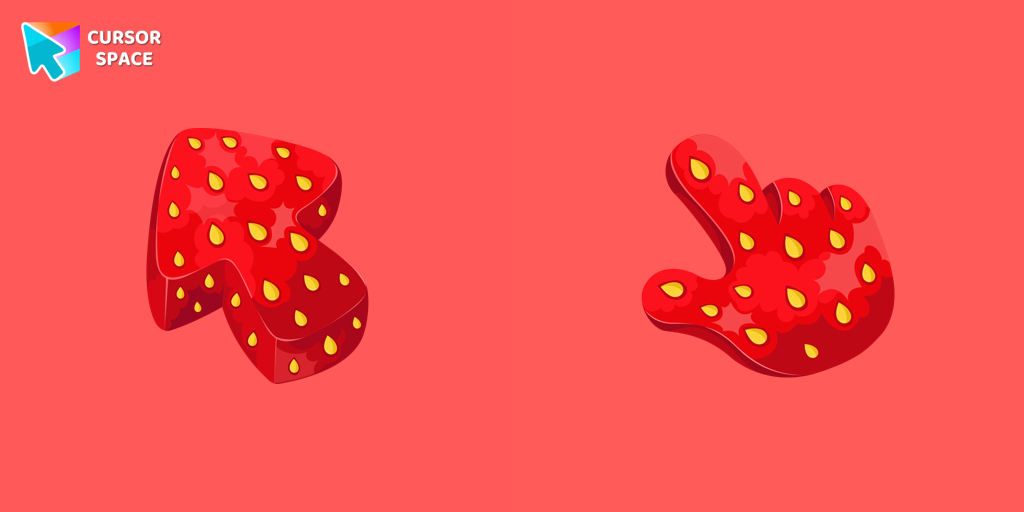
Strawberry Texture Cursor
Try this cursor
Preview Strawberry Texture Cursor in this sandbox. Hover and click - no extension needed for a test on this page. Download PNG, JPG, or CUR
Move here to see the default cursor
 DefaultMove around the board
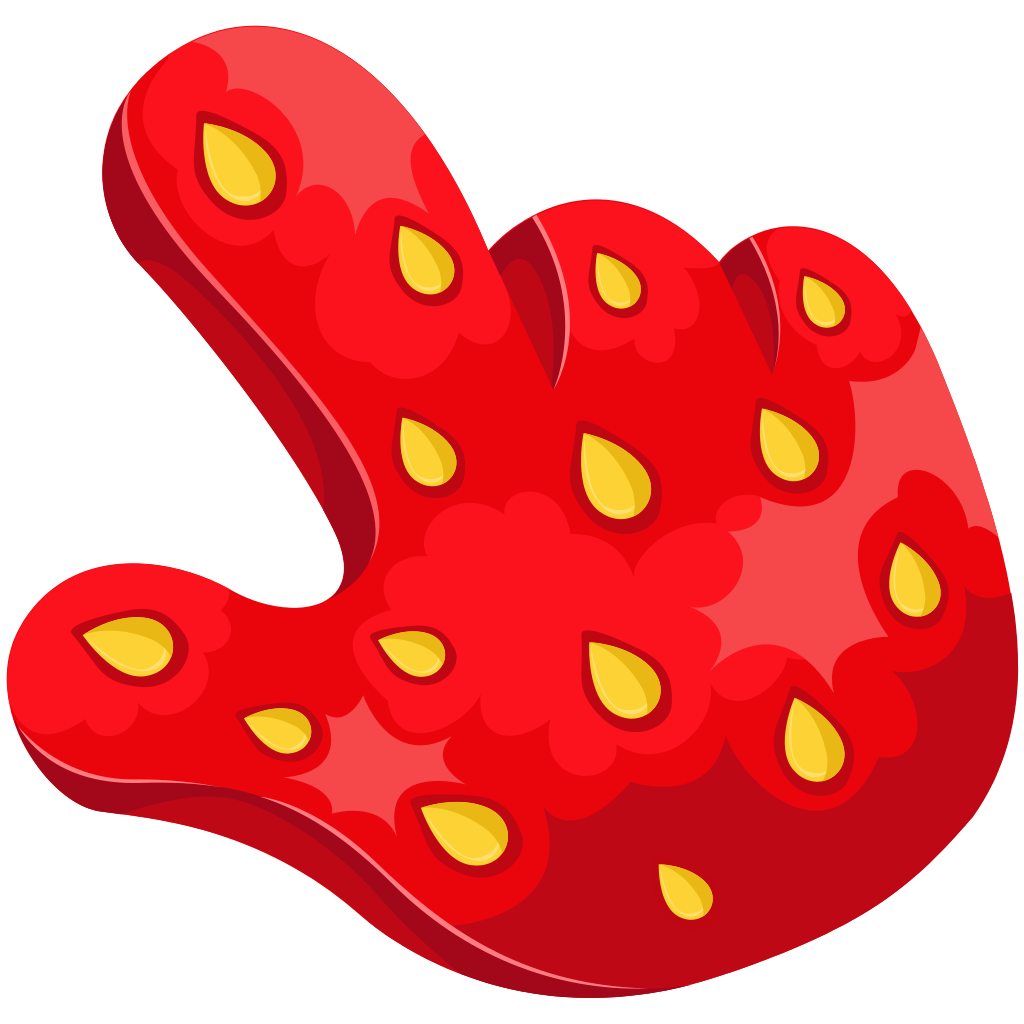 PointerHover a button or link
Description
Don't Miss the Strawberry Season - Indulge in our Mouth-Watering Strawberry Texture Custom Cursor
The strawberry season is fleeting, and it would be a pity to let it slip away unnoticed. That's why we've created a delightful and mouth-watering texture custom cursor for your mouse and pointer featuring the vibrant and tempting strawberry. With our custom cursor, you'll have ample time to savor the essence of this beloved fruit.
Celebrate the Taste of Summer
Capture the essence of summer with our Strawberry Texture custom cursor. This cursor encapsulates the juicy deliciousness and enticing flavor of strawberries, allowing you to immerse yourself in a vibrant and seasonal experience. Celebrate the fleeting beauty of the strawberry season and enhance your browsing with this sweet indulgence.
Unleash Your Senses
With our Strawberry Texture custom cursor, you'll awaken your senses and delight in the sensory experience of browsing. Feel the textural appeal as you navigate through web pages, letting the cursor remind you of the lusciousness of ripe strawberries. Immerse yourself in a world of taste and pleasure with every movement of your mouse and pointer.
Embrace the Joy of Strawberry Season
Don't let the strawberry season pass you by without savoring its delights. Our Strawberry Texture custom cursor is here to remind you of the refreshing and mouth-watering joy that this season brings. Take the time to enjoy the sweet moments and make your browsing experience a true treat for your eyes and taste buds.
It's Time to Indulge
Make the most of the strawberry season with our indulgent Strawberry Texture custom cursor. Don't let this opportunity slip away - embrace the allure of this beloved fruit and enhance your browsing experience with a dash of sweetness. Treat yourself to the vibrant beauty of strawberries and let our custom cursor be a delicious companion on your digital journey.
What's included in the package
- Default Cursor
- Pointer (Hand)
How to install a custom cursor pack Strawberry Texture Cursor
Install the Cursor Space extension for Chrome or Cursor Space for Edge in your browser.
On this page, click "Add this cursor pack to the extension".
Open the extension and go to the Packs tab.
Find the custom cursor pack "Strawberry Texture cursor" and click it.
Enjoy!
Ready to install?
Get this cursor pack and thousands of others by installing our extension. It's fast and free!
Install for ChromeAbout this cursor pack
Strawberry Texture Cursor is a themed cursor pack you can add to your browser to personalize your pointer across common cursor states (default and pointer). Use it for everyday browsing, streaming, studying, or gaming-anywhere you want your cursor to match your vibe.
Instant preview
See how the cursors look before installing.
Easy install
Add the pack to the extension in a few clicks.
Works in your browser
Designed for Chrome and Edge via the extension.
FAQ
Quick answers to common questions about cursor packs, collections, and installation.
Do I need an extension?
Yes. To apply cursor packs in Chrome or Edge, install the Cursor Space extension and add this pack to it.
Which browsers are supported?
Cursor packs are designed for Chromium browsers like Chrome and Microsoft Edge.
How do I switch back to the default cursor?
Open the extension, choose another pack or disable the current one to return to your default cursor.
Can I try the cursor before installing?
Yes. Use the Try this cursor section on this page to preview default, pointer, and other states. Add the pack to the extension to use it across the web.
Can I download the cursor files?
Yes. Open Download files on this page for Arrow and Pointer PNG, JPG, and CUR (hotspot included). You can also copy CSS, Roblox, Unity, and Godot snippets.
Popular cursors today
Custom cursor and packs - neon, anime, pixel art. Quickly add to Chrome and Microsoft Edge for free
- Top 1
 Tsuyu Asui cursorTsuyu Asui custom cursor from our My Hero Academia cursors collection for mouse and pointer.
 - Top 2
 Machi Komacine cursorCute custom cursor with Machi Komacine includes a well-designed mouse cursor with the character's ability and a hover pointer with Machi Komacine.
 - Top 3
 Vision cursorEnhance your browsing with the Vision custom cursor for Google Chrome. Featuring the sleek android from the Marvel universe, it adds sophistication and allure
  Lightning cursorTransform your Chrome experience with custom cursors like Lightning and Star Wars themes. Add style and fun to your screen today!
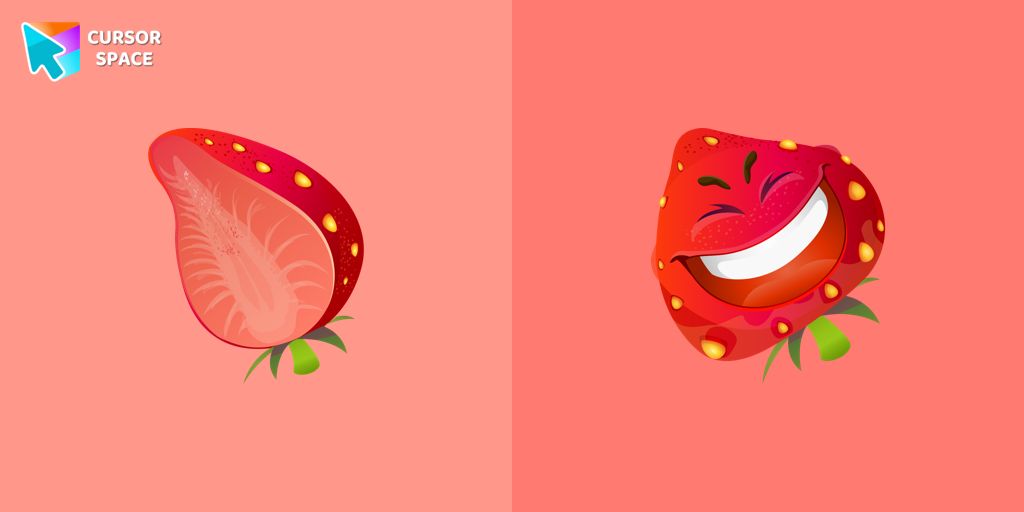 Strawberry cursorThe happy strawberry custom cursor for a mouse will definitely make you feel happy as well. Add a custom cursor with strawberry fruit from the funny fruits custom cursors collection for Chrome.
 Sonia the Hedgehog cursorSonia the Hedgehog for Chrome cursor set has a custom cursor and a pointing device.
 Snowman Pixel cursorSnowman Pixel cursor element is a cute custom mouse and pointer cursor with stylish pointing.
 Saturn Pixel cursorSaturn Pixel custom cursor from our Cute Pixel cursors collection for mouse and pointer.
 Santa Bag cursorSanta Bag in a cute design for custom cursor and Christmas toy as a custom hover.
 Pointer neon cursorPointer Neon Cursor is a customizable cursor option for those who want to add some color to their computer interface.
 New Year Tiger cursorChange your default cursor to a custom cursor with New year tiger, and Christmas toy as a pointer from our Merry Christmas and Happy New Year cursors collection.
 Minion Yondu Character cursorMeet the Minion Yondu cursor for Chrome in a custom cursors collection with Minions for mouse and pointers.
Collection hits
Installation leaders from "Textures cursor": free packs, neon/anime/pixel art, quick add to Chrome and Edge.
- Top 1
 Cheese Texture cursorThis cheese-themed custom cursor is a delightful addition to our Textures custom cursors collection specifically designed for Chrome users.
 - Top 2
 Pizza Texture cursorEnjoy browsing with our custom cursor for Google Chrome featuring a fun pizza design. Add a unique touch to your screen and make your cursor stand out.
 - Top 3
 Donut Texture cursorEnjoy a fun browsing experience with the Donut Textures custom cursor. Inspired by American films, this custom cursor for Google Chrome adds sweetness to your screen.
  Burger Texture cursorThe Burger Texture cursor is a distinctive and entertaining option for Chrome users who enjoy personalizing their browsing experience with custom cursors.
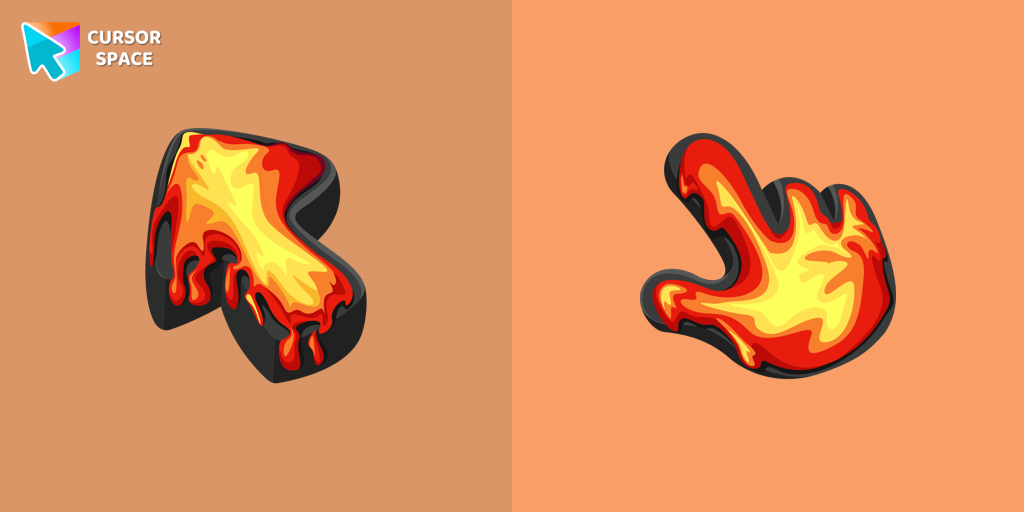 Lava Texture cursorIgnite your browsing with the Lava custom cursor for Google Chrome, inspired by volcanic magma. Experience intense energy right on your screen.
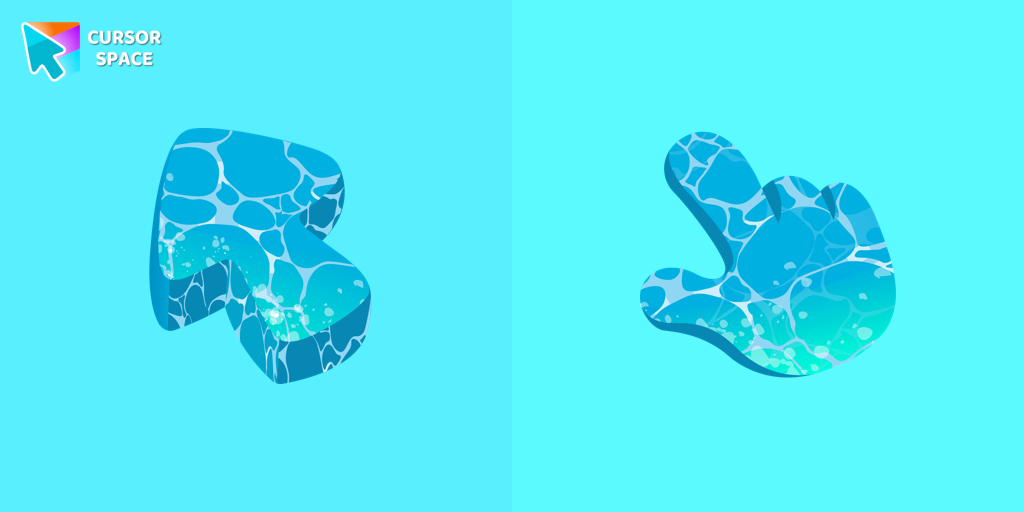 Water Texture cursorWater is interesting because it can be in different forms. It can be solid like ice, gas like steam, and even turned into a special cursor for your mouse.
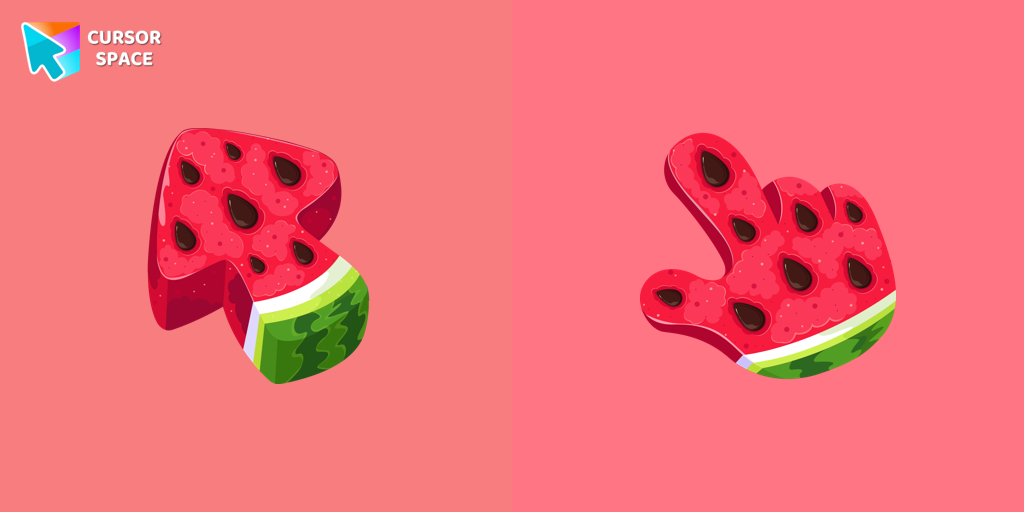 Watermelon Texture cursorEnjoy summer vibes year-round with our Watermelon Texture custom cursor, adding refreshing charm and vibrant color to your browsing experience.
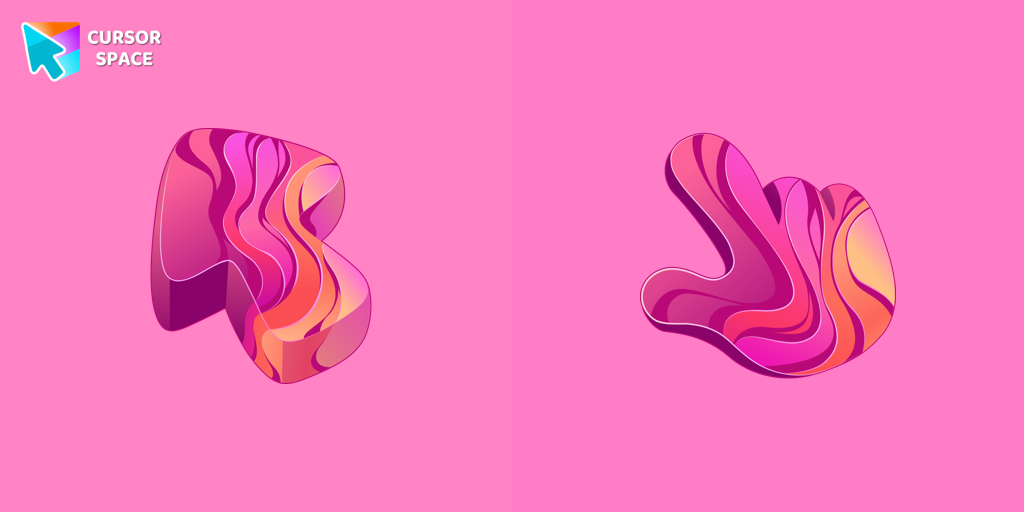 Gradient Texture cursorAdd color and charm to your browsing with the Colorful Gradient Textures custom cursor. Express your style with this vibrant custom cursor for Google Chrome.
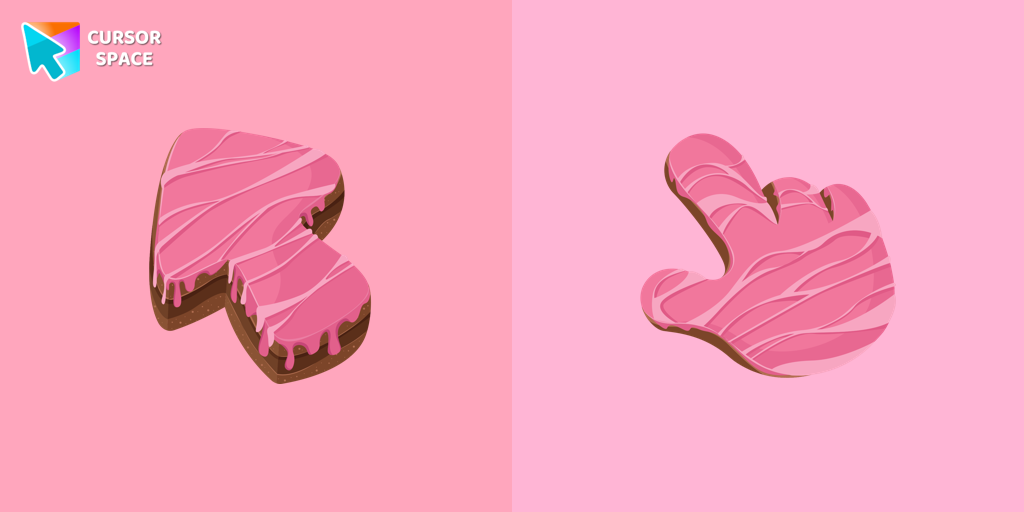 Cake Texture cursorElevate your daily browsing with our cake custom cursor for Google Chrome. Celebrate each click with sweetness and style using this delightful custom cursor
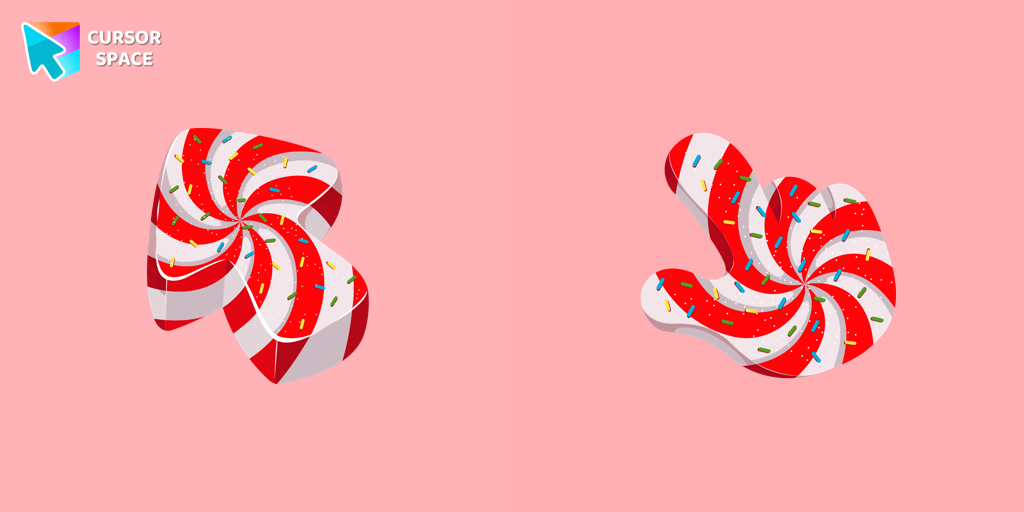 Candy Texture cursorThe Candy Cursor adds sweetness to your browsing experience with a beautifully designed custom cursor, evoking the joy of childhood candy.
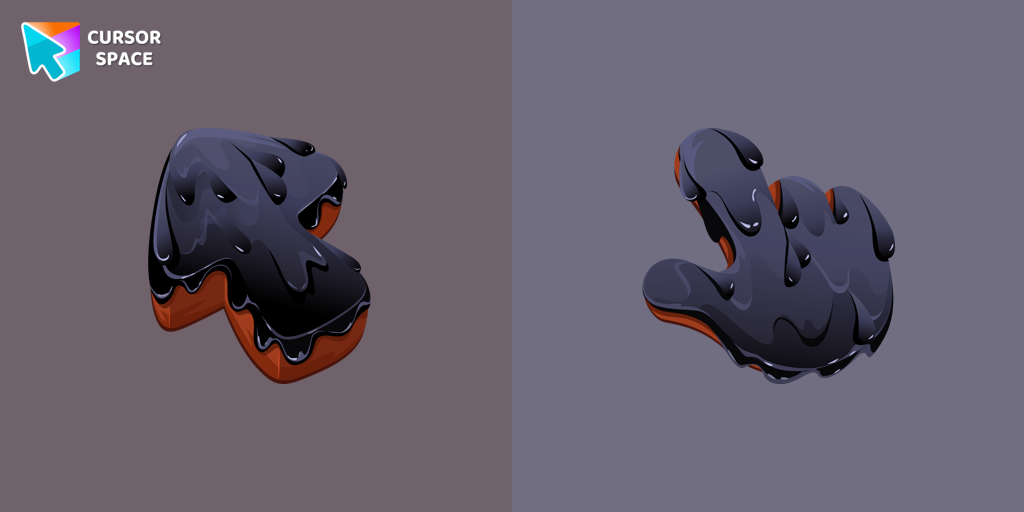 Black Resin Texture cursorUpgrade your browsing with the Black Resin custom cursor for Google Chrome. Sleek and stylish, it adds a sophisticated touch to your screen. Try it now.
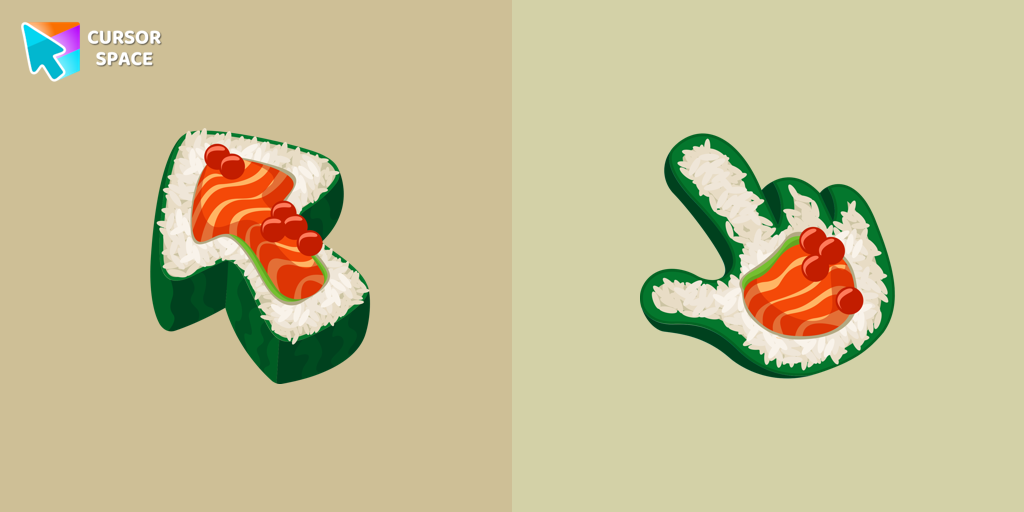 Sushi Texture cursorImmerse yourself in Japanese culinary art with the Sushi Texture custom cursor for Google Chrome and elevate your browsing experience with style.
Install Cursor Space - A Collection of Custom Cursors for Chrome & Edge
Add packs instantly and unlock access to thousands of cursors: neon, anime, pixel-art, and more. Fast, safe, and free.
- Free cursor packs
- HD/HiDPI & animated icons
- Quick browser installation
Cursor Space is an extension for changing your mouse cursor in Chrome and Edge browsers: themed collections, HiDPI icons, neon, animated, and pixel cursors, with quick installation.