
All Cursor Packs
Browse our full collection of custom cursors. Find your next favorite style and install it for free.
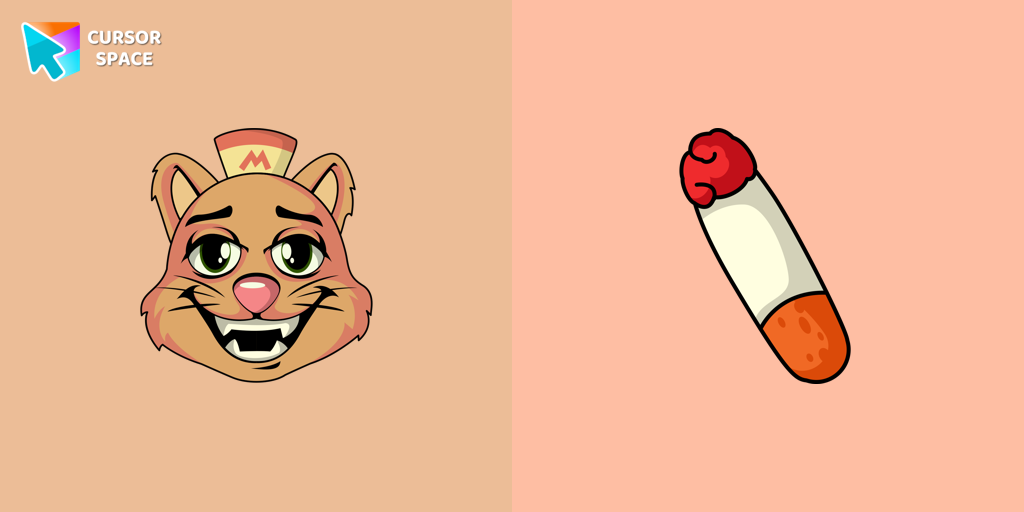 Undertale Burgerpants cursorBurgerpants custom cursor for the mouse is a good fan art in Undertale and Deltarune cursor collection for Chrome.
 Gorgon Medusa cursorMedusa, a mortal woman transformed by Athena into a gorgon. Custom cursor with snake pointer for the mouse in our collection of custom cursors Greek Mythology.
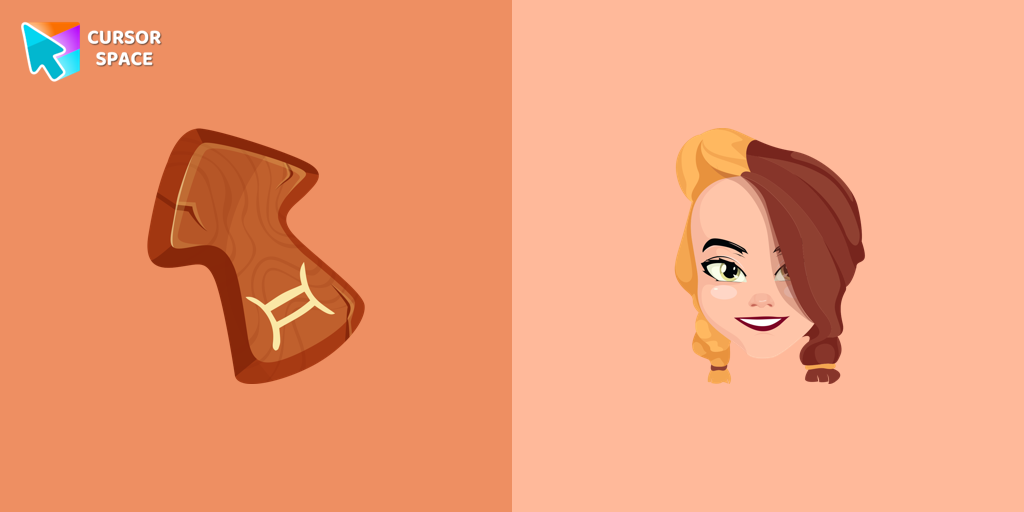 Gemini Zodiac Sign cursorGentle and optimistic owners of the Gemini horoscope sign will love our cute Gemini custom cursor and hover for the mouse.
 FNF Kissy Missy cursorAdd Kissy Missy custom cursor in the collection of custom cursors with Friday Night Funkin for the browser.
 Green Pixel CursorChunky green 8-bit pixel arrow and hand cursors for Chrome, Edge and Brave.
 Kawaii Scarlet Macaw CursorCute Kawaii Scarlet Macaw Cursor with matching red-and-blue feather pointer for Chrome and Edge.
 Kuromi cursorKuromi is a white rabbit wearing a black jester's cap with a pink skull on the front and a black devil's tail. Kuromi cursor for a mouse is a good fan art to decorate your browsing.
 Veggie Pizza CursorColorful Veggie Pizza Cursor with peppers, olives and mushrooms for Chrome, Edge and Brave.
 Cyan Game CursorIce neon Cyan Game Cursor with arcade HUD arrow and hand for Chrome, Edge and Brave.
 My Melody cursorWe are glad to present this elegant custom cursor with My Melody from the adorable custom cursors collection for the mouse and pointer Hello Kitty.
 Game Quest Map CursorGame Quest Map Cursor with parchment map arrow and pointing hand for Chrome and Edge.
 Game RPG Shield CursorGame RPG Shield Cursor with fantasy crest arrow and pointing hand for Chrome.
 Cursor Space Nebula CursorCursor Space Nebula Cursor with violet-pink gas cloud arrow and pointing hand for Chrome and Edge.
 Cursor Space Orbit CursorCursor Space Orbit Cursor with purple orbital rings arrow and matching pointing hand for Chrome.
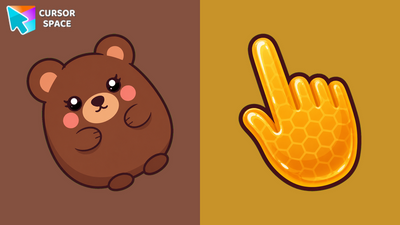 Kawaii Bear CursorCute Kawaii Bear Cursor with a honey pointing hand for Chrome, Edge and Brave.
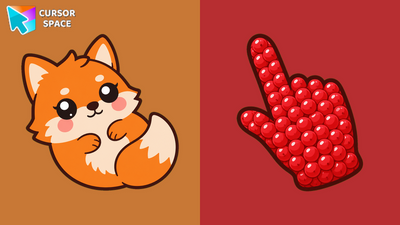 Kawaii Fox CursorCute Kawaii Fox Cursor with a berry pointing hand for Chrome and Edge.
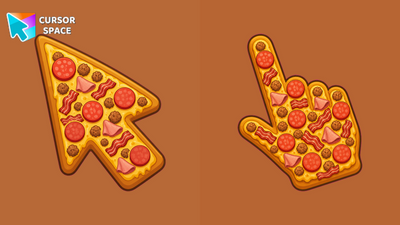 Meat Lovers Pizza CursorLoaded Meat Lovers Pizza Cursor with pepperoni, sausage and bacon for Chrome.
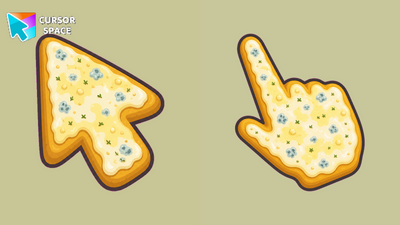 Four Cheese Pizza CursorCreamy Four Cheese Pizza Cursor with white and yellow cheeses for Chrome and Edge.
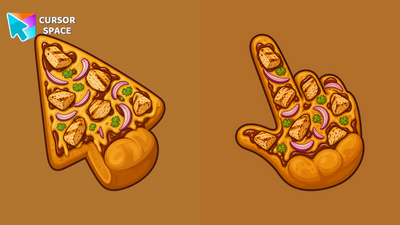 BBQ Chicken Pizza CursorSmoky BBQ Chicken Pizza Cursor with chicken and red onion arrow and hand for Chrome.
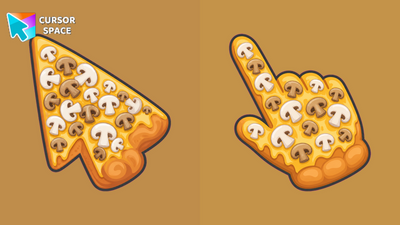 Mushroom Pizza CursorEarthy Mushroom Pizza Cursor with cheesy crust arrow and hand for Chrome and Edge.
Explore cursor packs by style
Cursor Space packs include curated cursor sets for everyday browsing: cute, minimal, anime, neon, pixel art, and more. Each pack comes with multiple cursor states (like default and pointer) and can be added to your browser in seconds.
Trending now
Fresh picks based on what people install most often.
Collections
Browse themed sets grouped by vibe and aesthetic.
Top charts
See weekly, monthly, and all-time leaders.
How to install a cursor pack
- Open any pack from the grid above.
- Click the install / add button on the pack page.
- If you don’t have it yet, install the Cursor Space browser extension.
- Apply the pack in the extension and enjoy your new cursor.
FAQ
Quick answers to common questions about cursor packs, collections, and installation.
Are cursor packs free on Cursor Space?
Most cursor packs on Cursor Space are free to browse and install. Some packs may be marked premium depending on licensing. The Cursor Space browser extension is free to install from the Chrome Web Store.
Do cursor packs work on Chrome and Edge?
Yes. Install the Cursor Space extension for Chromium-based browsers (Chrome, Edge, Brave), open a pack page, and click install/apply. The extension applies the cursor set across your browser.
How do I install a custom cursor pack?
Open the pack page, click the install or add button, install the Cursor Space extension if prompted, then apply the pack from the extension popup. Your new cursor appears immediately.
Can I change or remove a custom cursor later?
Yes. Open the Cursor Space extension, choose another pack, or restore the default system cursor from the extension settings.
Is the Cursor Space extension safe?
Cursor Space is distributed via the Chrome Web Store and Edge Add-ons. Keep the extension updated, and only install packs from trusted catalog pages on this site.