
All Collections
Curated sets of cursor packs recommended by our team.
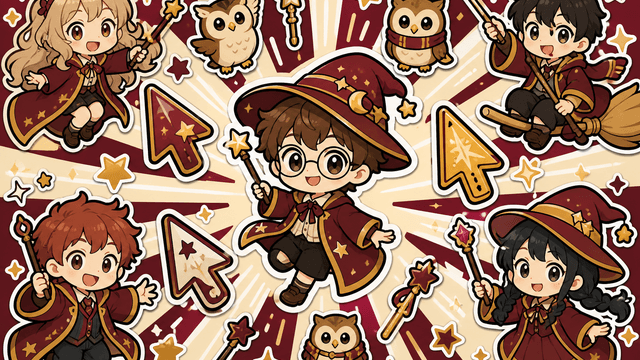 Harry Potter CursorsHarry Potter themed custom cursors for Chrome and Windows.
 Naruto Custom CursorTransform your mouse with custom Naruto cursors. Choose from a variety of characters like Naruto, Sasuke, and more!
 Custom Space CursorsExplore space with custom cursors! Transform your pointer with cosmic designs like planets and rockets for a unique computer experience.
 Funny FruitsAdd a fresh and fun touch to your browser with the Funny Fruits cursors! Get a cute cursor pack for Chrome and enjoy colorful fruit-themed designs.
 Among Us cursorsThe Among Us cursor collection is an array of custom cursors featuring popular characters such as Avatar Aang, Vegeta, Son Goku, and Nita in the art style of the popular online game, Among Us
 AnimalsAnimals cursor collection - decorate your cursor with cute animals!
 The CutestUpgrade your browsing with The Cutest Cursors! Enjoy adorable custom cursors like a pink bunny, a smiling donut, and more in this cursor pack for Chrome.
 Ice CreamGet a cute Ice Cream cursor pack for Chrome! Enjoy sweet custom cursors like a chocolate cone, rainbow popsicle, and more. Download now for a fun browsing touch!
 Zodiac SignsPersonalize your browser with the Zodiac Signs cursors! This custom cursor pack for Chrome features all 12 zodiac signs in unique, stylish designs.
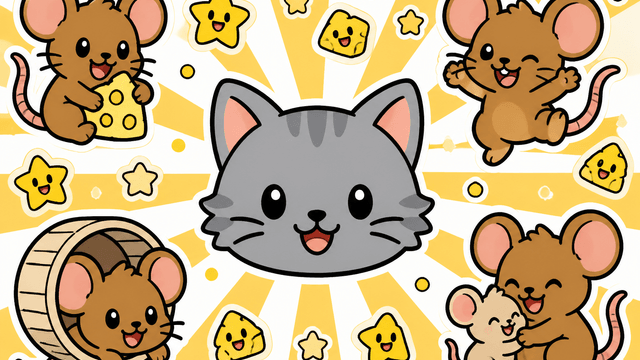 Tom & Jerry Custom CursorsRevamp your Chrome experience with custom cursors from Tom & Jerry. Add personality to your pointer with our exclusive collection.
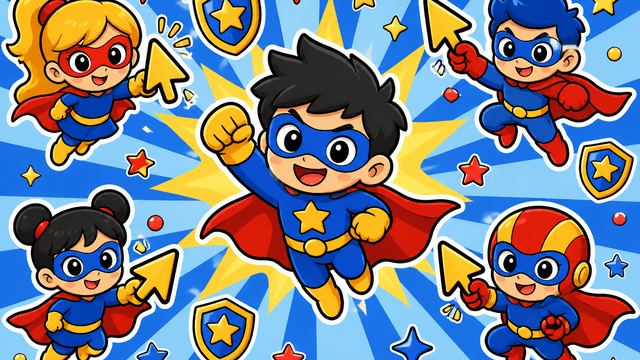 Justice LeagueTransform your browser with Justice League cursors! Get a custom cursor for Superman, Batman, or Wonder Woman in this epic cursor pack for Chrome.
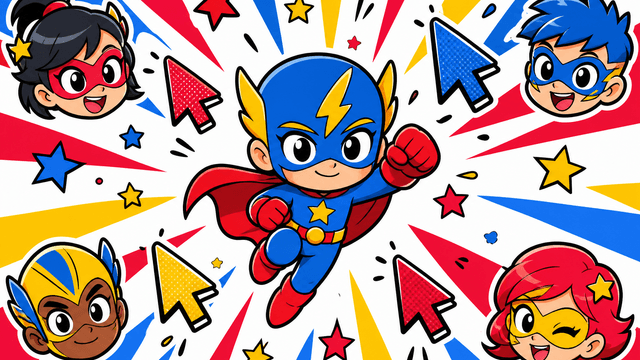 Marvel Comics cursorExplore the Marvel universe with custom cursors featuring your favorite superheroes and villains. Personalize your browsing experience today!
Browse cursor collections by theme
Collections group cursor packs by vibe and aesthetic - anime, neon, minimal, pixel art, and more. Open a collection to discover matching packs, preview the designs, and install them via the Cursor Space extension.
Curated picks
Hand-selected sets that look great together.
Quick discovery
Find packs faster without browsing the full catalog.
Easy install
Add packs to the extension in a few clicks.
How to use collections
- Open a collection that matches your style.
- Pick a pack from the collection and open its page.
- Install the Cursor Space extension if you haven’t yet.
- Add the pack to the extension and apply it.
FAQ
Quick answers to common questions about cursor packs, collections, and installation.
What’s the difference between packs and collections?
A pack is a single cursor set. A collection groups multiple packs around a shared theme so you can discover similar styles faster.
Do collections work on Chrome and Edge?
Yes. Open a pack from a collection and install it via the Cursor Space browser extension for Chrome or Edge.
How do I install a pack from a collection?
Open the collection, choose a pack, click install or add, then apply it in the Cursor Space extension. Your cursor updates immediately.
Are collections curated or automatic?
Collections on Cursor Space are curated around themes like neon, anime, pixel art, and more so you can browse by style instead of searching pack by pack.