
All Cursor Packs
Browse our full collection of custom cursors. Find your next favorite style and install it for free.
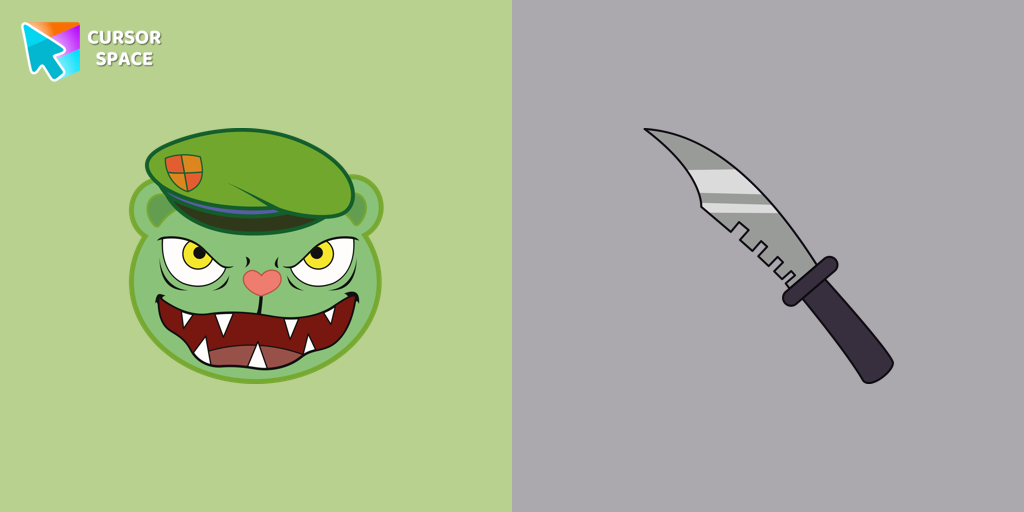 Fliqpy cursorFliqpy custom cursor for Google Chrome brings the dark side of Happy Tree Friends to your screen, featuring his weapon as a hover pointer for a sinister touch.
 Multiple cursor prankExperience the fun of the Multiple Cursor prank with a custom cursor for Google Chrome. Add fake cursors to confuse and entertain while keeping only one functional.
 8 bit cursorEnhance your browsing with the 8-bit custom cursor. This custom cursor for Google Chrome adds a nostalgic, pixelated charm to your screen for a retro experience.
 Tenderheart Bear cursorExperience Love and Compassion with the Tenderheart Bear Cursor
 Orange gradient cursorUpgrade your browsing with the Vibrant Orange Gradient Cursor. This custom cursor offers a seamless orange gradient, merging style with functionality
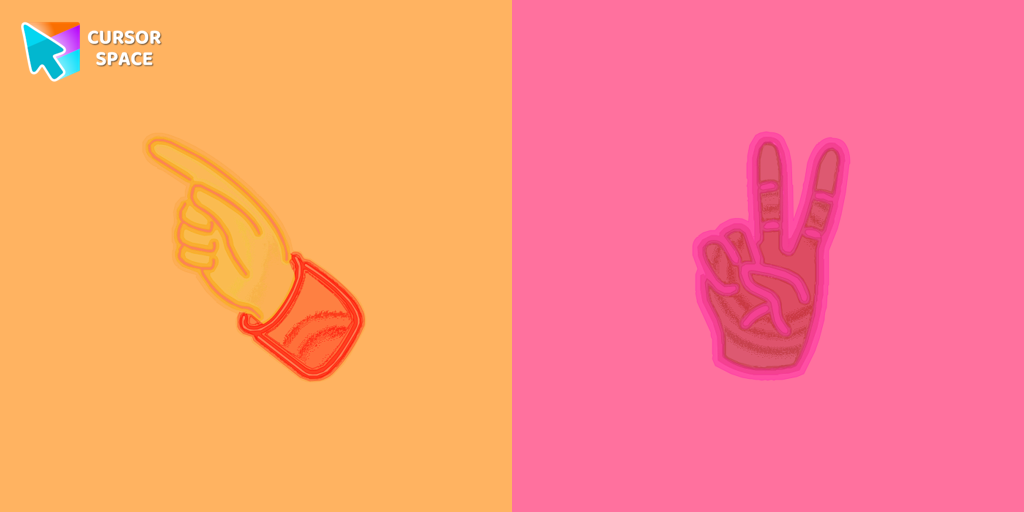 Pointer neon cursorPointer Neon Cursor is a customizable cursor option for those who want to add some color to their computer interface.
 Forbidden Pointer cursor prankTransform your browsing with the Forbidden Pointer custom cursor for Google Chrome. This fun prank cursor mimics a "no entry" sign, creating amusing and unexpected reactions.
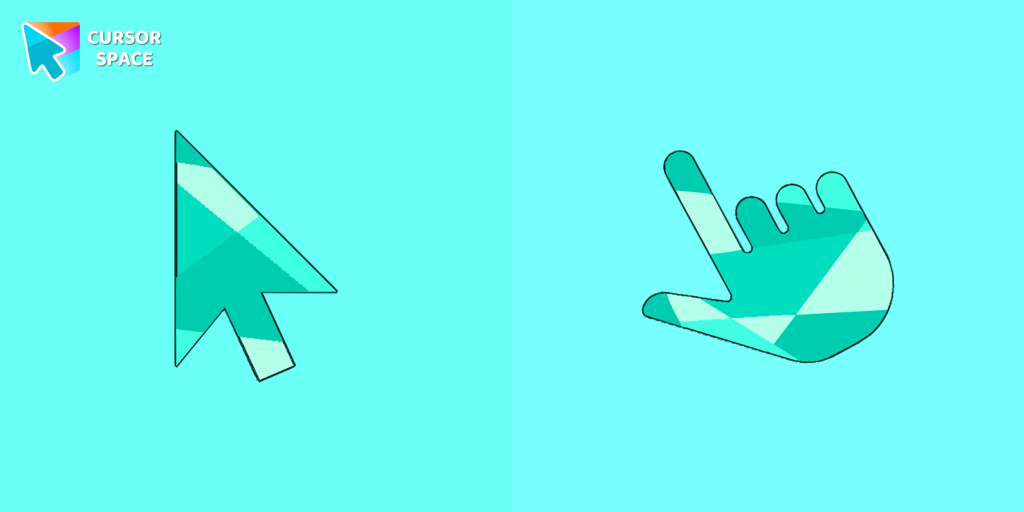 Emerald cursorEnhance your browsing with the Emerald custom cursor for Google Chrome. This gem-like green pointer adds elegance and personalization to your digital workspace.
 Little Pointer cursor prankEnjoy a fun twist on browsing with the Little Pointer custom cursor for Google Chrome. This playful custom cursor shrinks your pointer, adding a touch of surprise and humor.
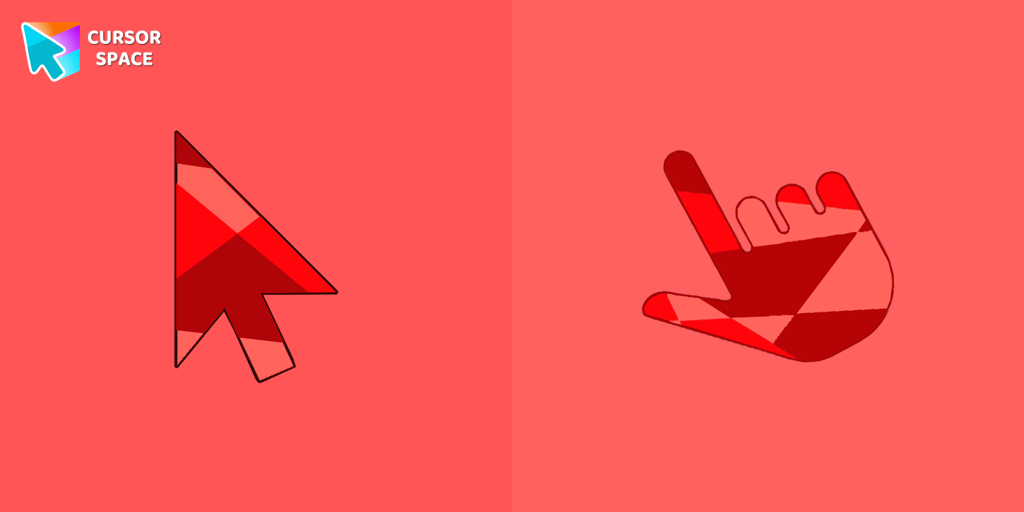 Ruby cursorRuby custom cursor for Google Chrome helps you track text input and operations in Ruby coding. Improve text processing and editing efficiency with ease.
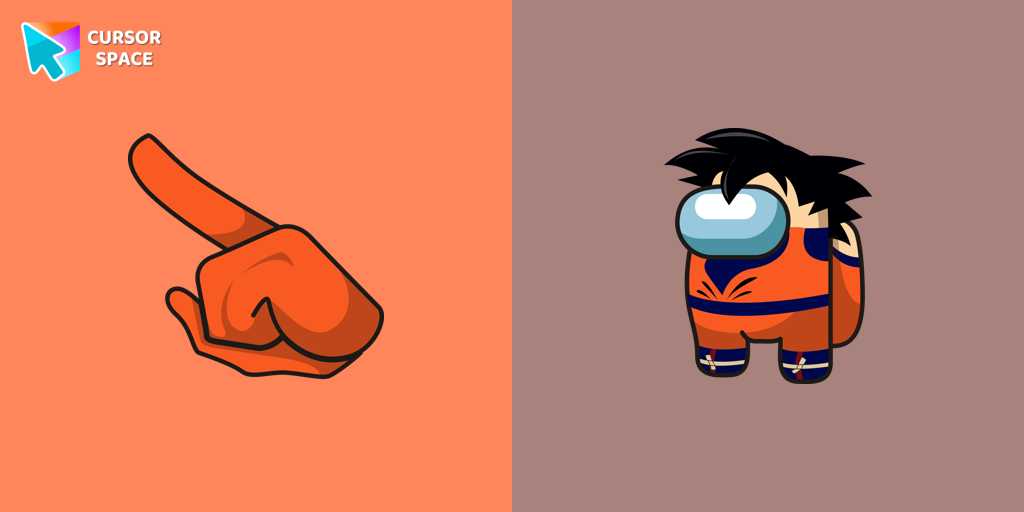 Among Us Son Goku Character cursorThe Among Us Son Goku Character cursor is an exciting addition to the browser cursor collection.
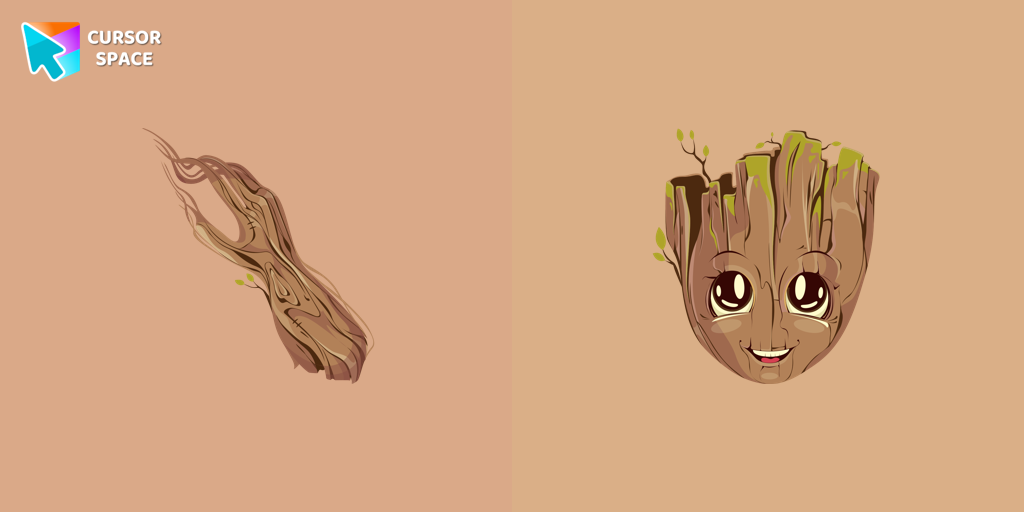 Groot cursorThe Groot custom cursor is a fun and adorable choice for fans, featuring the beloved Groot character from Guardians of the Galaxy. Perfect for Chrome users!
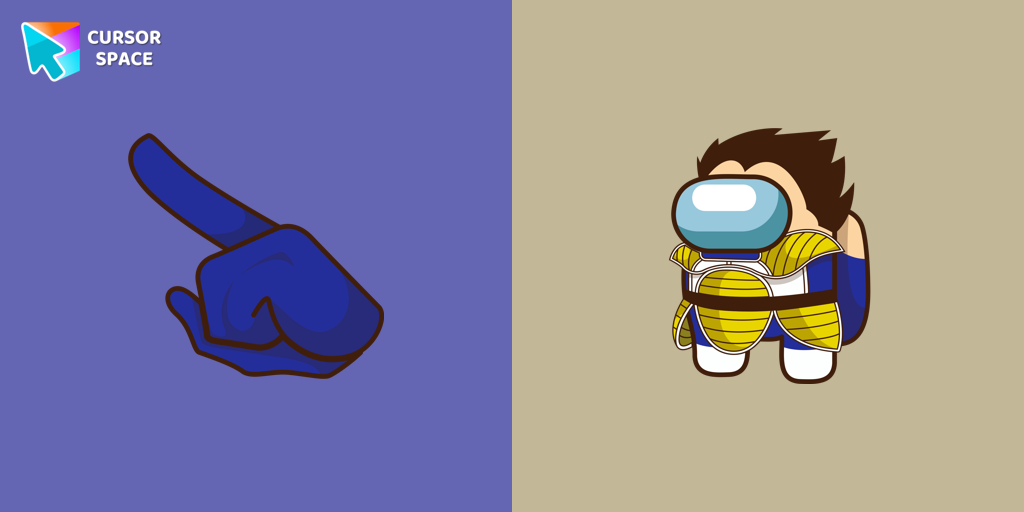 Among Us Vegeta Character cursorAdd a dynamic touch to your browsing with the Among Us Vegeta custom cursor for Google Chrome. Perfect for Dragon Ball and Among Us fans!
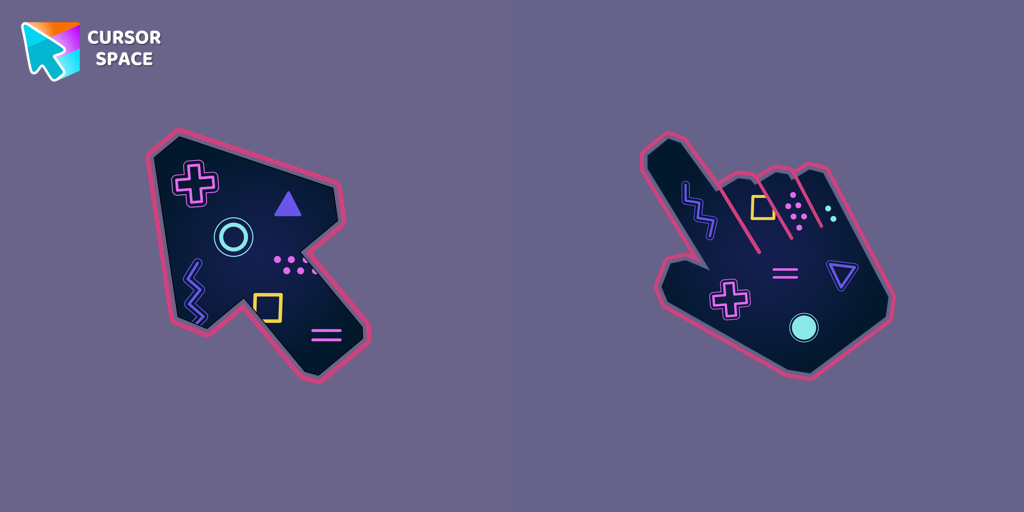 Game cursorDiscover custom cursors for Chrome. From Game to Mechanical, find the perfect design to express your style and elevate your browsing.
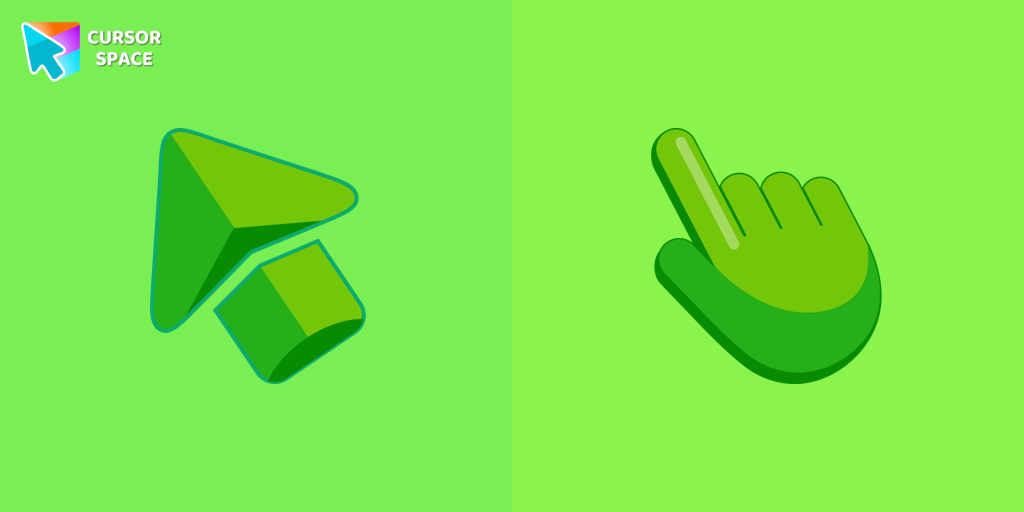 Green cursorEnhance your browsing experience with the charming Green custom cursor, a delightful upgrade that transforms your ordinary pointer with style and playfulness.
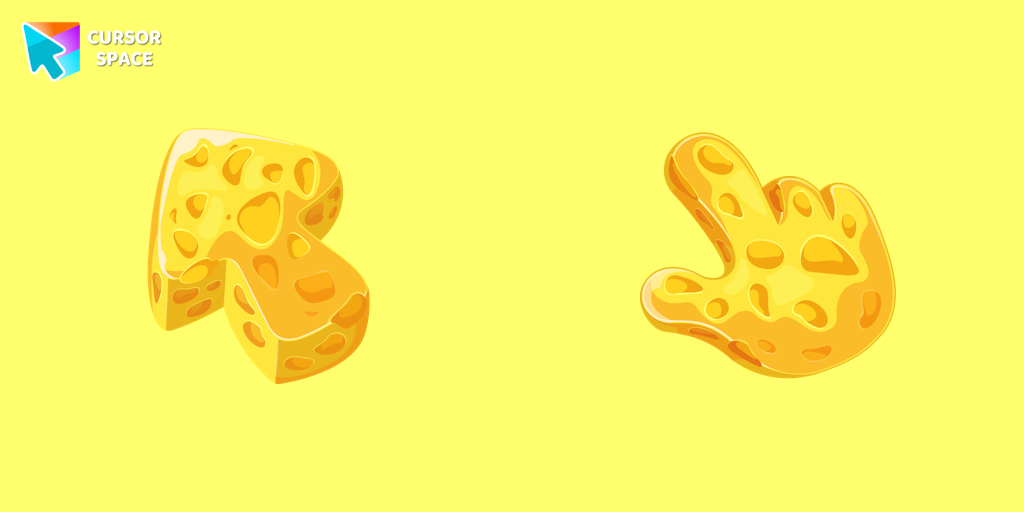 Cheese Texture cursorThis cheese-themed custom cursor is a delightful addition to our Textures custom cursors collection specifically designed for Chrome users.
 Sea cursorIntroducing our unique nautical cursor for web navigation! The charming Sea cursor is a great addition to your screen as a mouse pointer.
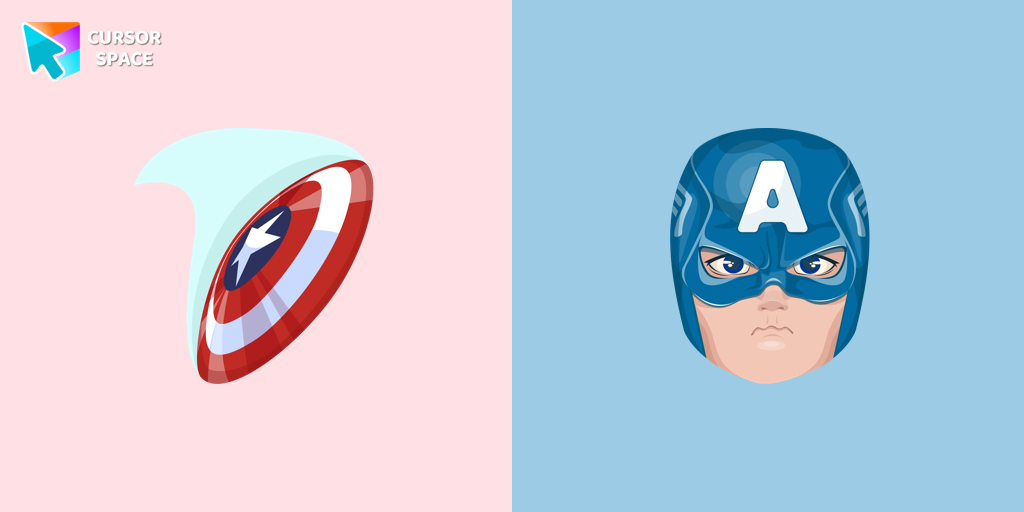 Captain America cursorUpgrade your browsing with the Captain America custom cursor. Featuring Captain America's shield, this custom cursor for Google Chrome adds superhero flair to your screen.
 Pizza Texture cursorEnjoy browsing with our custom cursor for Google Chrome featuring a fun pizza design. Add a unique touch to your screen and make your cursor stand out.
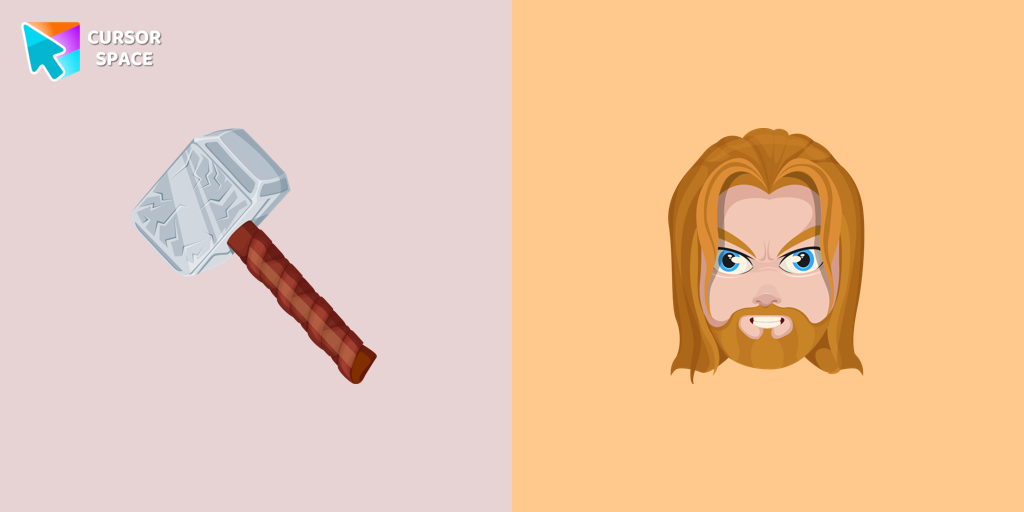 Thor cursorThor Odinson, also known as the God of Thunder, possesses the extraordinary powers of the Asgardians
Explore cursor packs by style
Cursor Space packs include curated cursor sets for everyday browsing: cute, minimal, anime, neon, pixel art, and more. Each pack comes with multiple cursor states (like default and pointer) and can be added to your browser in seconds.
Trending now
Fresh picks based on what people install most often.
Collections
Browse themed sets grouped by vibe and aesthetic.
Top charts
See weekly, monthly, and all-time leaders.
How to install a cursor pack
- Open any pack from the grid above.
- Click the install / add button on the pack page.
- If you don’t have it yet, install the Cursor Space browser extension.
- Apply the pack in the extension and enjoy your new cursor.
FAQ
Quick answers to common questions about cursor packs, collections, and installation.
Are cursor packs free on Cursor Space?
Most cursor packs on Cursor Space are free to browse and install. Some packs may be marked premium depending on licensing. The Cursor Space browser extension is free to install from the Chrome Web Store.
Do cursor packs work on Chrome and Edge?
Yes. Install the Cursor Space extension for Chromium-based browsers (Chrome, Edge, Brave), open a pack page, and click install/apply. The extension applies the cursor set across your browser.
How do I install a custom cursor pack?
Open the pack page, click the install or add button, install the Cursor Space extension if prompted, then apply the pack from the extension popup. Your new cursor appears immediately.
Can I change or remove a custom cursor later?
Yes. Open the Cursor Space extension, choose another pack, or restore the default system cursor from the extension settings.
Is the Cursor Space extension safe?
Cursor Space is distributed via the Chrome Web Store and Edge Add-ons. Keep the extension updated, and only install packs from trusted catalog pages on this site.