
All Cursor Packs
Browse our full collection of custom cursors. Find your next favorite style and install it for free.
 Ghost cursorUnleash the fear with The Ghost custom cursor for Chrome. Add a spine-chilling touch to your screen and conquer your Samhainphobia!
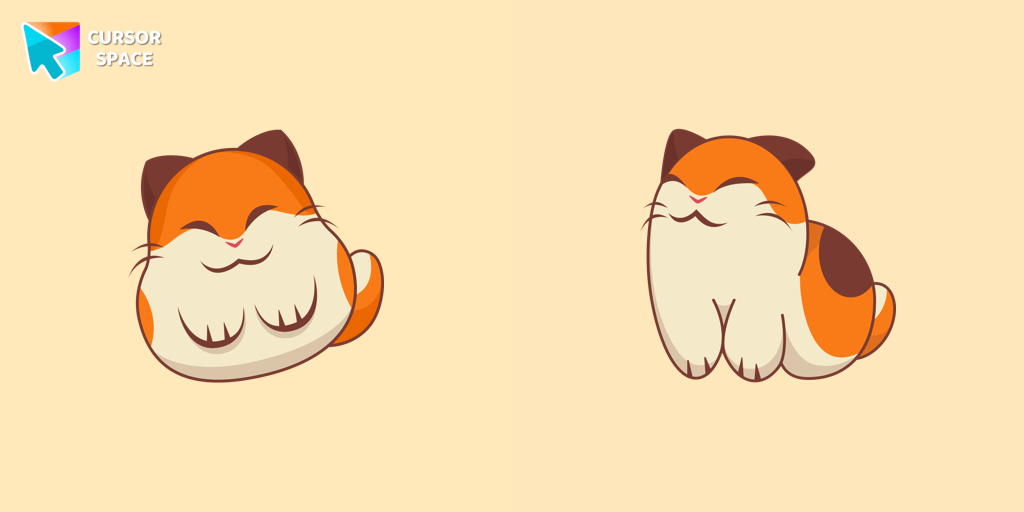 Nago cursorNago, one of Kirby's animal friends, is a round and plump Japanese Bobtail. Originally designed for the game,
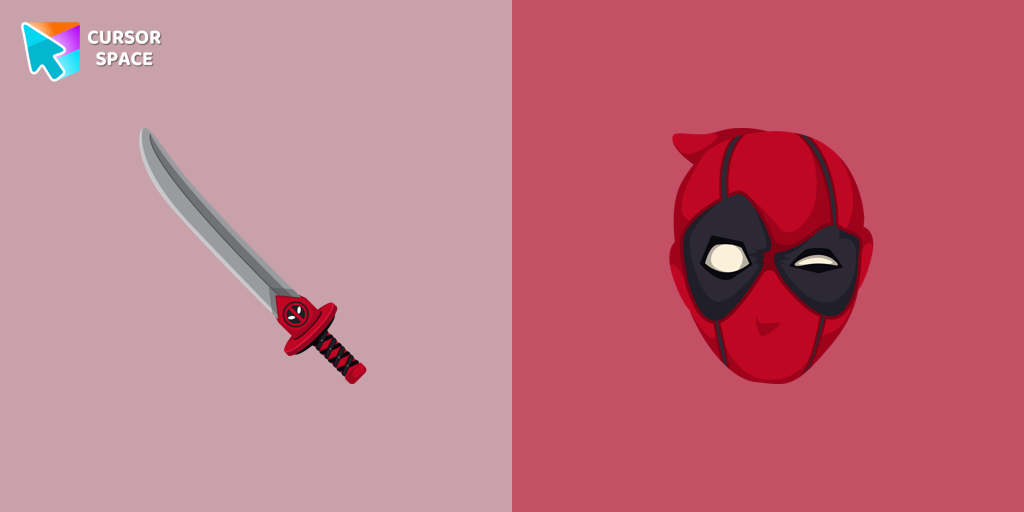 Deadpool cursorTransform your browsing with Deadpool's custom cursor for Google Chrome. This unique, cute mouse and pointer cursor adds style and fun to your screen.
 Bibata Modern Classic CursorEnhance your desktop with Bibata Modern Classic Cursor - a stylish custom cursor that combines elegant design with classic comfort for everyday use.
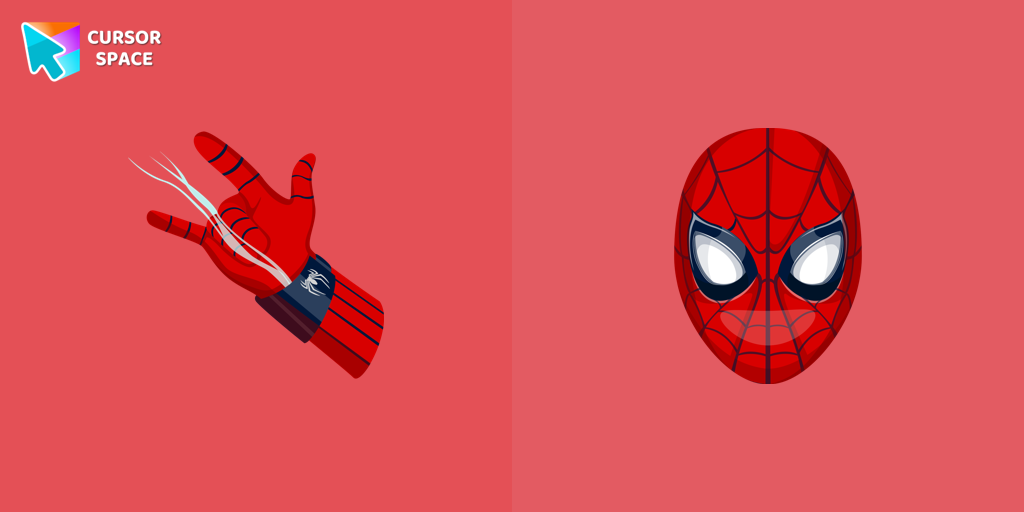 Spiderman cursorTransform your browsing with the Spiderman custom cursor for Google Chrome. Enjoy the thrilling design and web-slinging animations of this iconic superhero.
 Love-A-Lot Bear cursorThe Love-a-lot Bear custom cursor from our custom cursors collection for Chrome.
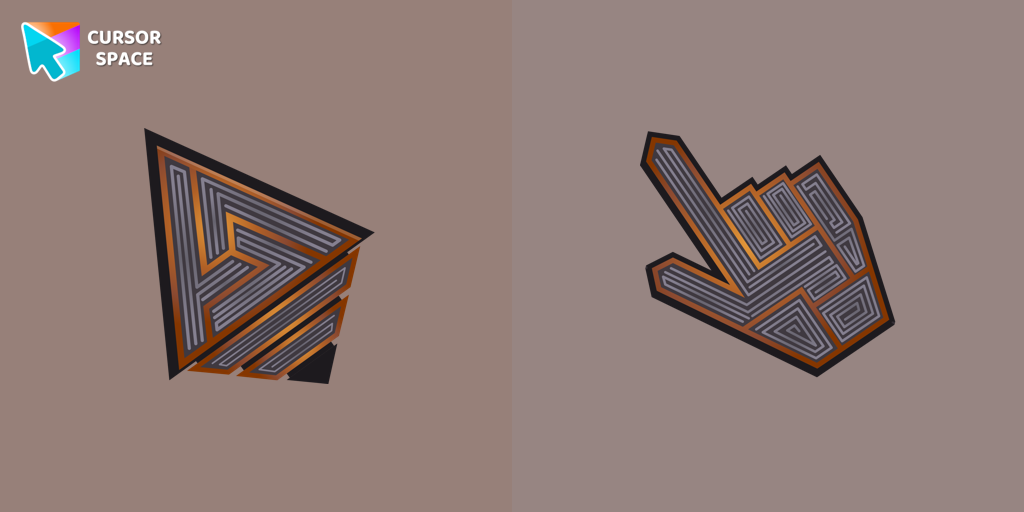 Labyrinth cursorTransform your screen with our unique labyrinth custom cursor, perfect for adding timeless intrigue to your journey.
 Donut Texture cursorEnjoy a fun browsing experience with the Donut Textures custom cursor. Inspired by American films, this custom cursor for Google Chrome adds sweetness to your screen.
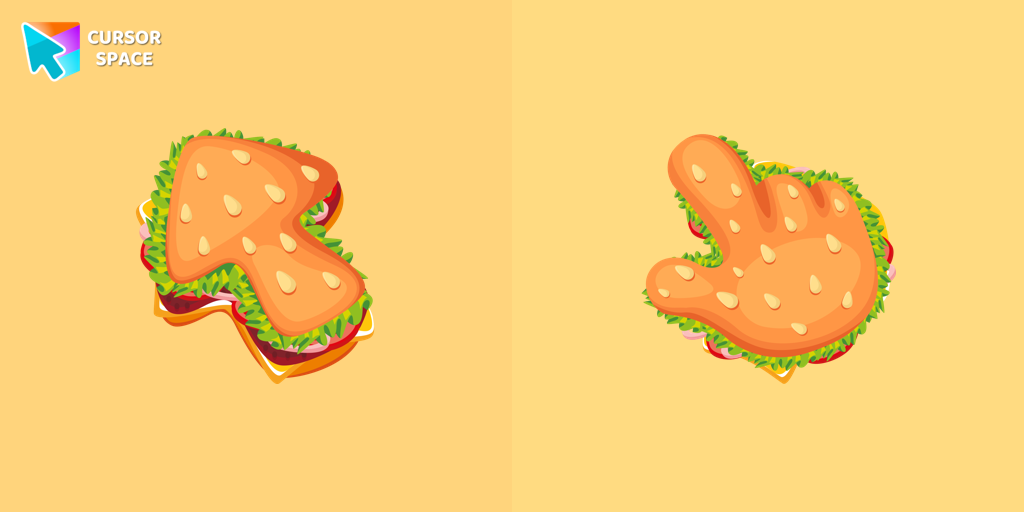 Burger Texture cursorThe Burger Texture cursor is a distinctive and entertaining option for Chrome users who enjoy personalizing their browsing experience with custom cursors.
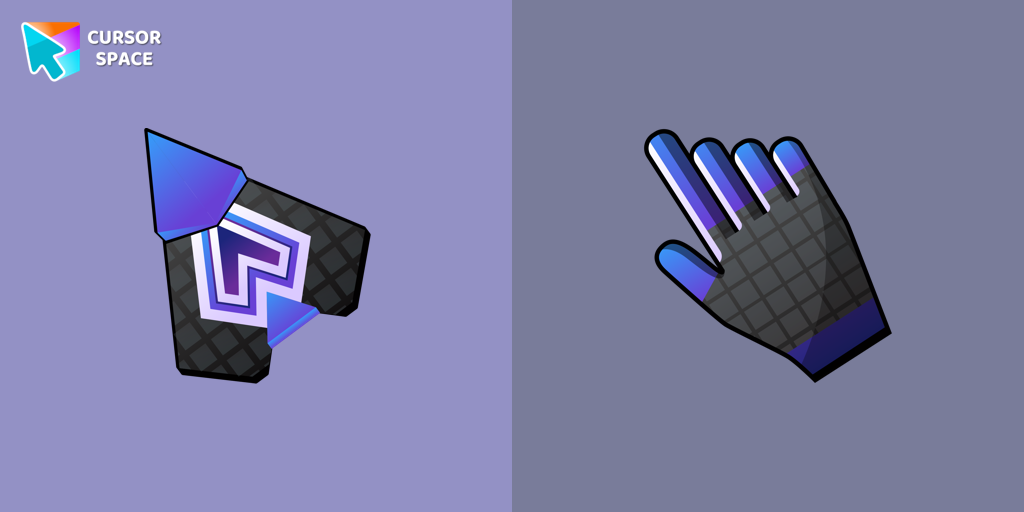 Spaceship cursorEmbark on a cosmic adventure with our custom cursor spaceship design—sleek, stylish, and crafted for an extraordinary browsing experience!
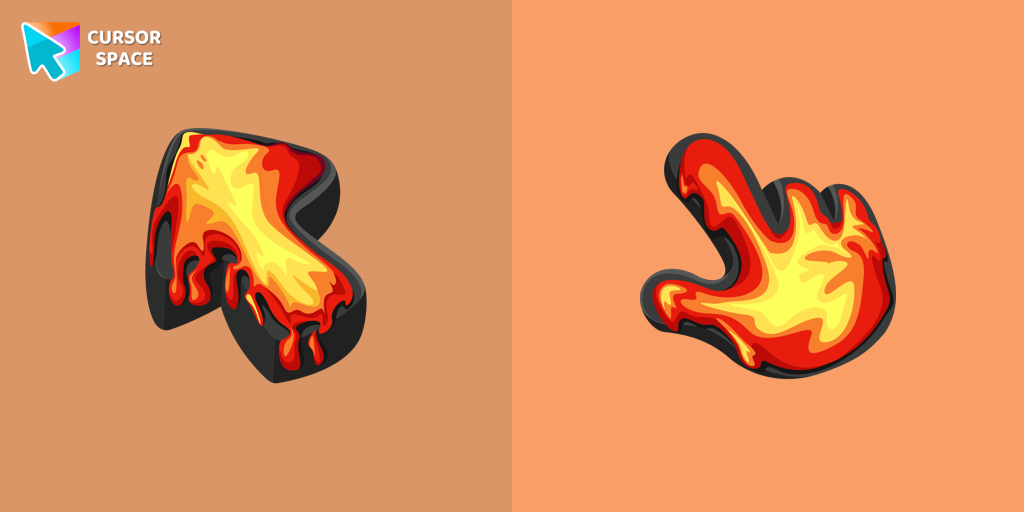 Lava Texture cursorIgnite your browsing with the Lava custom cursor for Google Chrome, inspired by volcanic magma. Experience intense energy right on your screen.
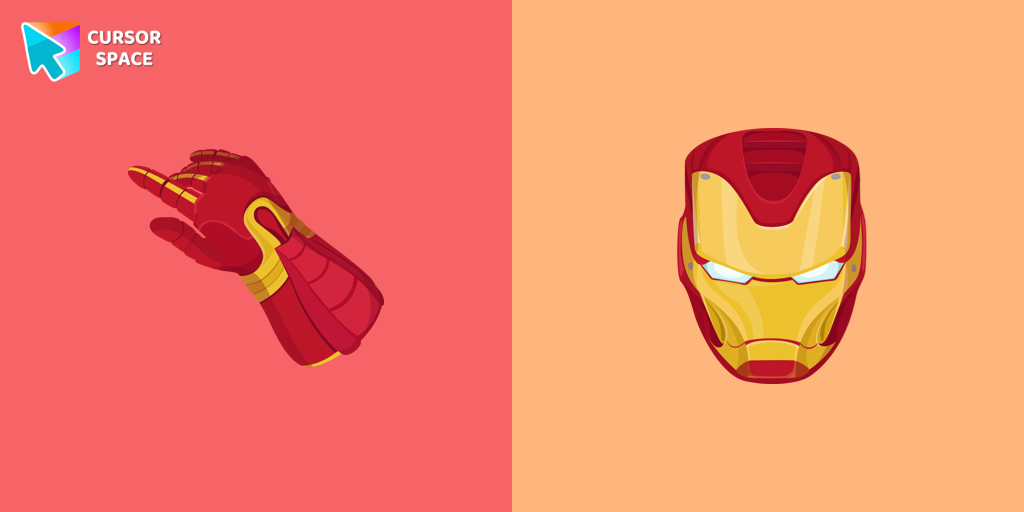 Iron Man cursorUpgrade your browsing with the Iron Man custom cursor for Google Chrome. This sleek and futuristic design adds a touch of sophistication for superhero fans.
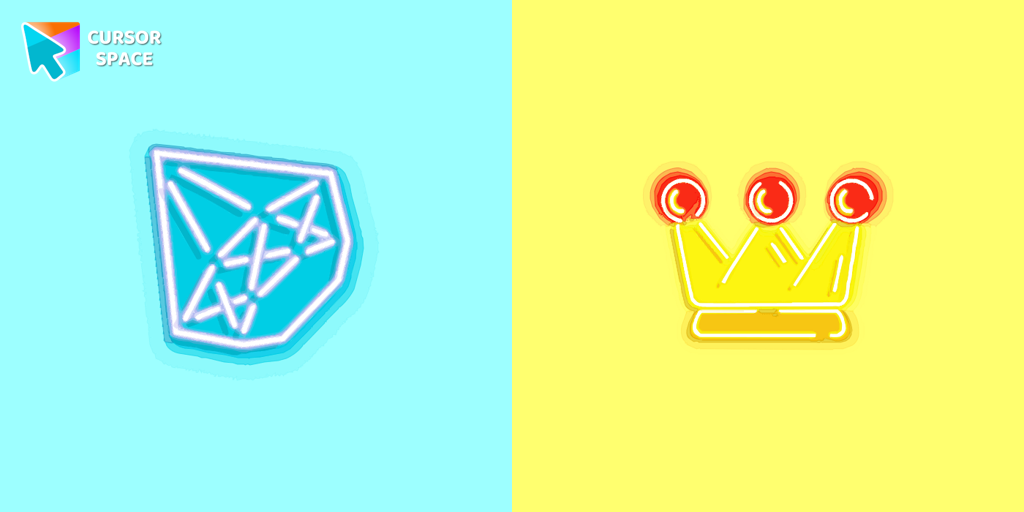 Diamond and crown cursorsElevate your desktop with Diamond and Crown Cursors, a custom cursor for Google Chrome. Add elegance and luxury with beautifully crafted diamond and crown designs.
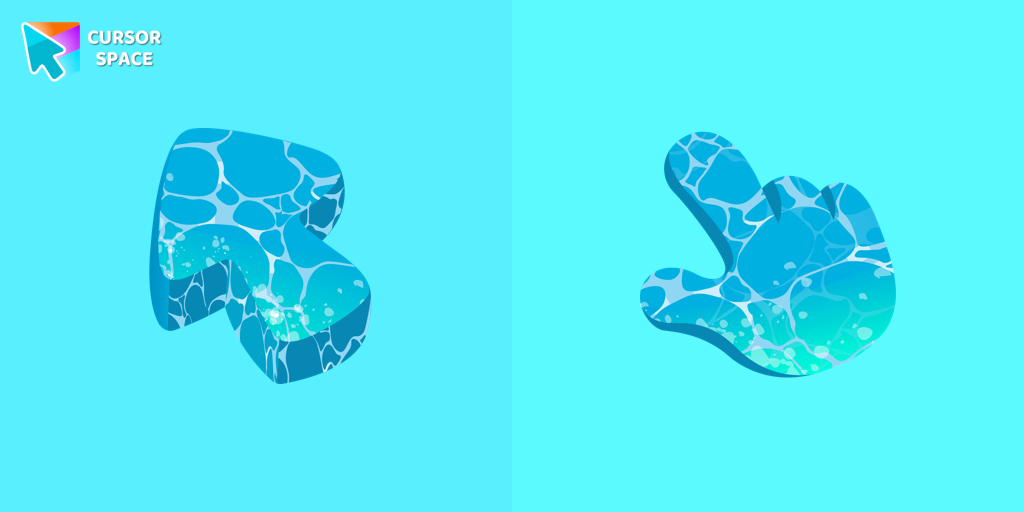 Water Texture cursorWater is interesting because it can be in different forms. It can be solid like ice, gas like steam, and even turned into a special cursor for your mouse.
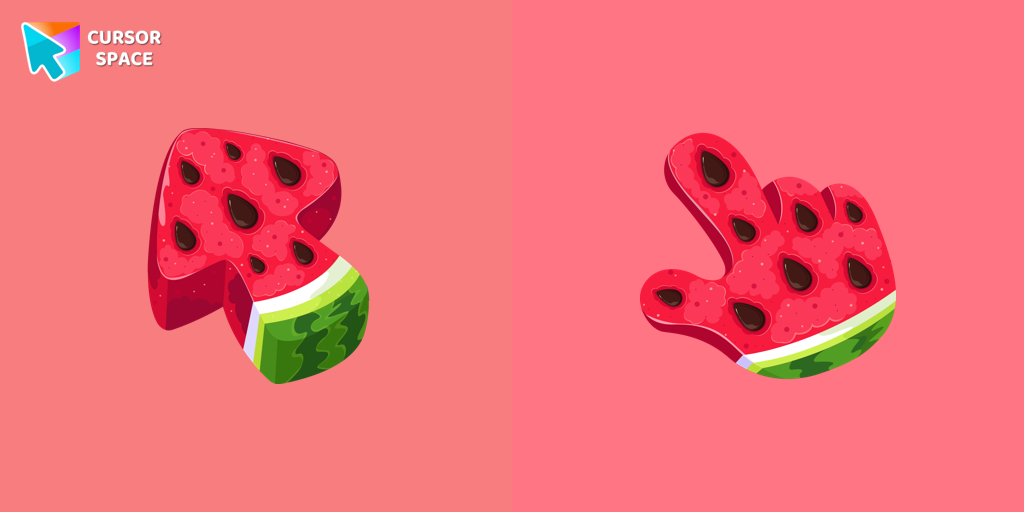 Watermelon Texture cursorEnjoy summer vibes year-round with our Watermelon Texture custom cursor, adding refreshing charm and vibrant color to your browsing experience.
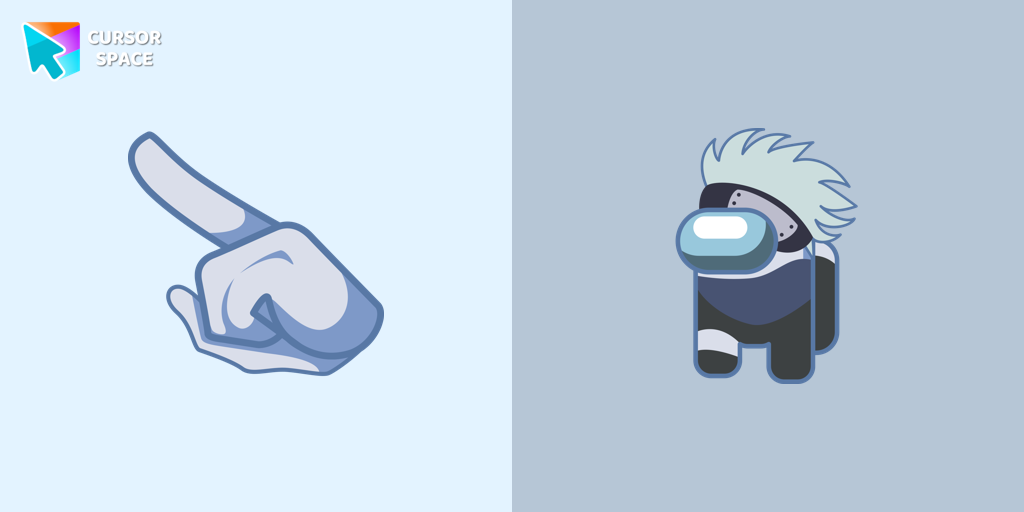 Among Us Kakashi Hatake Character cursorIntroducing the Cute Among Us Kakashi Hatake Character Cursor: A Perfect Blend of Two Favorites!
 Gradient Texture cursorAdd color and charm to your browsing with the Colorful Gradient Textures custom cursor. Express your style with this vibrant custom cursor for Google Chrome.
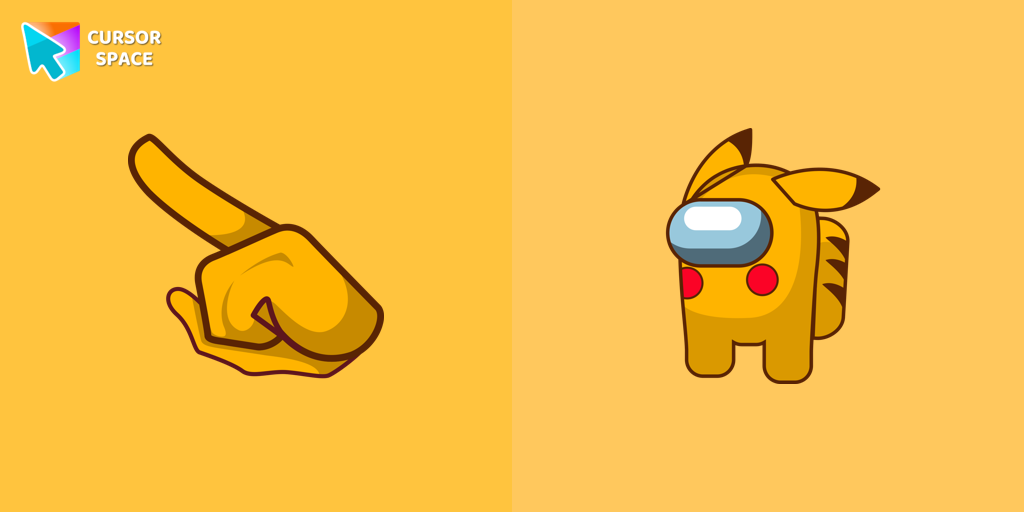 Among Us Pokemon Character cursorAdd a touch of fun to your browsing with a custom cursor for Google Chrome featuring vibrant orange Pokémon characters like Charmander and Infernape.
 Spinner cursorThe Spinner cursor is a distinctive and visually appealing choice for your mouse cursor, providing an opportunity to set yourself apart from the default cursor.
 Flattened cursorThe Flattened Cursor Prank is a fun and mischievous custom cursor that creates a flattened effect to confuse friends. Try this custom cursor for Google Chrome for harmless fun.
Explore cursor packs by style
Cursor Space packs include curated cursor sets for everyday browsing: cute, minimal, anime, neon, pixel art, and more. Each pack comes with multiple cursor states (like default and pointer) and can be added to your browser in seconds.
Trending now
Fresh picks based on what people install most often.
Collections
Browse themed sets grouped by vibe and aesthetic.
Top charts
See weekly, monthly, and all-time leaders.
How to install a cursor pack
- Open any pack from the grid above.
- Click the install / add button on the pack page.
- If you don’t have it yet, install the Cursor Space browser extension.
- Apply the pack in the extension and enjoy your new cursor.
FAQ
Quick answers to common questions about cursor packs, collections, and installation.
Are cursor packs free on Cursor Space?
Most cursor packs on Cursor Space are free to browse and install. Some packs may be marked premium depending on licensing. The Cursor Space browser extension is free to install from the Chrome Web Store.
Do cursor packs work on Chrome and Edge?
Yes. Install the Cursor Space extension for Chromium-based browsers (Chrome, Edge, Brave), open a pack page, and click install/apply. The extension applies the cursor set across your browser.
How do I install a custom cursor pack?
Open the pack page, click the install or add button, install the Cursor Space extension if prompted, then apply the pack from the extension popup. Your new cursor appears immediately.
Can I change or remove a custom cursor later?
Yes. Open the Cursor Space extension, choose another pack, or restore the default system cursor from the extension settings.
Is the Cursor Space extension safe?
Cursor Space is distributed via the Chrome Web Store and Edge Add-ons. Keep the extension updated, and only install packs from trusted catalog pages on this site.