
All Cursor Packs
Browse our full collection of custom cursors. Find your next favorite style and install it for free.
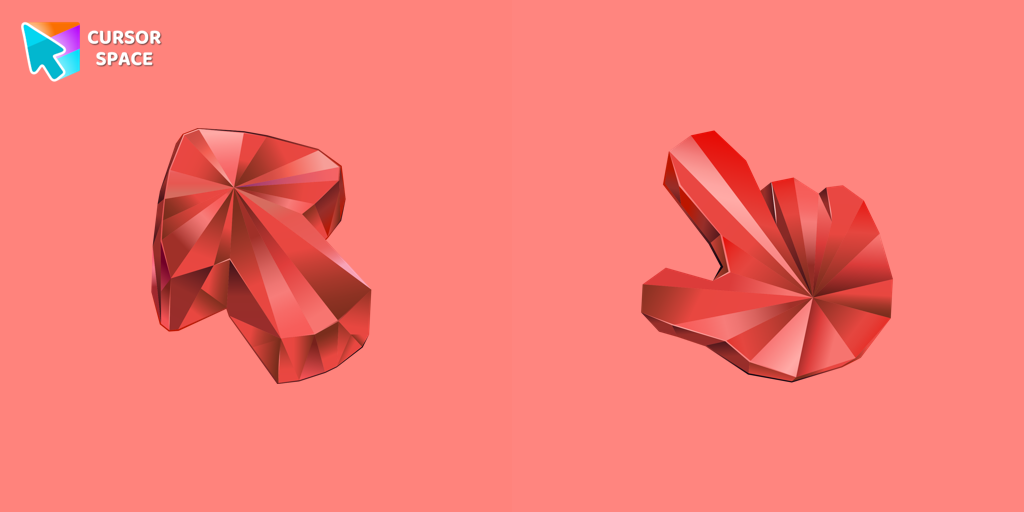 Ruby Stone Texture cursorEnhance your browsing with the Ruby Stone Texture custom cursor. This stylish custom cursor for Google Chrome adds a touch of luxury and elegance to your screen.
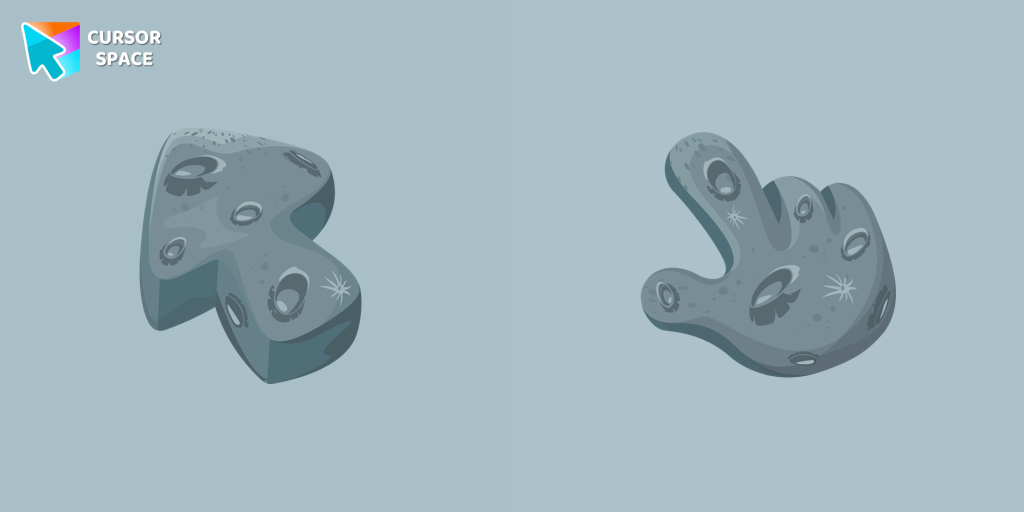 The Moon Texture cursorExplore the wonders of the universe right from your screen with the Moon Texture custom cursor for Google Chrome designed to inspire your cosmic curiosity.
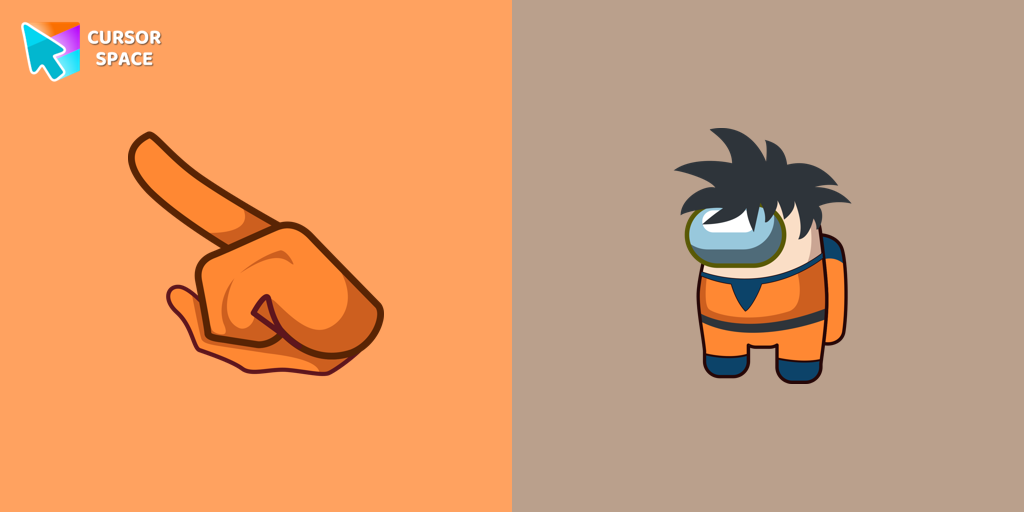 Among Us Son Goku Character cursorEnter the World of Dragon Ball with the Among Us Son Goku Character Cursor
 Oreo Spark Lite cursorsTransform your desktop with Oreo Spark Purple Cursors. Add magic and allure to your interface with captivating custom cursors.
 Oreo black cursorsEnchant your screen with Oreo Spark Purple Cursors. Add magic and allure to your desktop with these captivating custom cursors.
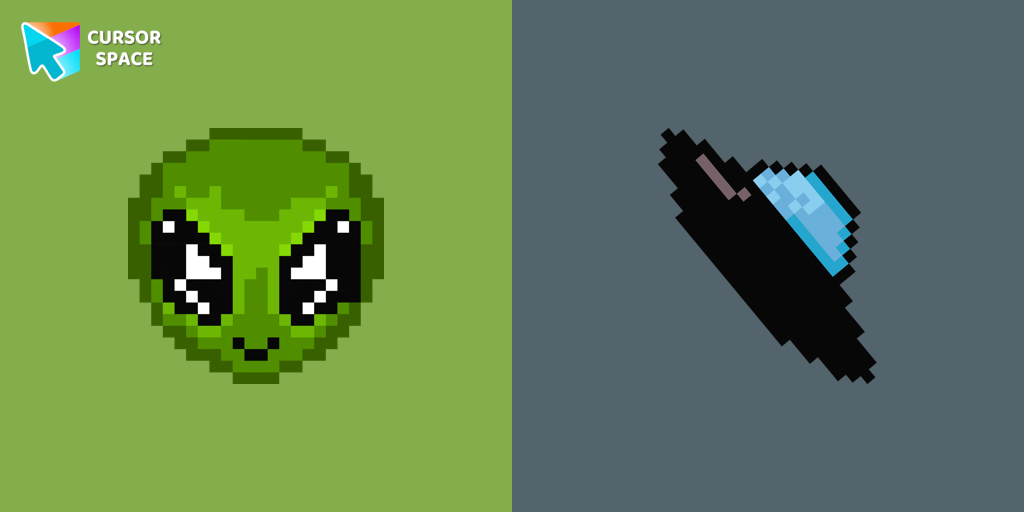 Alien Pixel cursorTransform your browsing with the cute custom cursor featuring an Alien Pixel design. Perfect for Chrome users and Pixel art fans
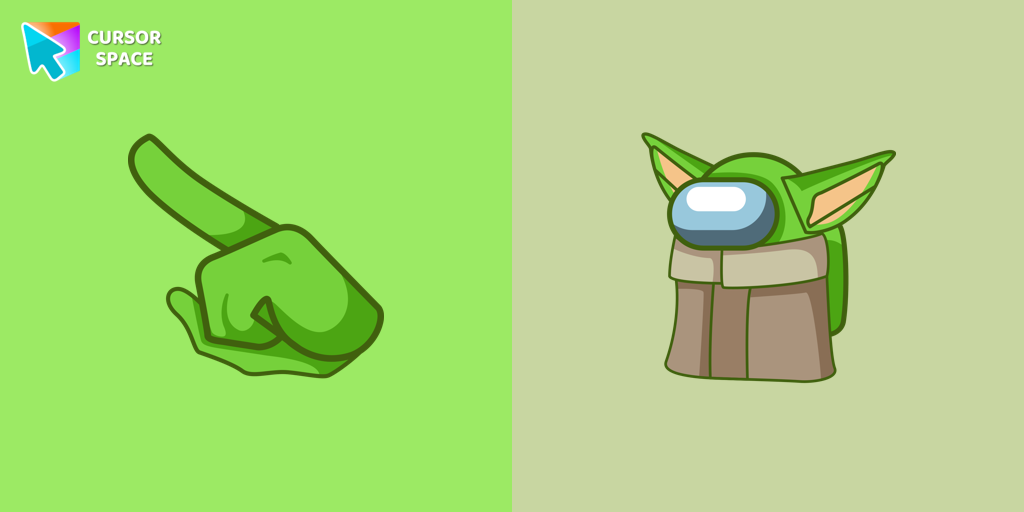 Among Us Baby Yoda Character cursorAmong Us Baby Yoda Character Cursor - Unleashing the Cuteness and Mischief in Outer Space
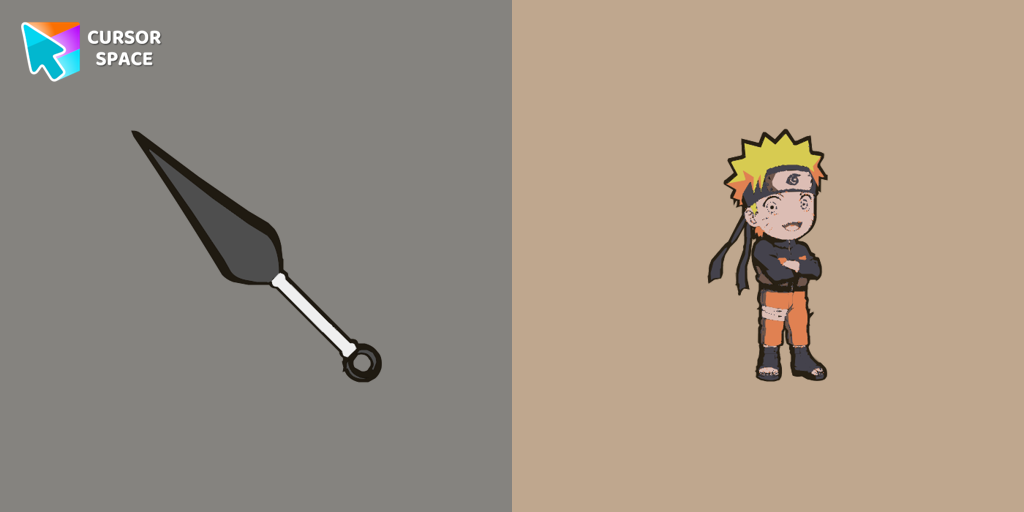 Naruto cursorCustomize your mouse pointer with the Anime Naruto custom cursor. Show your love for the series with iconic Naruto characters in your custom cursor for Google Chrome.
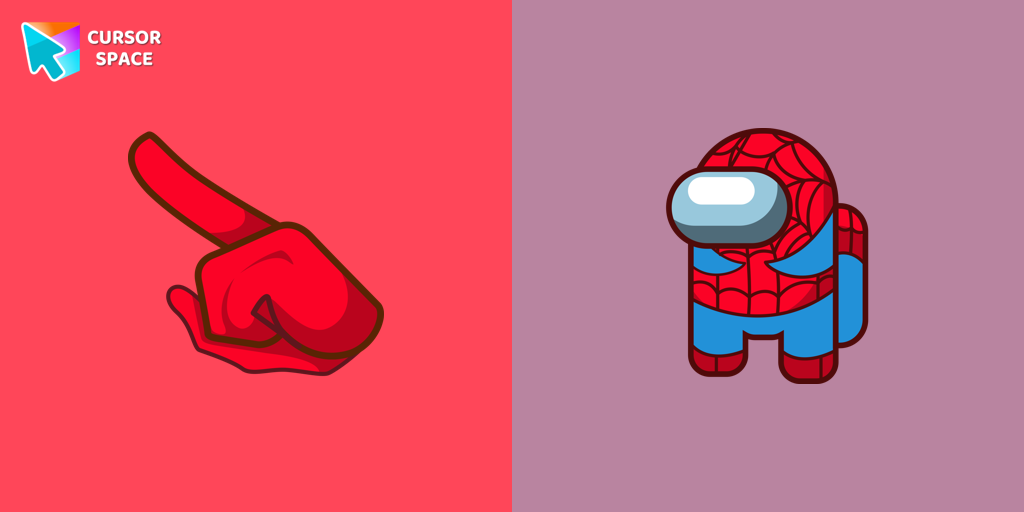 Among Us Spider-Man Character cursorSwing into Action with the Among Us Spider-Man Character Cursor
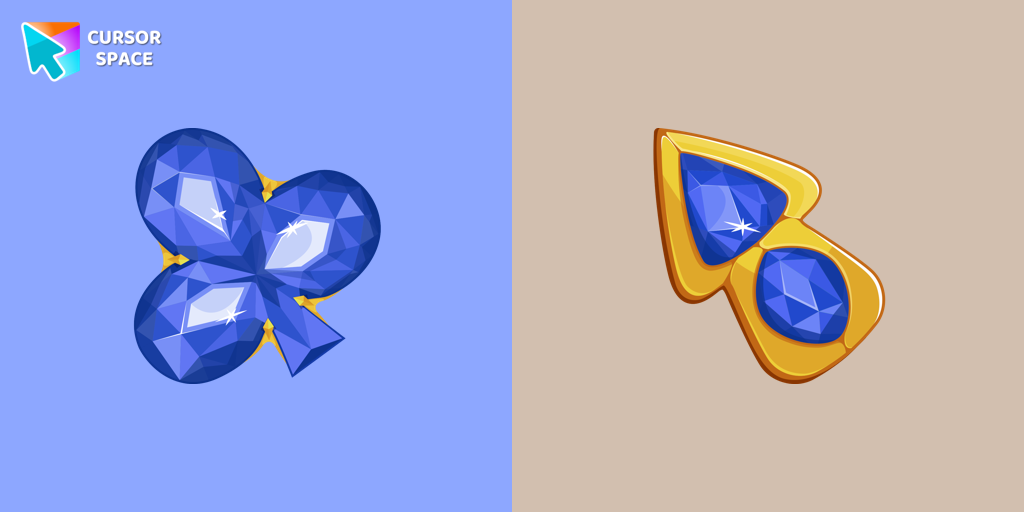 Blue Diamond cursorThis blue cursor is the perfect choice if you're looking to add some charm and interest to your default mouse pointer.
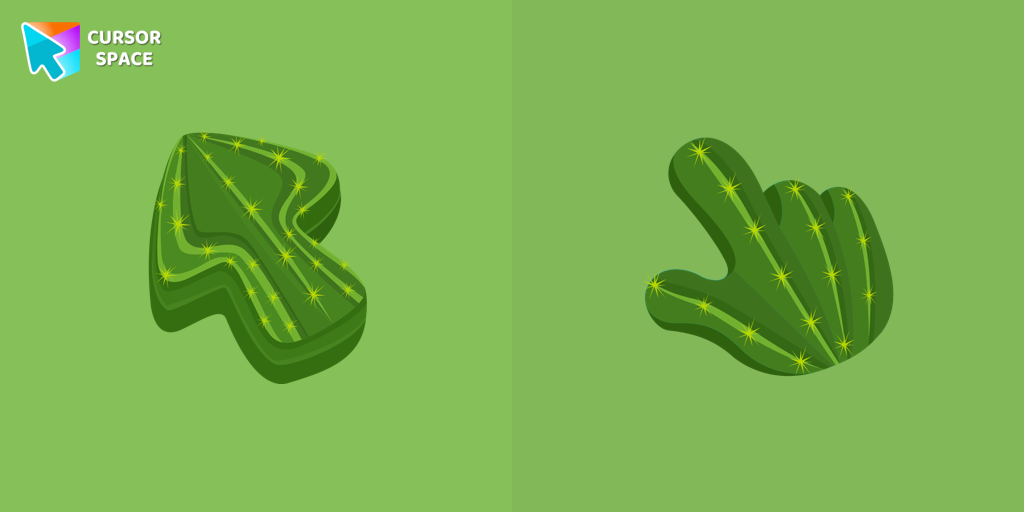 Cactus Texture cursorExplore the beauty of desert plants on your screen with our cactus custom cursor for Google Chrome. This custom cursor adds charm and a touch of nature.
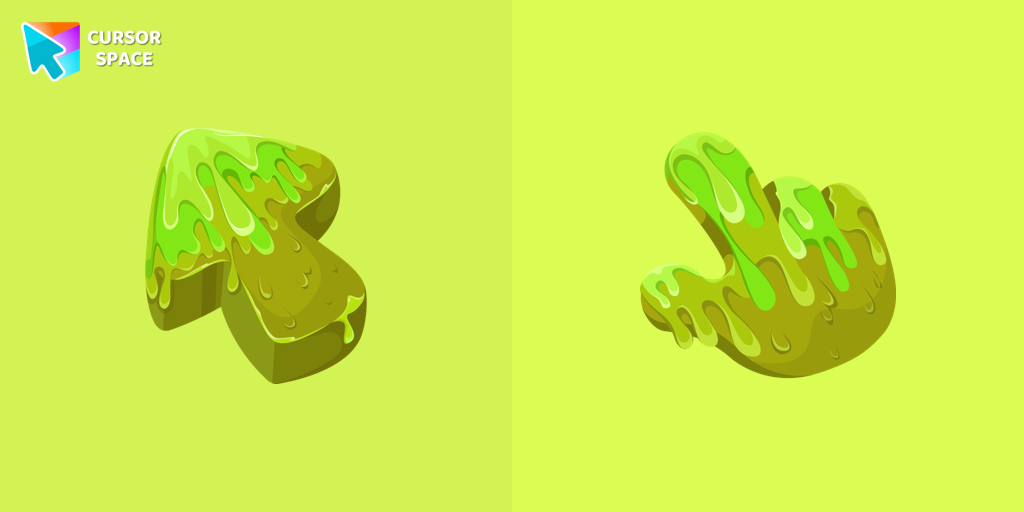 Slime Texture cursorOur collection of custom cursors is excited to introduce the Cute Cursor Bundle, which includes a charming slime cursor and an adorable hover pointer.
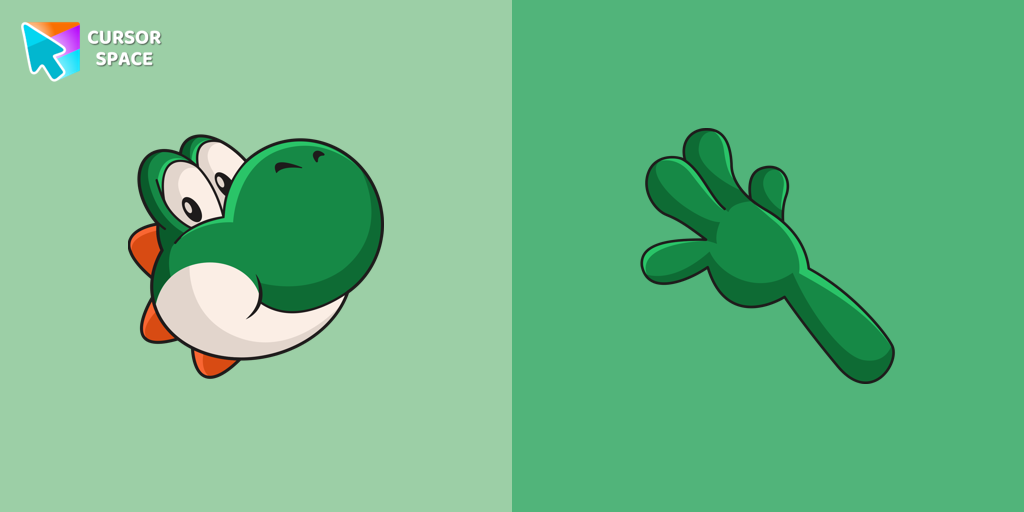 Yoshi cursorYoshi, the lovable dinosaur-like character, is both an ally of Mario and Luigi and a sidekick to Mario in the main series
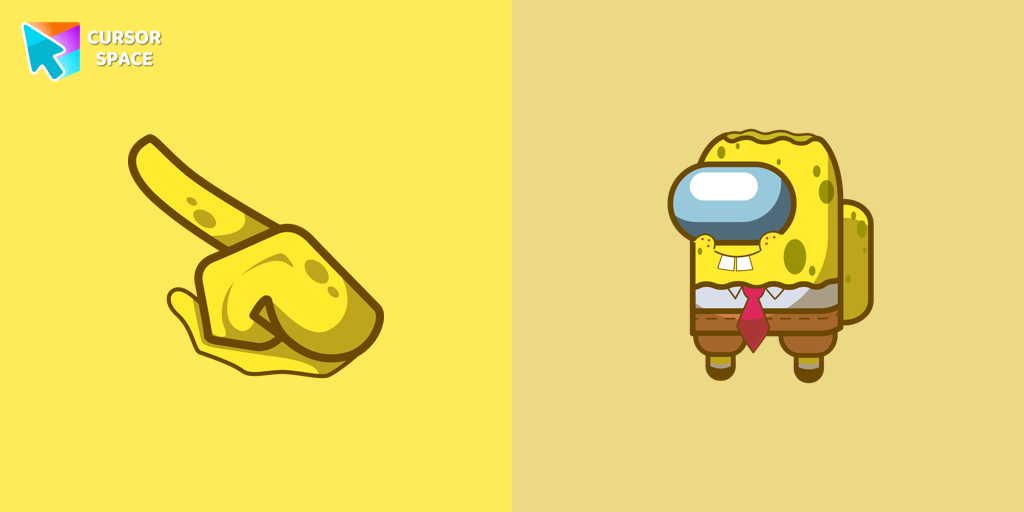 Among Us Spongebob Character cursorOur collection of custom cursors for Chrome now features the Among Us Spongebob Character cursor.
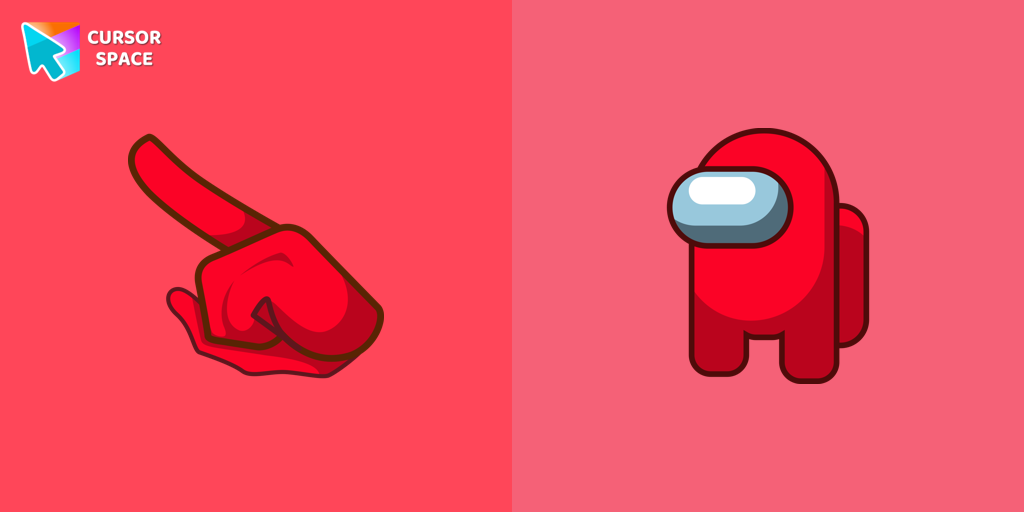 Among Us Red Character cursorAmong Us players have the option to select from a variety of colors to customize their in-game characters. In fact, there are 18 different hues available for selection in the game lobby.
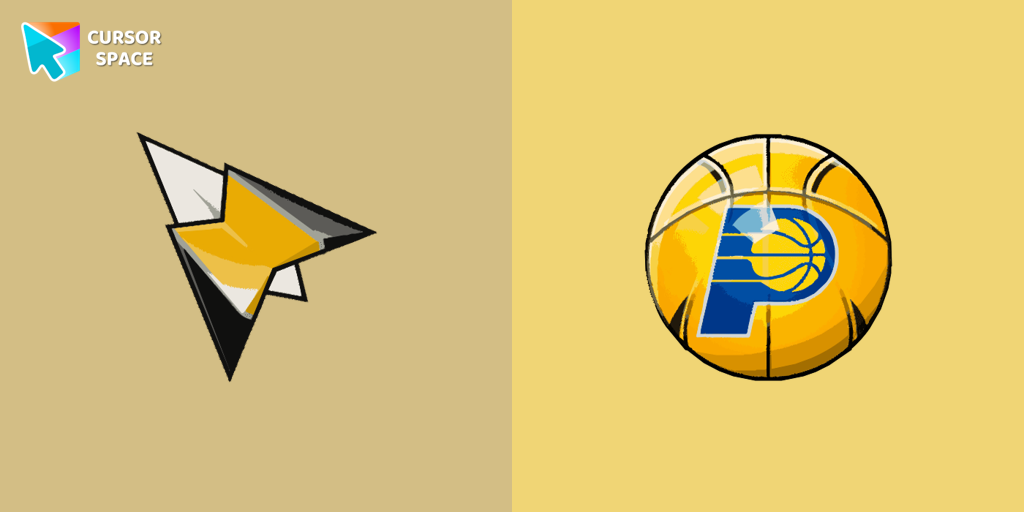 Indiana Pacers cursorShow your team pride with the Indiana Pacers custom cursor. This custom cursor for Google Chrome features the team’s logo and colors for true fans.
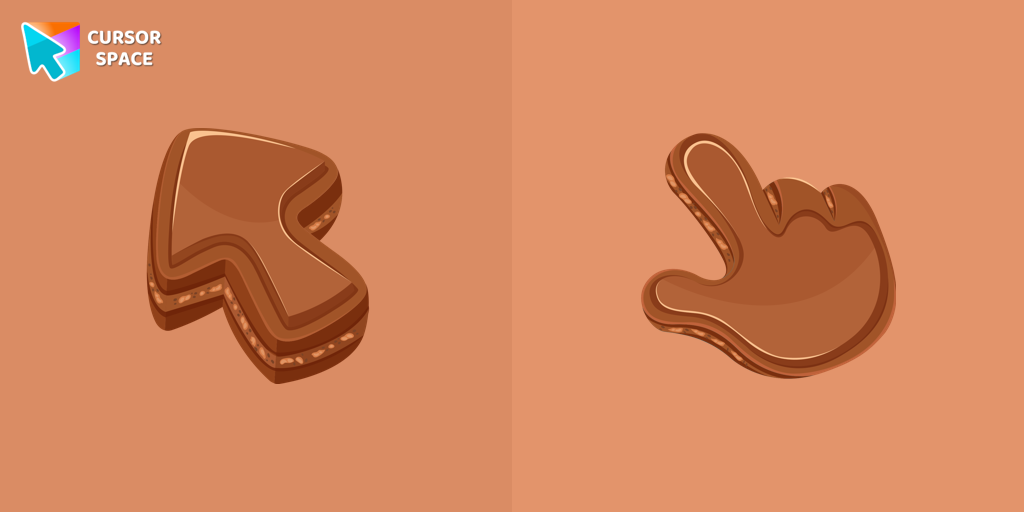 Chocolate Texture cursorIndulge your senses with our Chocolate Texture custom cursor for Google Chrome, adding sweetness and delight to your everyday browsing experience.
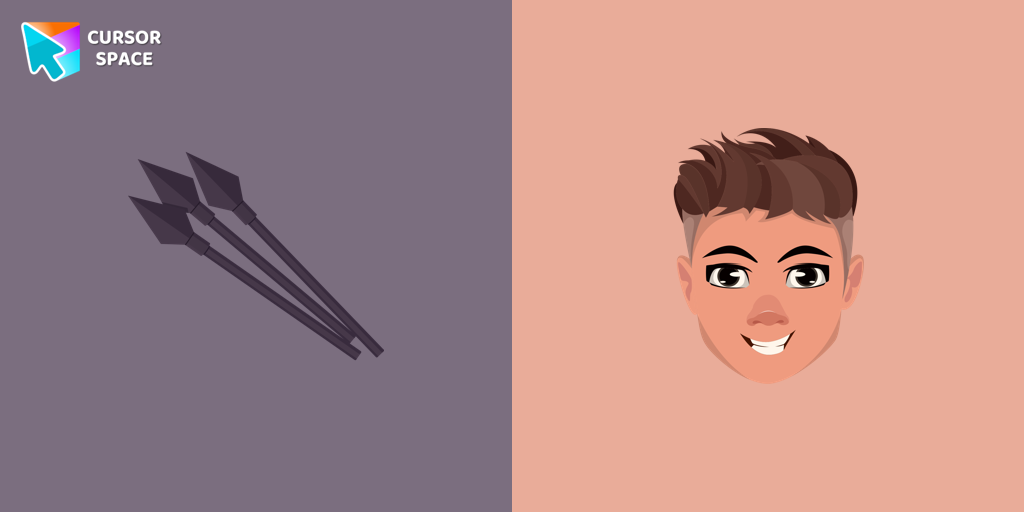 Hawkeye cursorThe Hawkeye custom cursor for Google Chrome offers precision and sleek design. Experience the agility and accuracy of Hawkeye with this unique cursor.
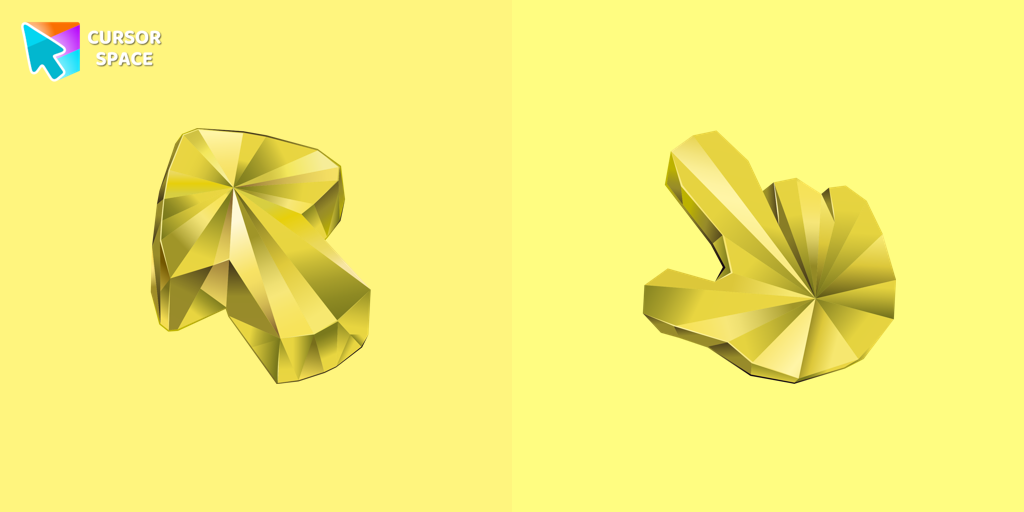 Yellow Sapphire Texture cursorEnhance your browsing with a custom cursor for Google Chrome featuring the timeless elegance of yellow sapphire. Add sophistication and style to your screen today.
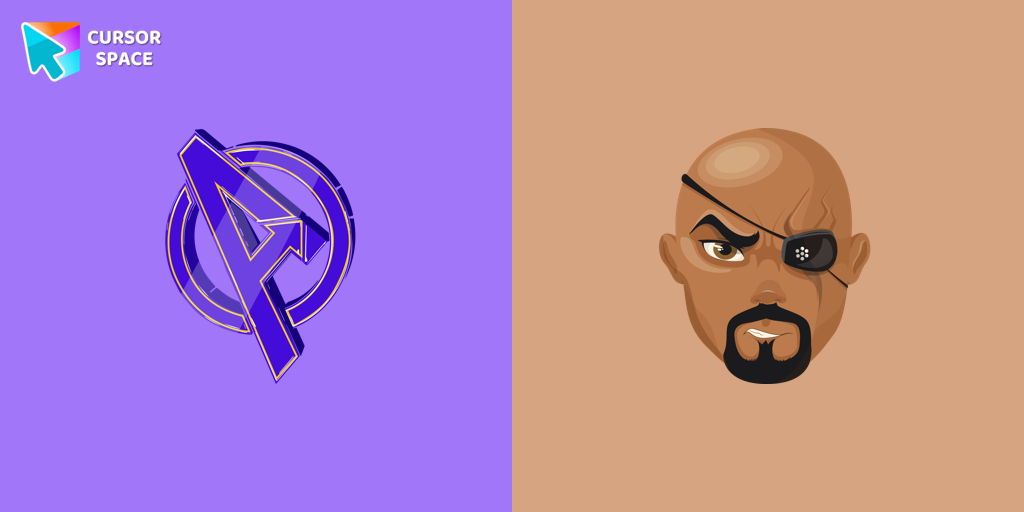 Nick Fury cursorTransform your browsing with the Nick Fury custom cursor. Bring the power of the legendary S.H.I.E.L.D. director to your screen with this unique custom cursor for Google Chrome.
Explore cursor packs by style
Cursor Space packs include curated cursor sets for everyday browsing: cute, minimal, anime, neon, pixel art, and more. Each pack comes with multiple cursor states (like default and pointer) and can be added to your browser in seconds.
Trending now
Fresh picks based on what people install most often.
Collections
Browse themed sets grouped by vibe and aesthetic.
Top charts
See weekly, monthly, and all-time leaders.
How to install a cursor pack
- Open any pack from the grid above.
- Click the install / add button on the pack page.
- If you don’t have it yet, install the Cursor Space browser extension.
- Apply the pack in the extension and enjoy your new cursor.
FAQ
Quick answers to common questions about cursor packs, collections, and installation.
Are cursor packs free on Cursor Space?
Most cursor packs on Cursor Space are free to browse and install. Some packs may be marked premium depending on licensing. The Cursor Space browser extension is free to install from the Chrome Web Store.
Do cursor packs work on Chrome and Edge?
Yes. Install the Cursor Space extension for Chromium-based browsers (Chrome, Edge, Brave), open a pack page, and click install/apply. The extension applies the cursor set across your browser.
How do I install a custom cursor pack?
Open the pack page, click the install or add button, install the Cursor Space extension if prompted, then apply the pack from the extension popup. Your new cursor appears immediately.
Can I change or remove a custom cursor later?
Yes. Open the Cursor Space extension, choose another pack, or restore the default system cursor from the extension settings.
Is the Cursor Space extension safe?
Cursor Space is distributed via the Chrome Web Store and Edge Add-ons. Keep the extension updated, and only install packs from trusted catalog pages on this site.