
All Cursor Packs
Browse our full collection of custom cursors. Find your next favorite style and install it for free.
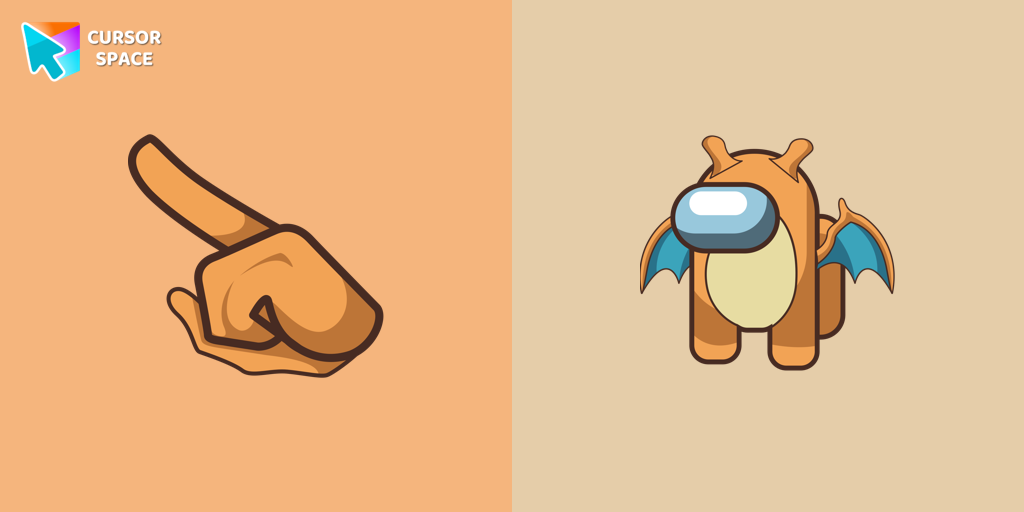 Among Us Dragonite Character cursorUnleash the Power of the Among Us Dragonite Character Cursor: A Fusion of Mystery and Mythical Charm
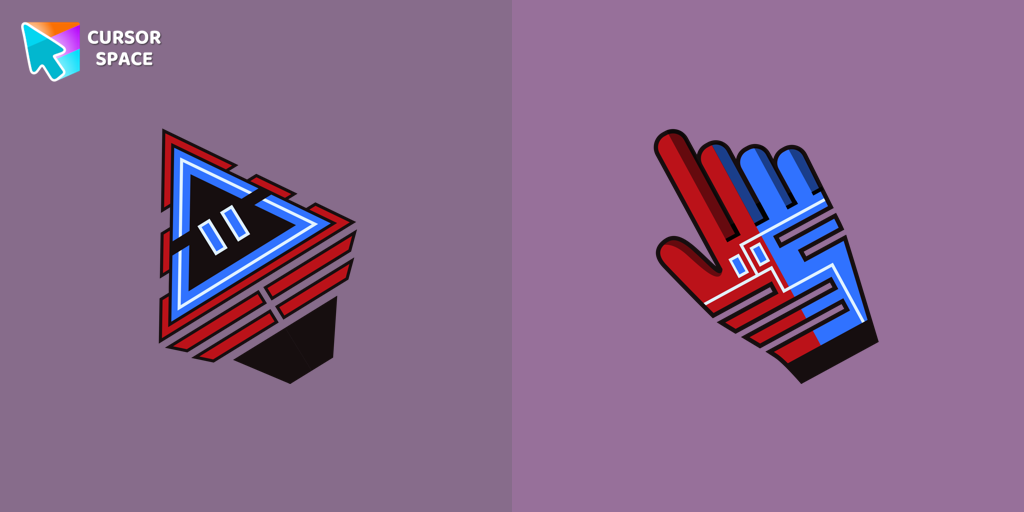 Robot cursorImprove your online experience with The Robot custom cursor. It's cute, customizable, and full of personality - your ideal internet companion is ready for you!
 Mint CursorEnhance your browsing experience with the Custom Mint Cursor, a calming personalized cursor symbolizing harmony, renewal, and inner balance.
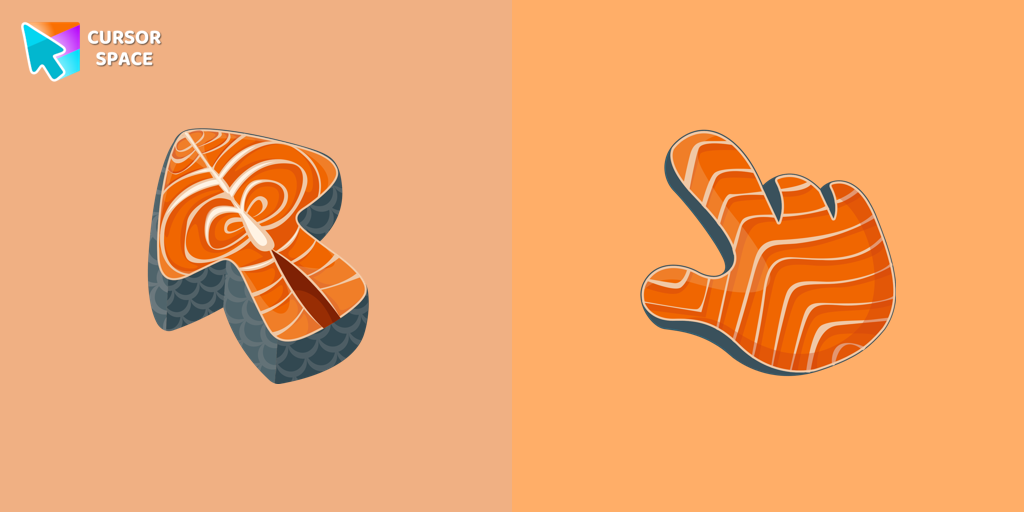 Salmon Texture cursorSalmon is packed with nutrients, and now you can enjoy it as a custom cursor for Google Chrome. Add this healthy and delicious design to your browser today.
 Bibata Original Ice CursorRefresh your desktop experience with Bibata Original Ice, a stylish custom cursor featuring transparent shades and a unique ice effect for everyday use.
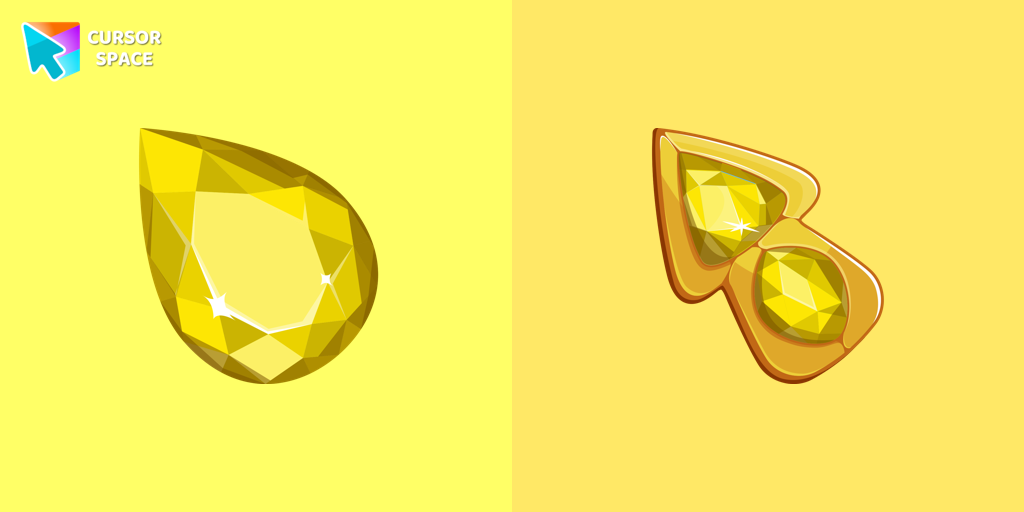 Crystal Drop cursorEnhance your browsing experience with The Crystal Drop custom cursor for Chrome. Its sophisticated design and seamless hover effect take your cursor to the next level
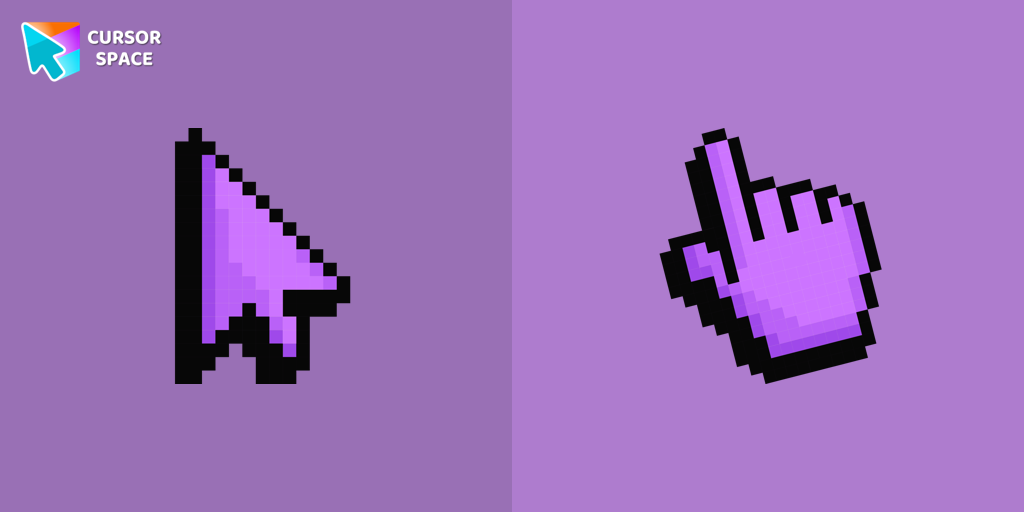 Default Purple Pixel cursorDefault Purple Pixel Cursor is a custom cursor from our custom cursors collection for Chrome.
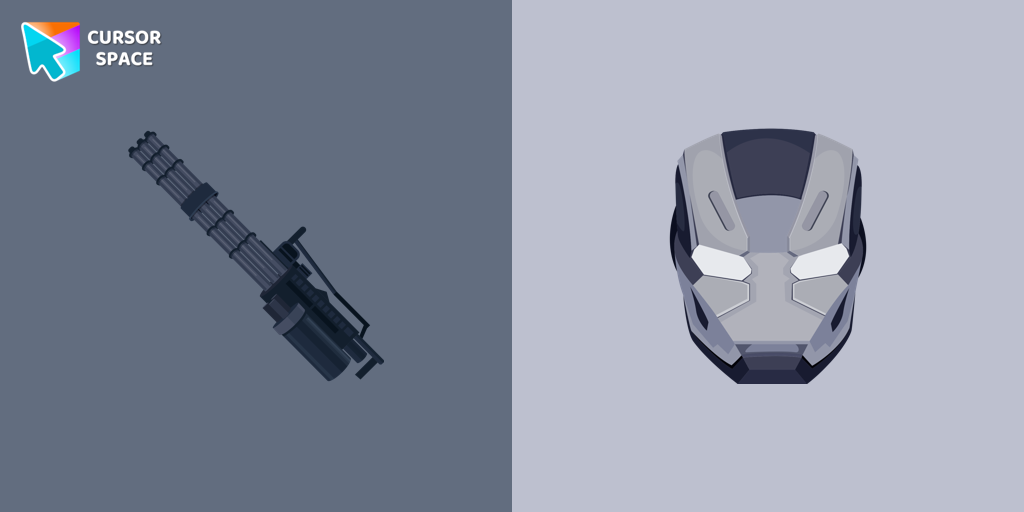 War Machine cursorTransform your browsing experience with the War Machine custom cursor for Google Chrome. Featuring the powerful Marvel hero, it adds strength and style to your screen.
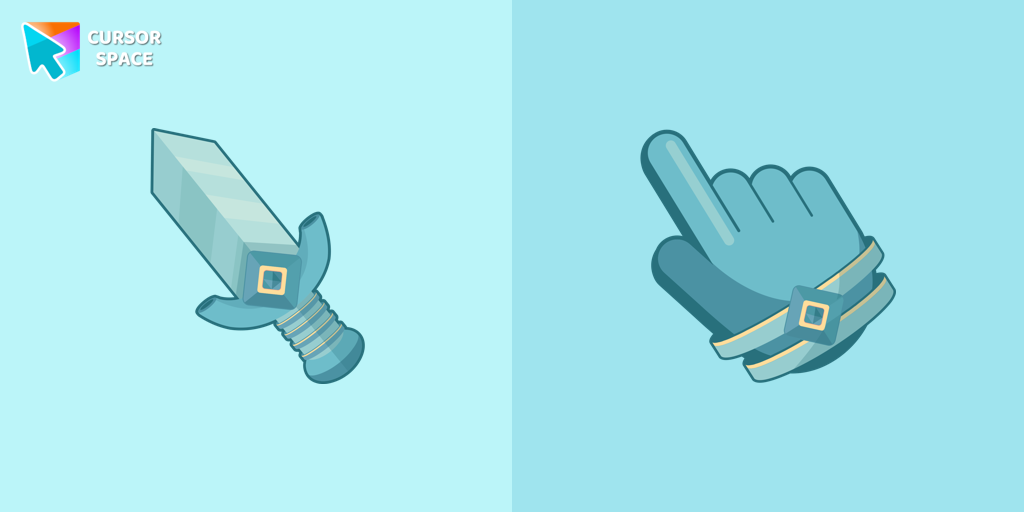 Knight cursorThe Knight custom cursor is a cute and stylish mouse pointer. The Cursors collection for Chrome is ideal for fans of unique cursors.
 Oreo blue cursorsDiscover Oreo Blue custom cursors to add a playful touch to your desktop. Free, easy to install, and perfect for Windows!
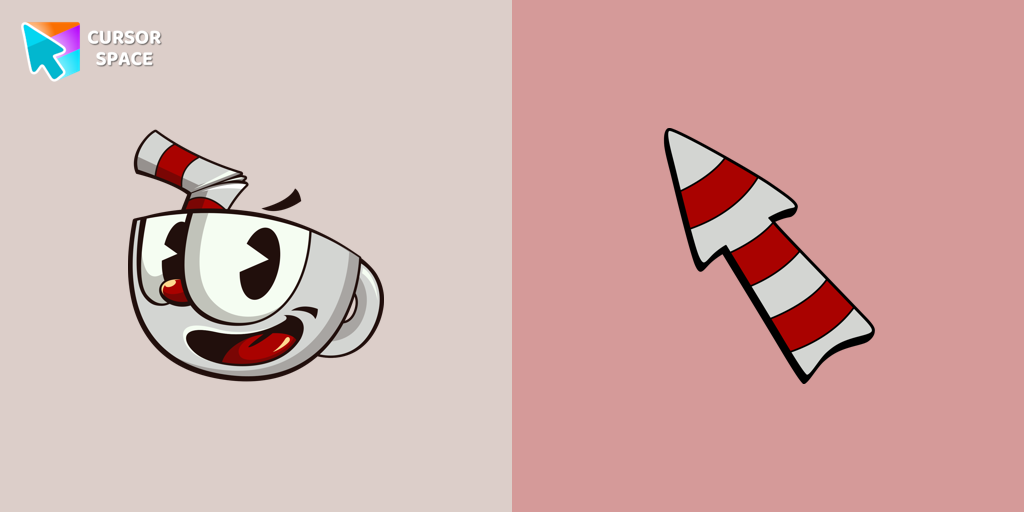 Cuphead cursorThe Cuphead cursor is a Chrome extension that brings characters from the popular video game to life on your mouse cursor.
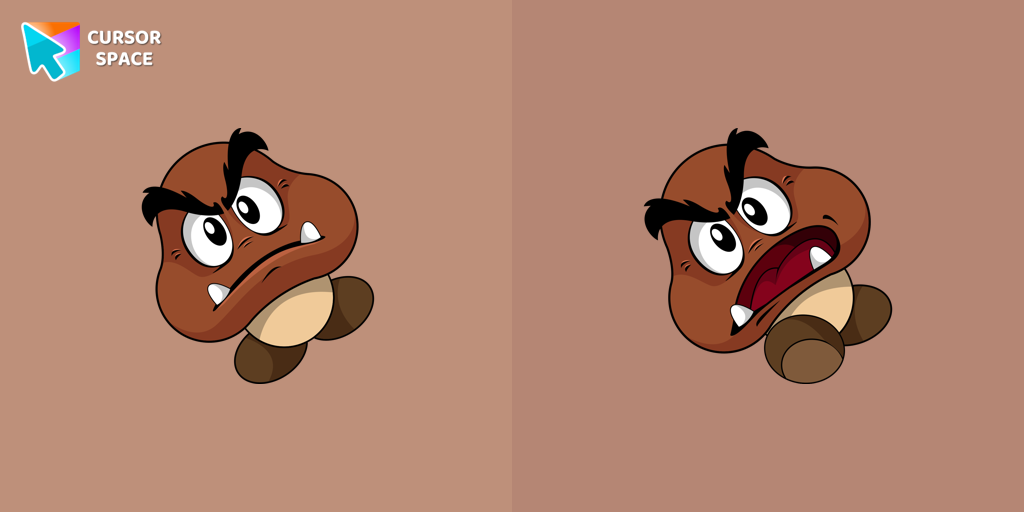 Goomba cursorCalling all Mario fans! One of the most familiar foes from the beloved franchise, the Goomba, now has its very own custom cursor.
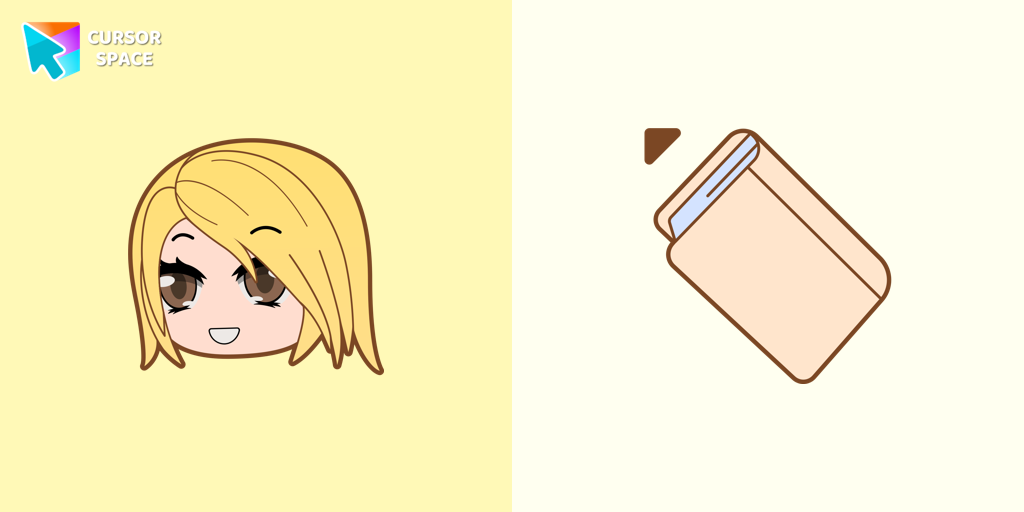 Alexa cursorAlexa cursor for mouse and custom hover pointer with the light pink book in a game collection of cursor space
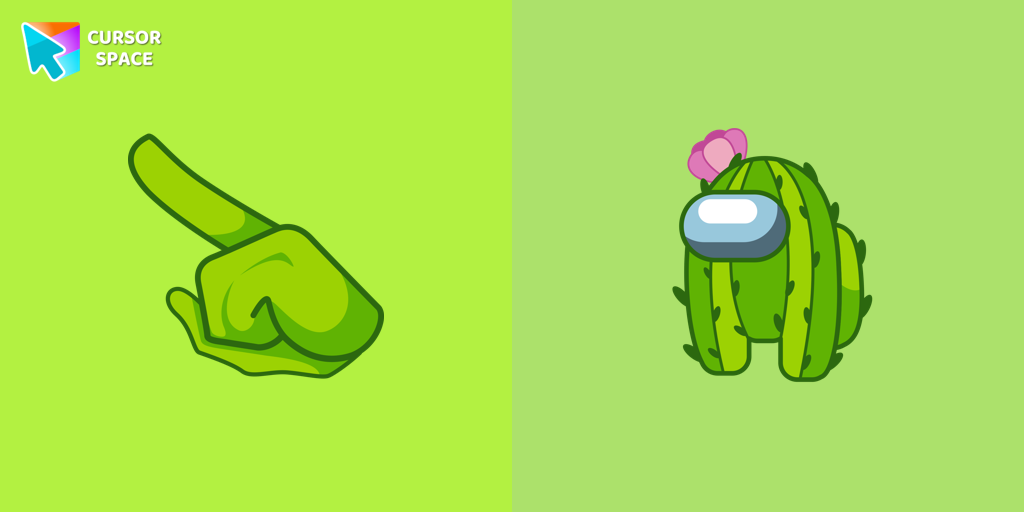 Among Us Cactus Character cursorUnleash Adorable Charm with the Cute Among Us Cactus Character Cursor!
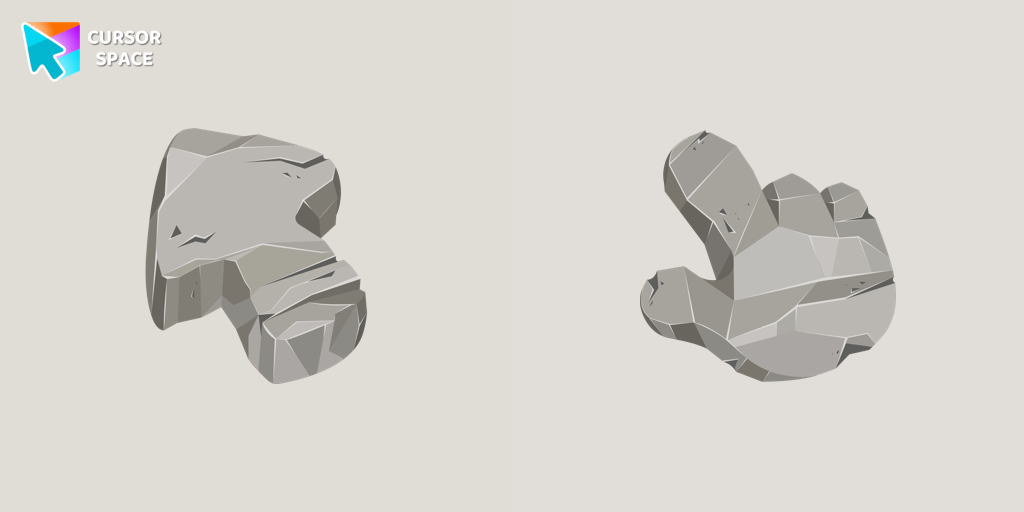 Stone Texture CursorMake your browsing unforgettable with the Stone custom cursor, designed to turn the ordinary into extraordinary. Personalize Chrome with unique style!
 Oreo Pink CursorsUpgrade your interface with Oreo Spark Pink Cursors. Enjoy playful, custom designs that add sparkle to any digital space.
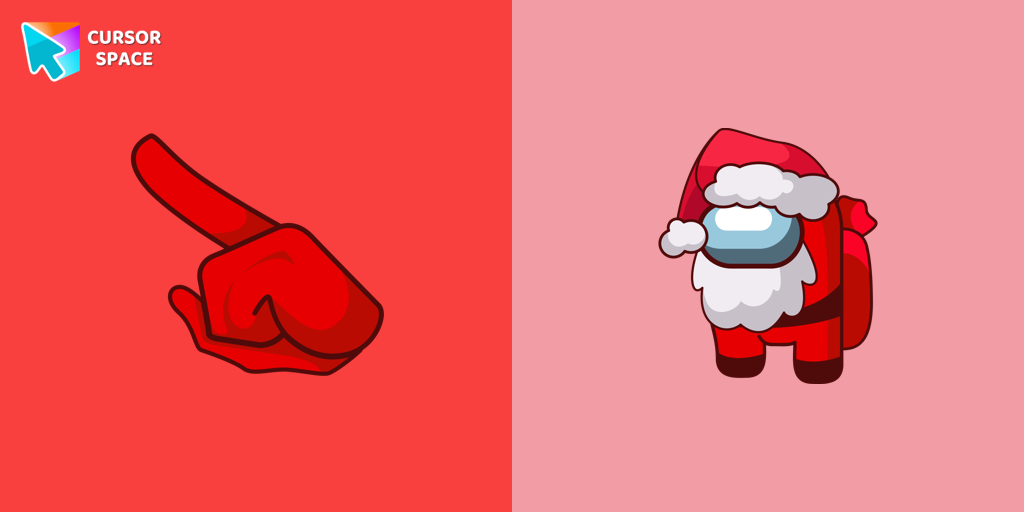 Among Us Santa Character cursorCelebrate the Holidays with the Among Us Santa Character Cursor
 Heart Pendant cursorTransform your screen with custom cursors. Choose the Heart Pendant design for a touch of elegance and functionality.
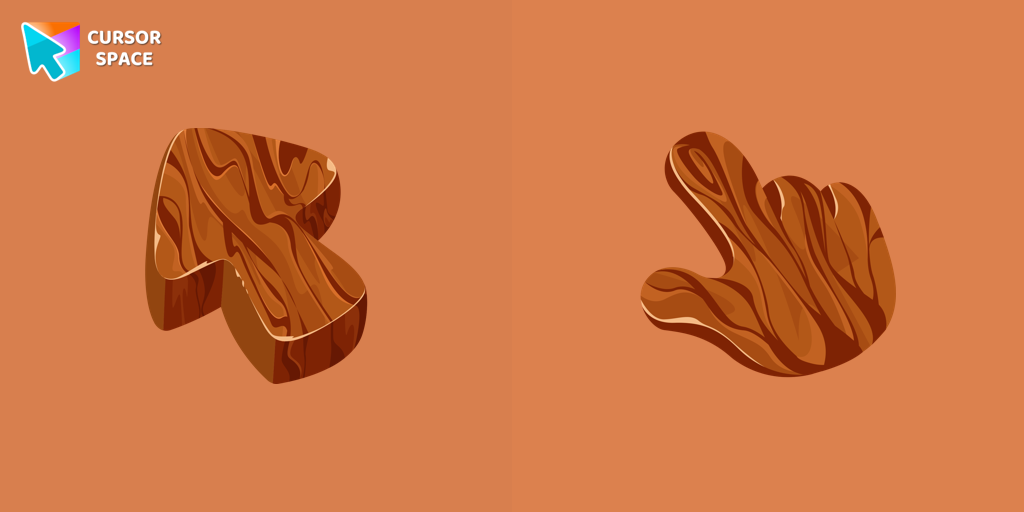 Tree Texture cursorExplore nature's beauty with the Tree Texture custom cursor, inspired by diverse tree forms. Connect to serene forests and elevate your browsing experience!
 Oreo purple cursorsDiscover custom cursors from Oreo Purple to anime icons. Make your desktop truly yours with our diverse styles!
Explore cursor packs by style
Cursor Space packs include curated cursor sets for everyday browsing: cute, minimal, anime, neon, pixel art, and more. Each pack comes with multiple cursor states (like default and pointer) and can be added to your browser in seconds.
Trending now
Fresh picks based on what people install most often.
Collections
Browse themed sets grouped by vibe and aesthetic.
Top charts
See weekly, monthly, and all-time leaders.
How to install a cursor pack
- Open any pack from the grid above.
- Click the install / add button on the pack page.
- If you don’t have it yet, install the Cursor Space browser extension.
- Apply the pack in the extension and enjoy your new cursor.
FAQ
Quick answers to common questions about cursor packs, collections, and installation.
Are cursor packs free on Cursor Space?
Most cursor packs on Cursor Space are free to browse and install. Some packs may be marked premium depending on licensing. The Cursor Space browser extension is free to install from the Chrome Web Store.
Do cursor packs work on Chrome and Edge?
Yes. Install the Cursor Space extension for Chromium-based browsers (Chrome, Edge, Brave), open a pack page, and click install/apply. The extension applies the cursor set across your browser.
How do I install a custom cursor pack?
Open the pack page, click the install or add button, install the Cursor Space extension if prompted, then apply the pack from the extension popup. Your new cursor appears immediately.
Can I change or remove a custom cursor later?
Yes. Open the Cursor Space extension, choose another pack, or restore the default system cursor from the extension settings.
Is the Cursor Space extension safe?
Cursor Space is distributed via the Chrome Web Store and Edge Add-ons. Keep the extension updated, and only install packs from trusted catalog pages on this site.