
All Cursor Packs
Browse our full collection of custom cursors. Find your next favorite style and install it for free.
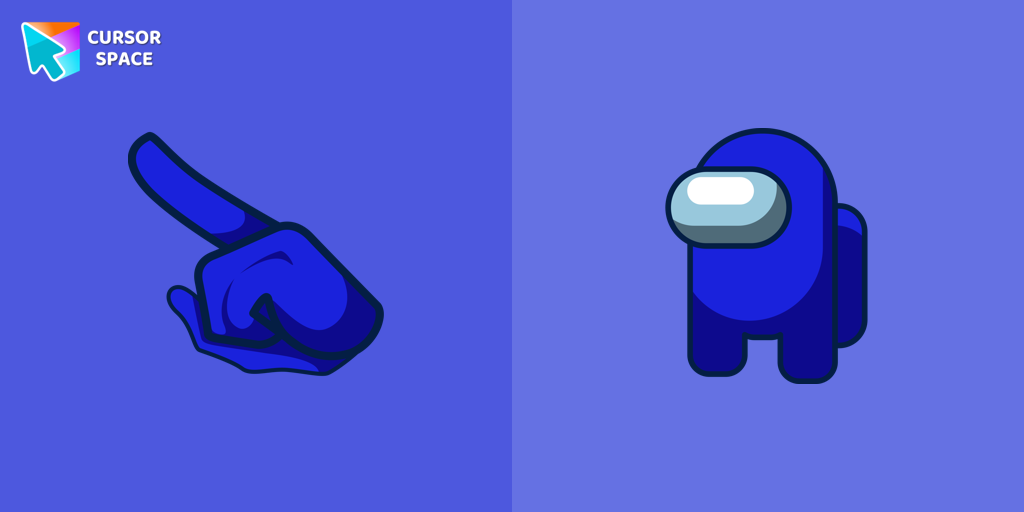 Among Us Blue Character cursorBlue Among Us Character is a custom cursor from our custom cursors collection for Chrome. There are 18 different colors that players can choose in the lobby during the game.
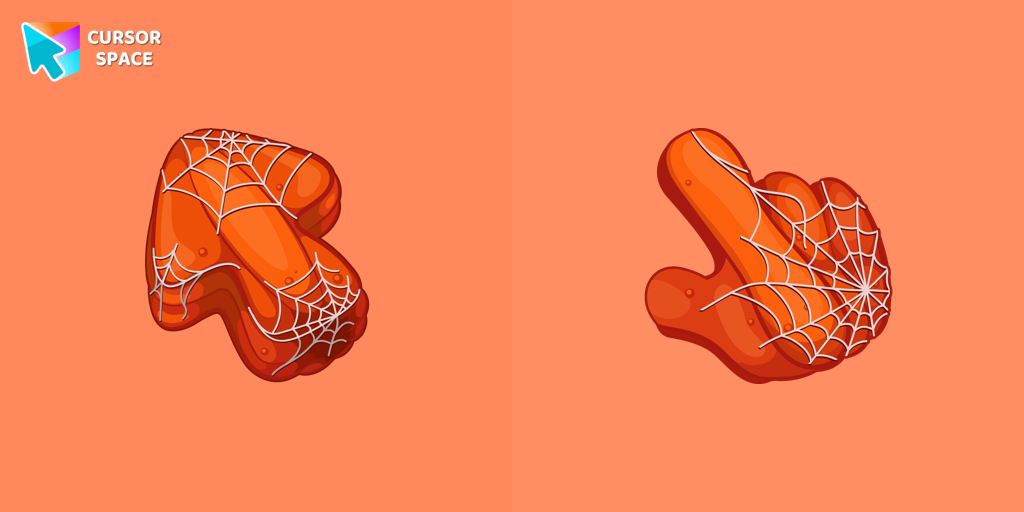 Pumpkin Texture cursorEnhance your Halloween browsing with the Cobweb custom cursor for Google Chrome featuring a Pumpkin Texture. Add festive charm with this unique custom cursor today.
 Kite cursorTransform your browsing with custom cursors like The Kite. Discover cute and unique designs for a personalized cursor experience.
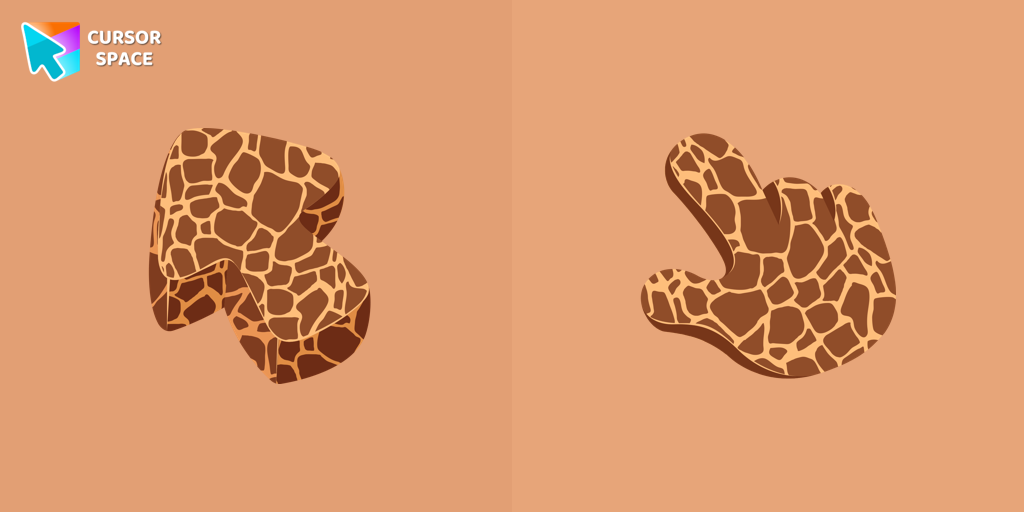 Giraffe Texture cursorGet closer to nature with a realistic giraffe custom cursor for Google Chrome designed to enhance your browsing and add elegance to your screen.
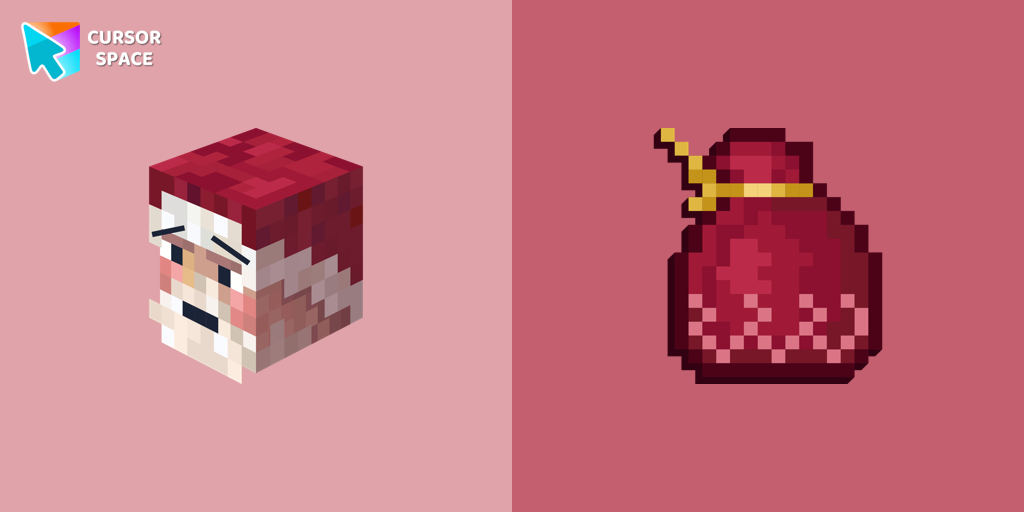 Santa Claus Minecraft Skin cursorImprove your browsing experience with this playful custom cursor that turns your pointer into a cheerful Santa Claus, adding a festive touch. Embrace the holiday spirit!
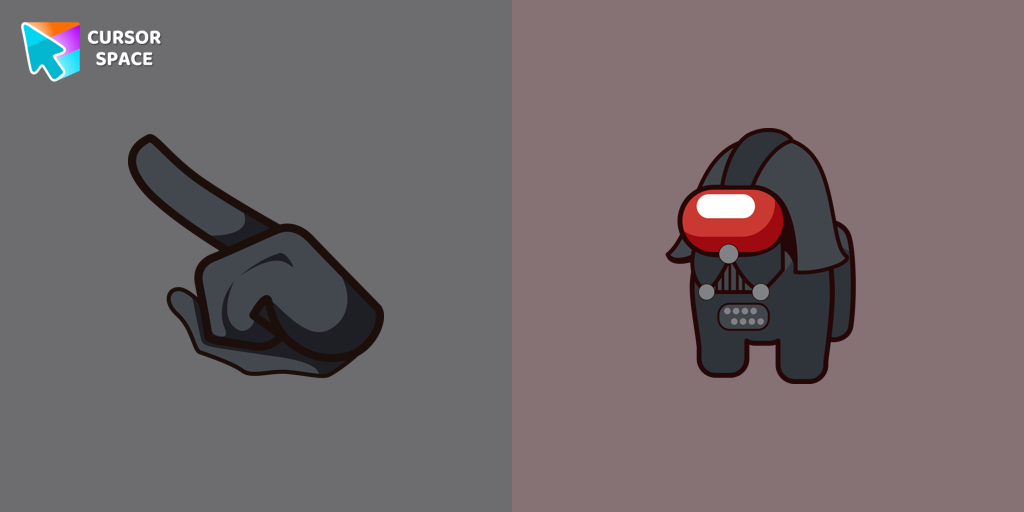 Among Us Darth Vader Character cursorAmong Us Darth Vader Character Cursor - Embracing the Dark Side in the Cosmic Deception
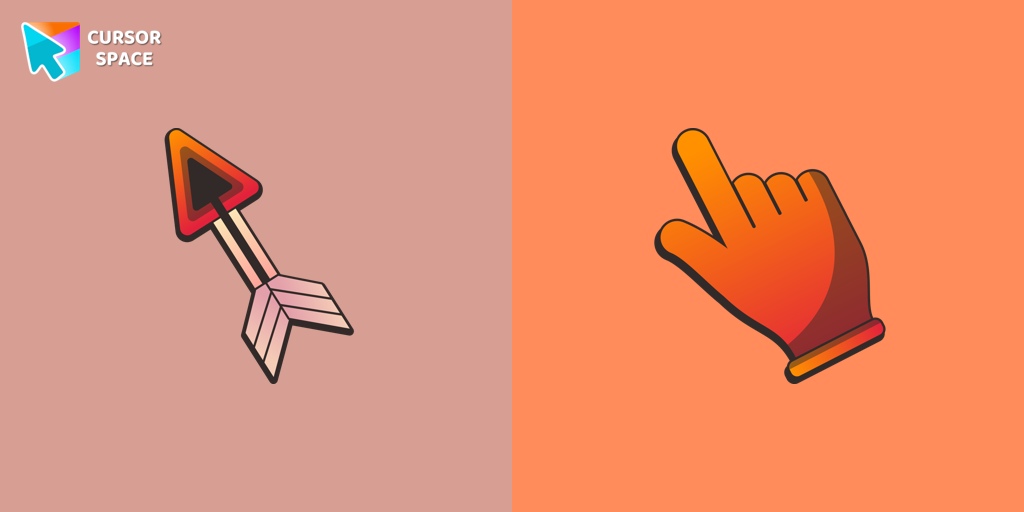 Arrow cursorEnhance your browsing with The Arrow – a custom cursor that’s cute, unique, and full of charm. Say goodbye to boring cursors and add a playful touch to your screen!
 Trendy cursorExplore "The Trendy Cursor" in our custom cursor collection. Enhance your default pointer with beautiful artwork for a chic, personalized browsing experience.
 Oreo grey cursorAdd magic to your screen with Oreo Spark Purple custom cursors. Enjoy a captivating digital experience with our enchanting cursor designs.
 Empty Butterfly GreenEnhance your desktop with the "Empty Butterfly Green" custom cursor set. Experience vibrant butterfly designs that bring a unique flair to your screen.
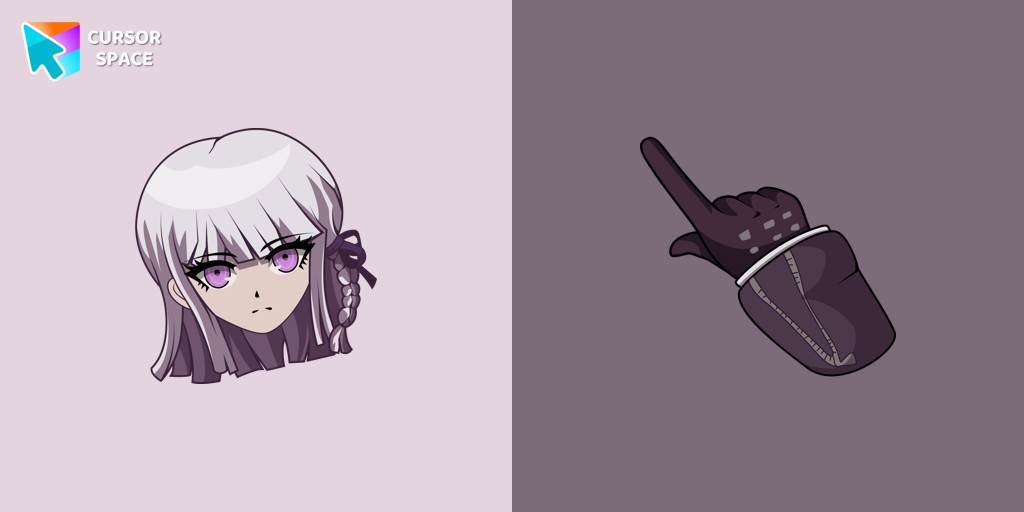 Danganronpa Kyoko Kirigiri cursorA Class 78 student at Hope's Peak Academy and member of the Killer School Life, she is reserved, mysterious, and skilled at analyzing evidence.
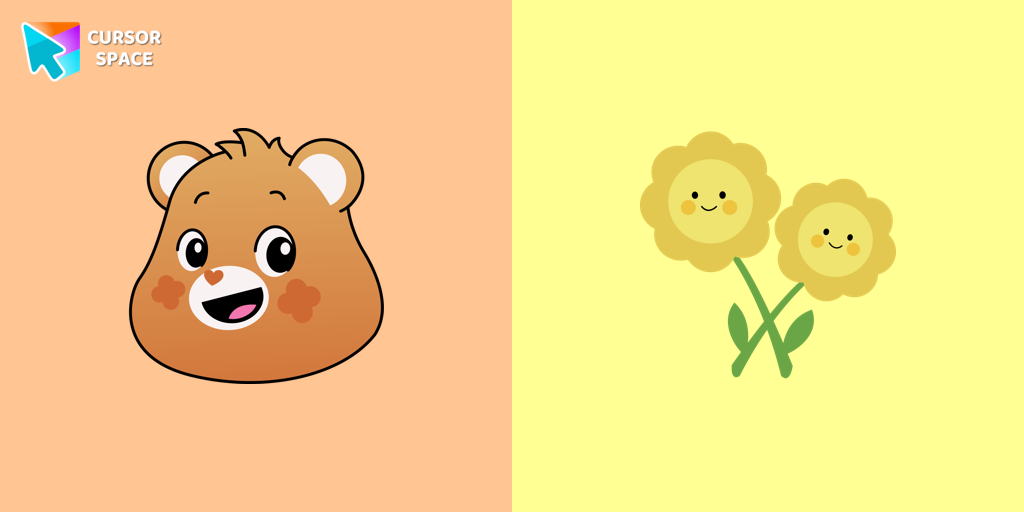 Friend Bear cursorEmbrace Friendship with the Adorable Friend Bear Custom Cursor
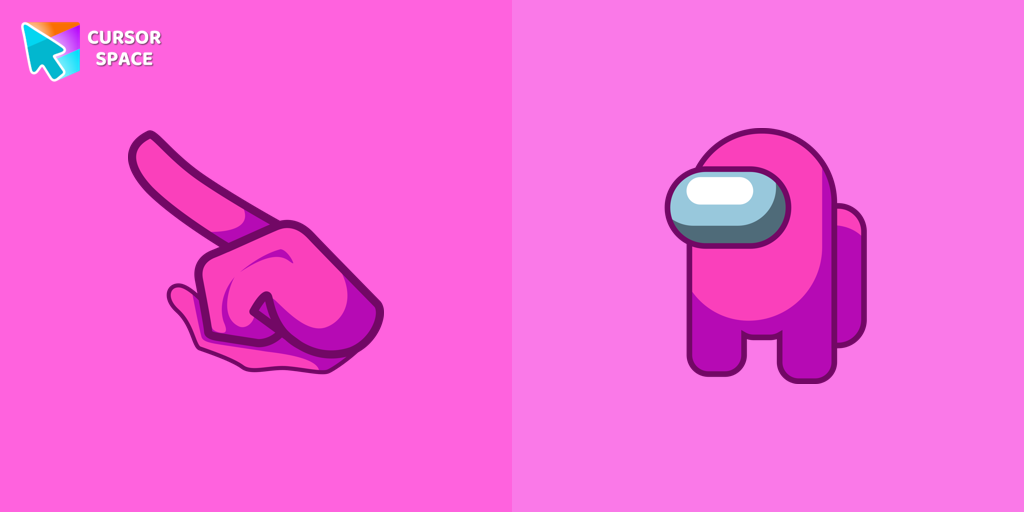 Among Us Pink Character cursorOur custom cursors collection for Chrome includes the Pink Among Us Character cursor, allowing players to stand out in the game and add a personal touch to their gameplay experience.
 Oreo spark orange cursorsOreo Spark Orange Cursors add a burst of energy and vibrancy to your computer interface, making navigation a visually stimulating experience.
 Among Us Rick Sanchez Character cursorElevate your gaming with a custom cursor for Google Chrome featuring Rick Sanchez from "Rick and Morty." Personalize your custom cursor for a unique experience.
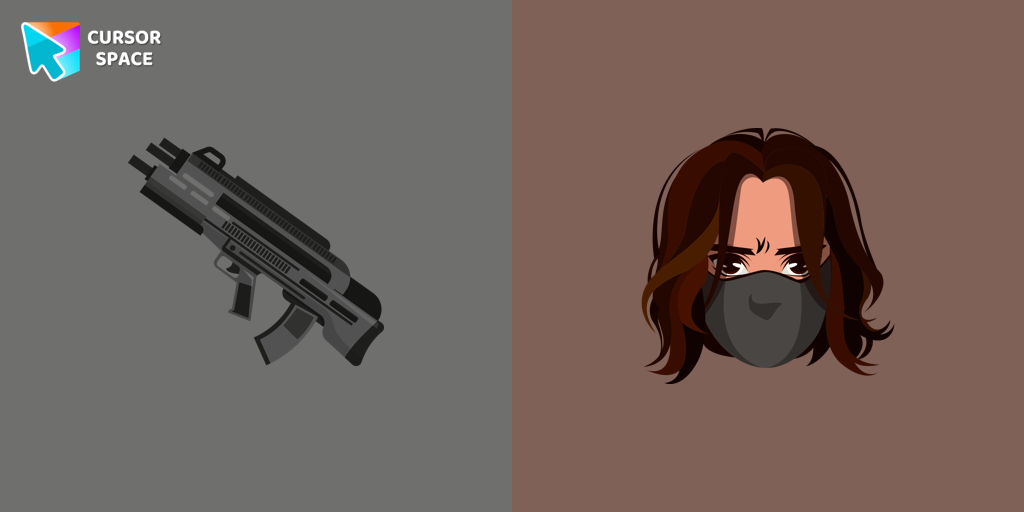 Winter Soldier cursorAdd the Winter Soldier custom cursor for Google Chrome and bring a touch of mystery to your screen. Perfect for fans of the Marvel universe.
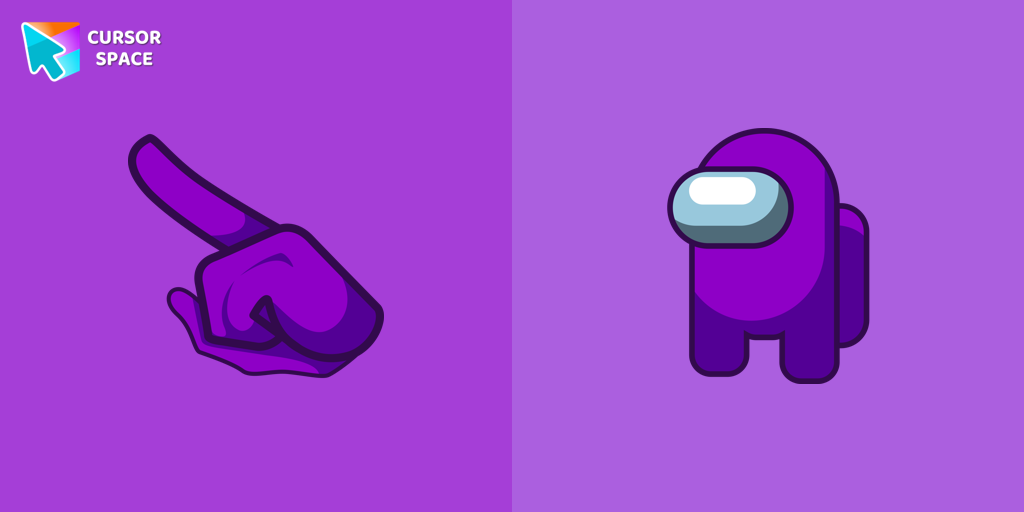 Among Us Purple Character cursorOur collection of custom cursors for Chrome includes the Among Us Purple Character cursor.
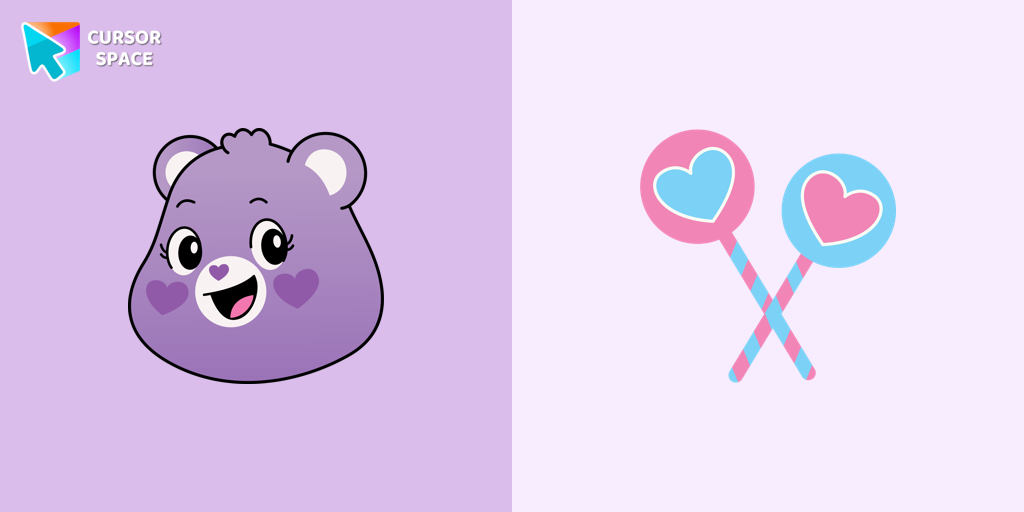 Share Bear cursorShare the Joy with the Share Bear Cursor - Spreading Kindness Online
 Among Us White Character cursorAmong Us White Character Cursor - Unveiling the Mystery of the Plain and Innocent Crewmate
 Blue Abstract Texture cursorEnhance your browsing with the Blue Abstract Texture custom cursor. This custom cursor for Google Chrome adds style and sophistication with its captivating blue design.
Explore cursor packs by style
Cursor Space packs include curated cursor sets for everyday browsing: cute, minimal, anime, neon, pixel art, and more. Each pack comes with multiple cursor states (like default and pointer) and can be added to your browser in seconds.
Trending now
Fresh picks based on what people install most often.
Collections
Browse themed sets grouped by vibe and aesthetic.
Top charts
See weekly, monthly, and all-time leaders.
How to install a cursor pack
- Open any pack from the grid above.
- Click the install / add button on the pack page.
- If you don’t have it yet, install the Cursor Space browser extension.
- Apply the pack in the extension and enjoy your new cursor.
FAQ
Quick answers to common questions about cursor packs, collections, and installation.
Are cursor packs free on Cursor Space?
Most cursor packs on Cursor Space are free to browse and install. Some packs may be marked premium depending on licensing. The Cursor Space browser extension is free to install from the Chrome Web Store.
Do cursor packs work on Chrome and Edge?
Yes. Install the Cursor Space extension for Chromium-based browsers (Chrome, Edge, Brave), open a pack page, and click install/apply. The extension applies the cursor set across your browser.
How do I install a custom cursor pack?
Open the pack page, click the install or add button, install the Cursor Space extension if prompted, then apply the pack from the extension popup. Your new cursor appears immediately.
Can I change or remove a custom cursor later?
Yes. Open the Cursor Space extension, choose another pack, or restore the default system cursor from the extension settings.
Is the Cursor Space extension safe?
Cursor Space is distributed via the Chrome Web Store and Edge Add-ons. Keep the extension updated, and only install packs from trusted catalog pages on this site.