
All Cursor Packs
Browse our full collection of custom cursors. Find your next favorite style and install it for free.
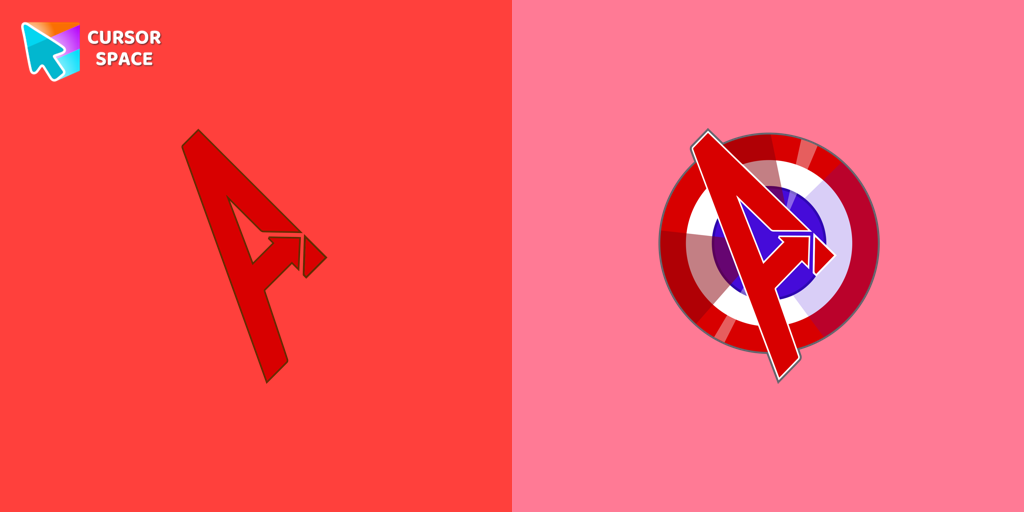 The Avengers cursorThe Avengers custom cursor for Google Chrome lets fans bring their favorite superheroes to life. Personalize your browsing experience with these iconic cursors.
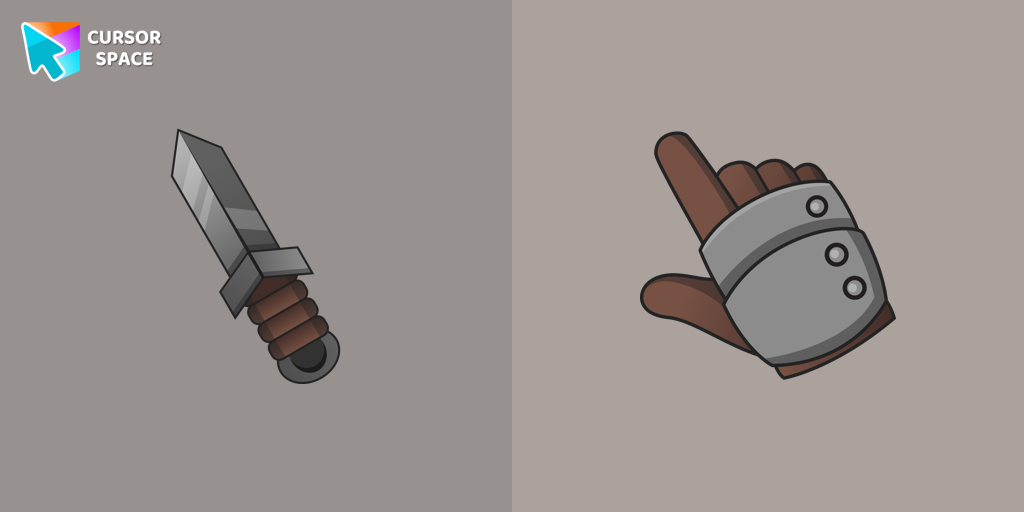 Knight cursorSet off on a medieval adventure with the Knight custom cursor! This charming and gallant design brings whimsy and magic to your browsing experience.
 Oreo Red CursorsExplore Oreo Red Cursors for a bold custom cursor experience on Chrome. Add energy and style to your digital workspace today!
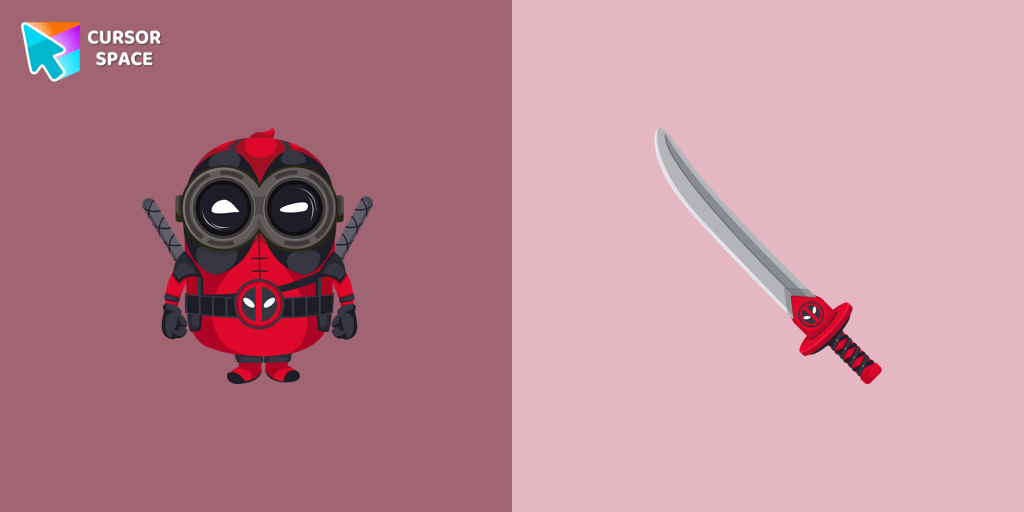 Minion Deadpool Character cursorThe Minion Deadpool Character custom cursor blends Minion fun with Deadpool's humor. Upgrade your browsing with this custom cursor for Google Chrome.
 Bibata Original Rose Pine CursorElevate your digital experience with the sophisticated Bibata Original Rose Pine custom cursor, where stylish design meets smooth, precise navigation.
 Smart Heart Bear cursorSmart Heart Bear custom cursor for the mouse is a pretty character in a Care Bears cursor collection for Chrome.
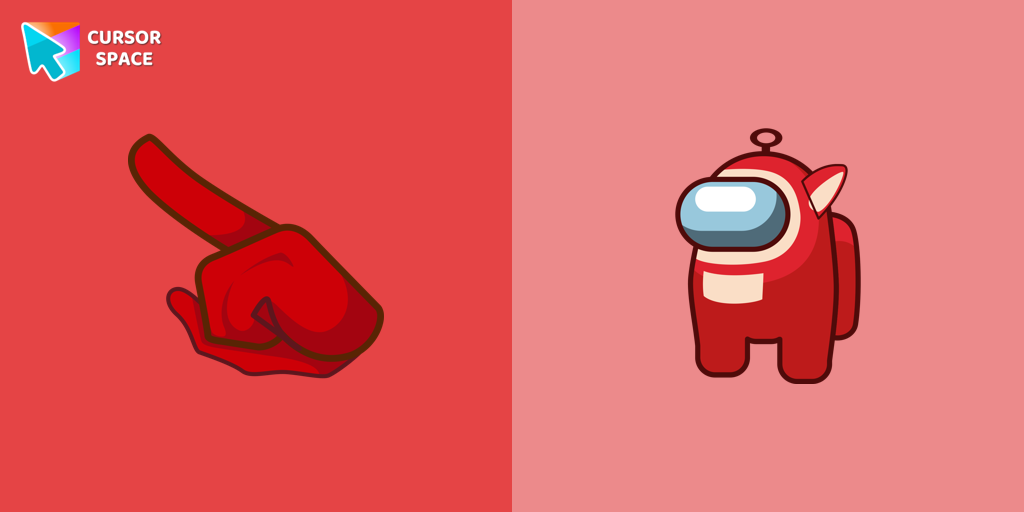 Among Us Teletubbies Character cursorAdd excitement to your Among Us game with a custom cursor featuring mini Teletubbies characters. Try the custom cursor for Google Chrome today!
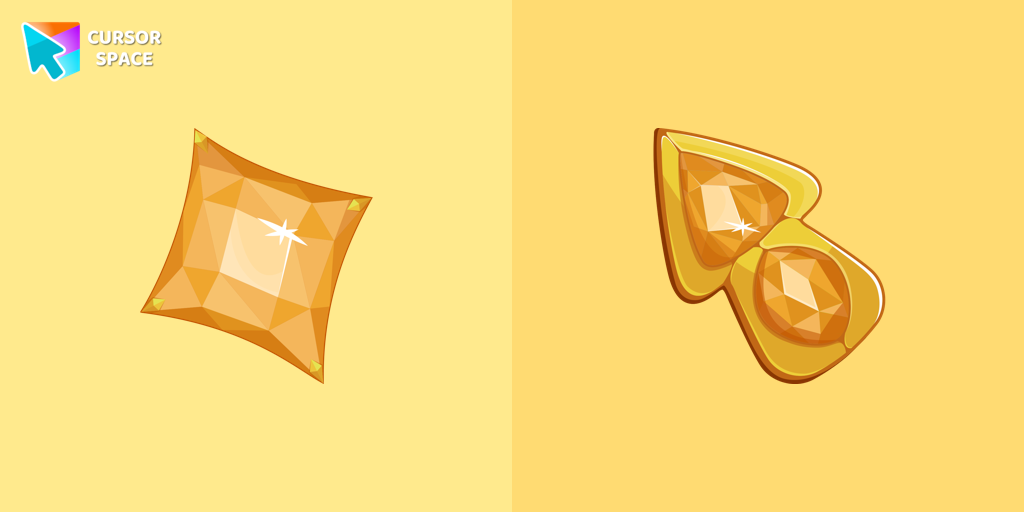 Yellow Diamond cursorUpgrade your browsing with The Yellow Diamond custom cursor—stylish and perfect for Chrome!
 True Heart Bear cursorThe True Heart Bear custom cursor brings charm and nostalgia to your browsing. Enjoy this adorable custom cursor for Google Chrome featuring the iconic Care Bears character.
 Lammy cursorLammy, a purple sheep with wooly white hair and tail fur, dons a cozy white sweater and a small purple bow in her hair. Her best friend...
 Happy Tom cursorDiscover joy with the happy Tom cat cursor for Chrome in our collection inspired by Tom and Jerry custom cursors for your mouse and pointers.
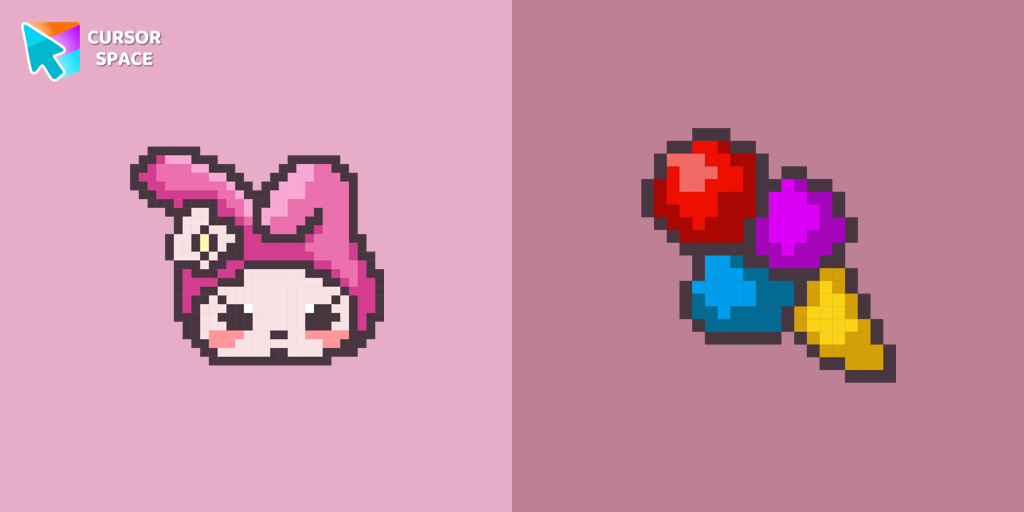 My Melody Pixel cursorCustom cursor with My Melody and ice cream as a hover in a set of Cute Pixel cursors for Chrome.
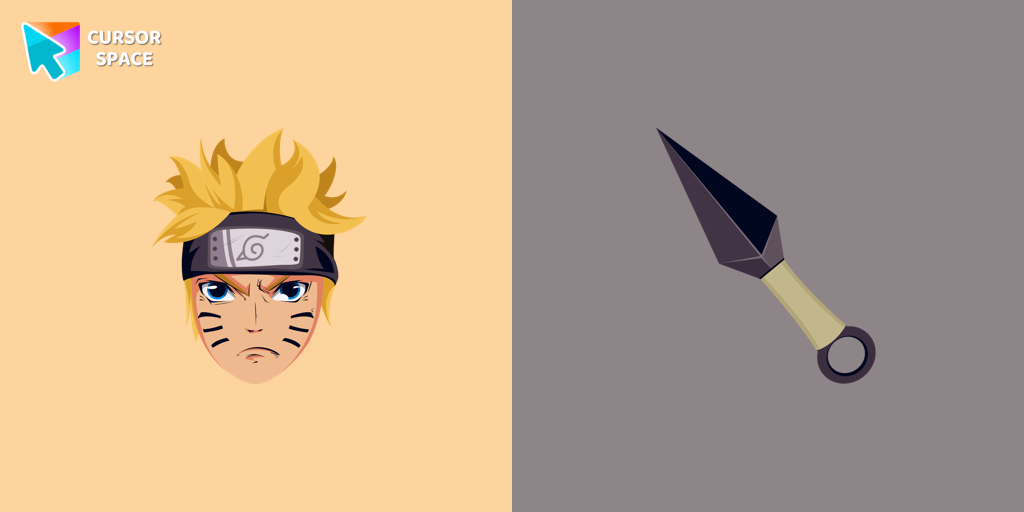 Naruto Uzumaki cursorCustom cursor with Naruto Uzumaki from our custom cursors collection with manga characters.
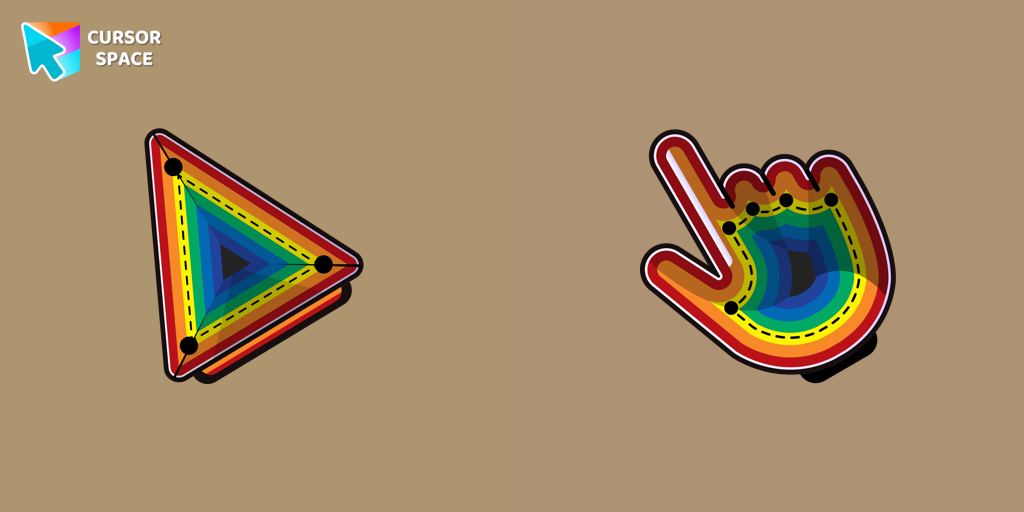 Illusion cursorEnhance your desktop with the Illusion custom cursor - a stylish and eye-catching design that adds flair and personality to your Chrome experience.
 Purple cursorElevate your browsing experience with a purple custom cursor, infusing your screen with a sense of mystery, creativity, and uniqueness.
 Orange cursorIlluminate your screen with a vibrant, energetic custom cursor in orange. Boost creativity, capture attention, and enhance your browsing experience!
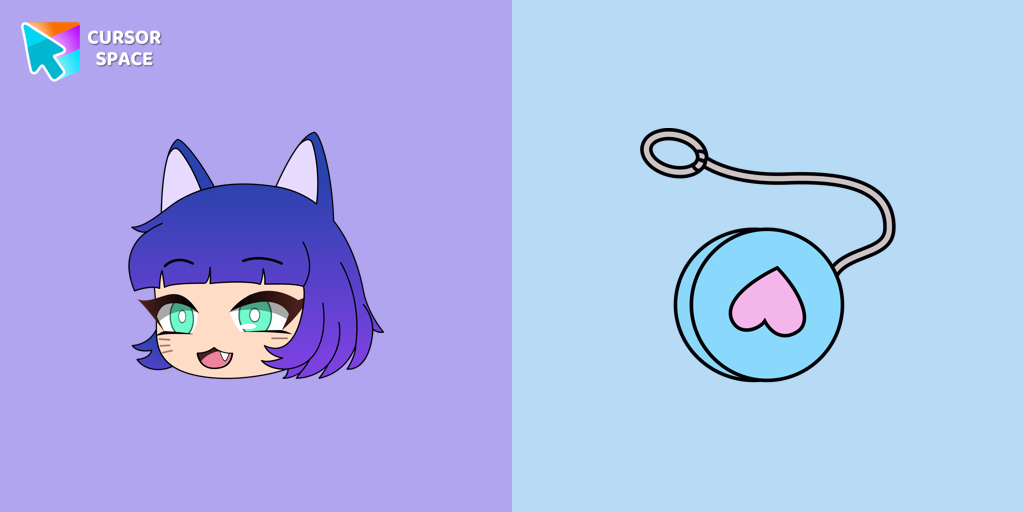 NPC in Gacha Life - Lado cursorAdd Gacha Life flair to your browser with the Lado custom cursor. Perfect for fans, it's part of our Mystery Space collection!
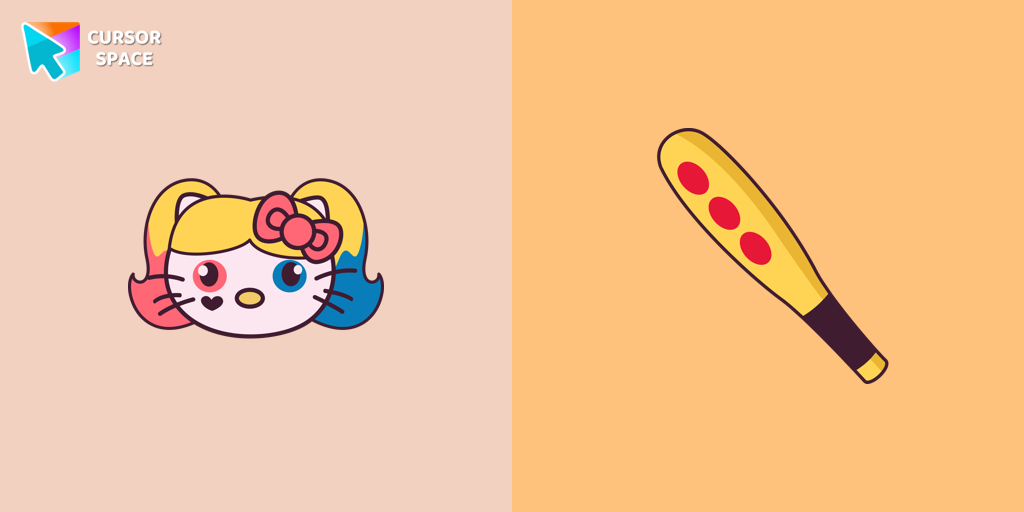 Hello Kitty Harley Quinn cursorHarley Quinn Kitty Cursor was created especially for Halloween for our Hello Kitty custom cursors collection for Chrome.
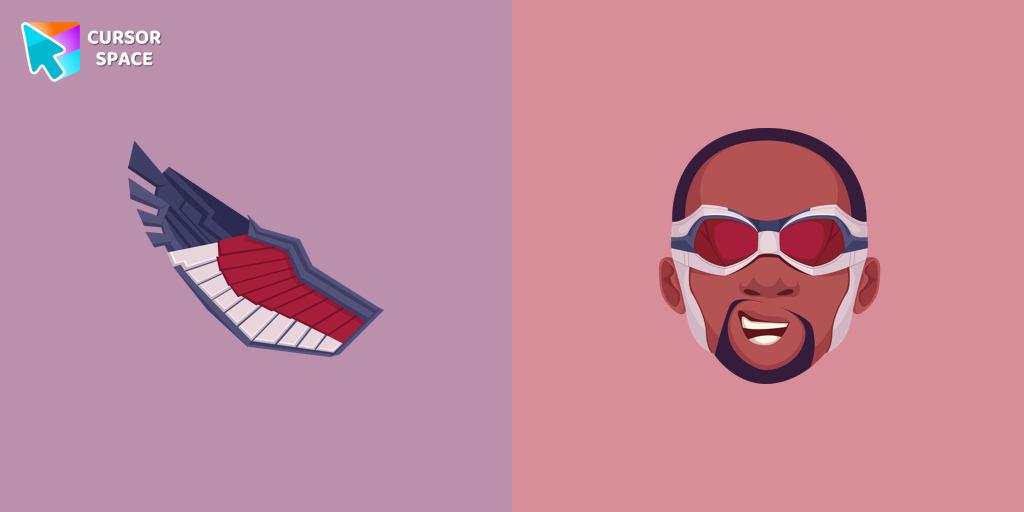 Falcon cursorTransform your browsing experience with the Falcon custom cursor for Google Chrome. Soar through the web with this dynamic and heroic design.
 Comic cursorImmerse yourself in the dynamic realm of comics with our animated comic custom cursor, which brings visual storytelling to your screen and enriches your browsing experience with every move!
Explore cursor packs by style
Cursor Space packs include curated cursor sets for everyday browsing: cute, minimal, anime, neon, pixel art, and more. Each pack comes with multiple cursor states (like default and pointer) and can be added to your browser in seconds.
Trending now
Fresh picks based on what people install most often.
Collections
Browse themed sets grouped by vibe and aesthetic.
Top charts
See weekly, monthly, and all-time leaders.
How to install a cursor pack
- Open any pack from the grid above.
- Click the install / add button on the pack page.
- If you don’t have it yet, install the Cursor Space browser extension.
- Apply the pack in the extension and enjoy your new cursor.
FAQ
Quick answers to common questions about cursor packs, collections, and installation.
Are cursor packs free on Cursor Space?
Most cursor packs on Cursor Space are free to browse and install. Some packs may be marked premium depending on licensing. The Cursor Space browser extension is free to install from the Chrome Web Store.
Do cursor packs work on Chrome and Edge?
Yes. Install the Cursor Space extension for Chromium-based browsers (Chrome, Edge, Brave), open a pack page, and click install/apply. The extension applies the cursor set across your browser.
How do I install a custom cursor pack?
Open the pack page, click the install or add button, install the Cursor Space extension if prompted, then apply the pack from the extension popup. Your new cursor appears immediately.
Can I change or remove a custom cursor later?
Yes. Open the Cursor Space extension, choose another pack, or restore the default system cursor from the extension settings.
Is the Cursor Space extension safe?
Cursor Space is distributed via the Chrome Web Store and Edge Add-ons. Keep the extension updated, and only install packs from trusted catalog pages on this site.