
All Cursor Packs
Browse our full collection of custom cursors. Find your next favorite style and install it for free.
 Toronto Blue Jays cursorShow your team spirit with the Toronto Blue Jays custom cursor for Google Chrome. Choose from Blue Jays-themed designs to personalize your browsing experience.
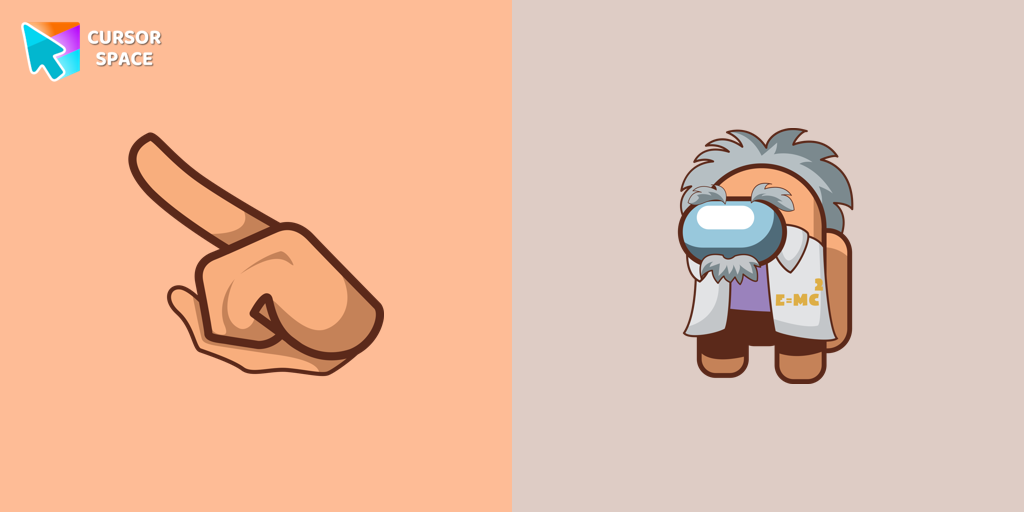 Among Us Albert Einstein cursorAdd Some Brainpower to Your Browsing Experience with the Among Us Albert Einstein Cursor
 Among Us Orange Character cursorOur custom cursors for Among Us now includes the Orange character cursor. Players can add a pop of bright color to their in-game character and show off their unique style while playing Among Us.
 Striped cursorEnhance your desktop with the Striped custom cursor set, featuring vibrant green and blue stripes that bring a modern style and unique personality to your screen.
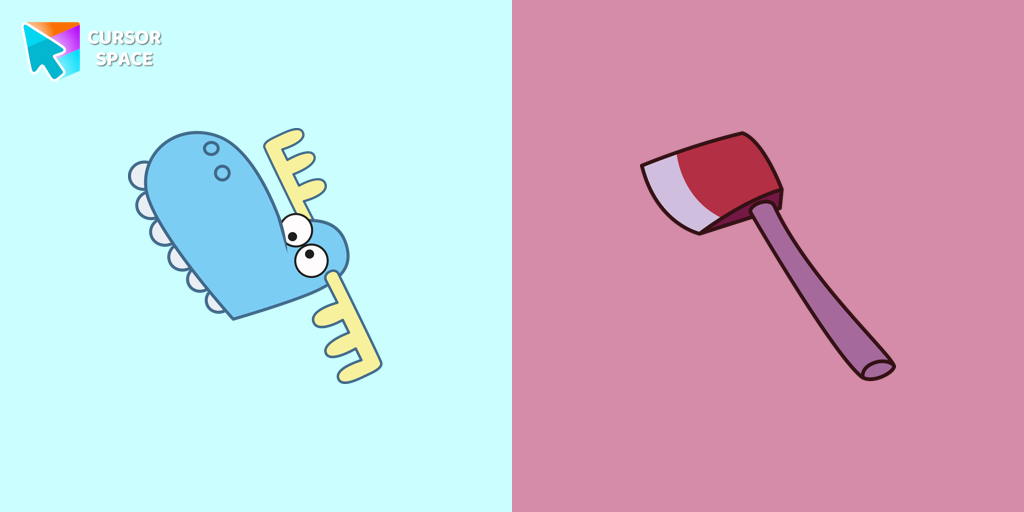 Lumpy cursorLumpy, a dim-witted blue moose from Happy Tree Friends, is a main character featured in almost every episode. Try a fun custom cursor or custom cursor for Google Chrome.
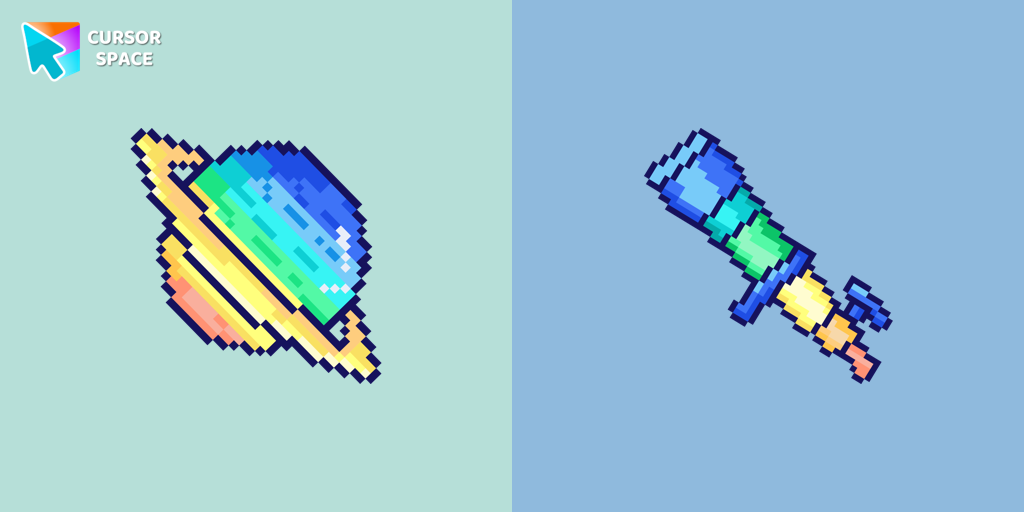 Saturn Pixel cursorSaturn Pixel custom cursor from our Cute Pixel cursors collection for mouse and pointer.
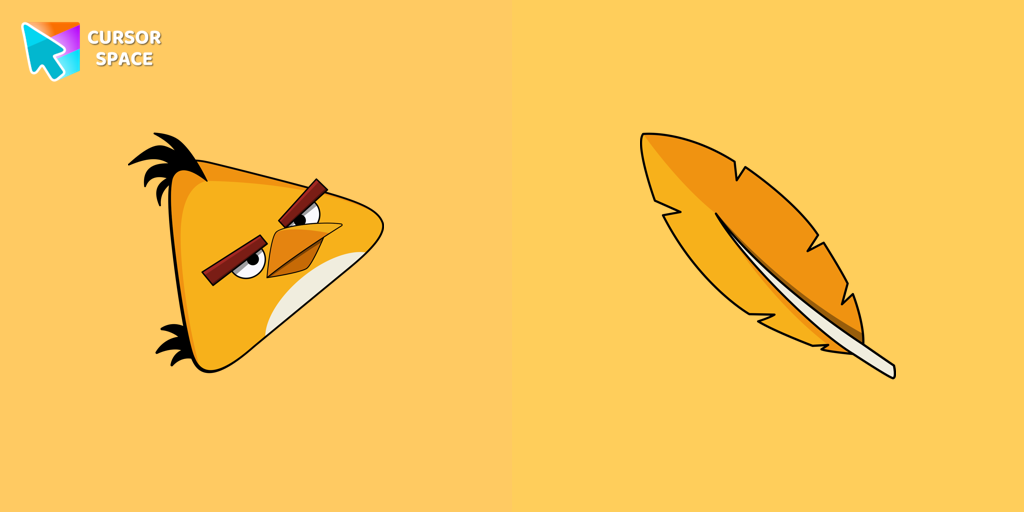 Angry Birds Chuck cursorChuck, an iconic character from the Angry Birds series, is now available as an adorable cursor in our collection.
 Blue Black CursorReplaces default cursor with Blue Cursor cute. Change the usual mouse to an amazing cute Blue Cursor cursors or download cursor
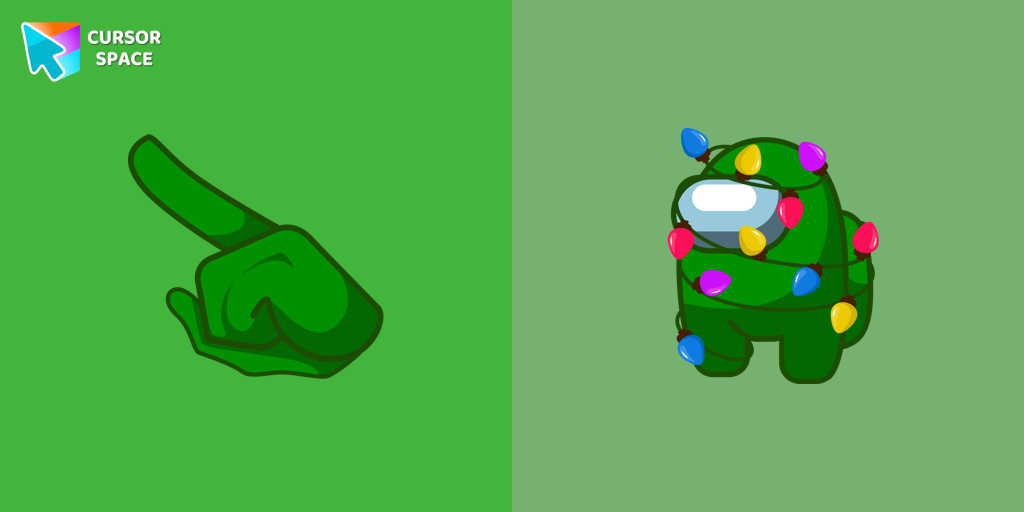 Among Us Christmas Tree cursorEmbrace the Festive Spirit with the Among Us Christmas Tree Cursor
 Gacha Life Ezra cursorPersonalize your browsing with Gacha Life's Ezra custom cursor, blending game love and style seamlessly.
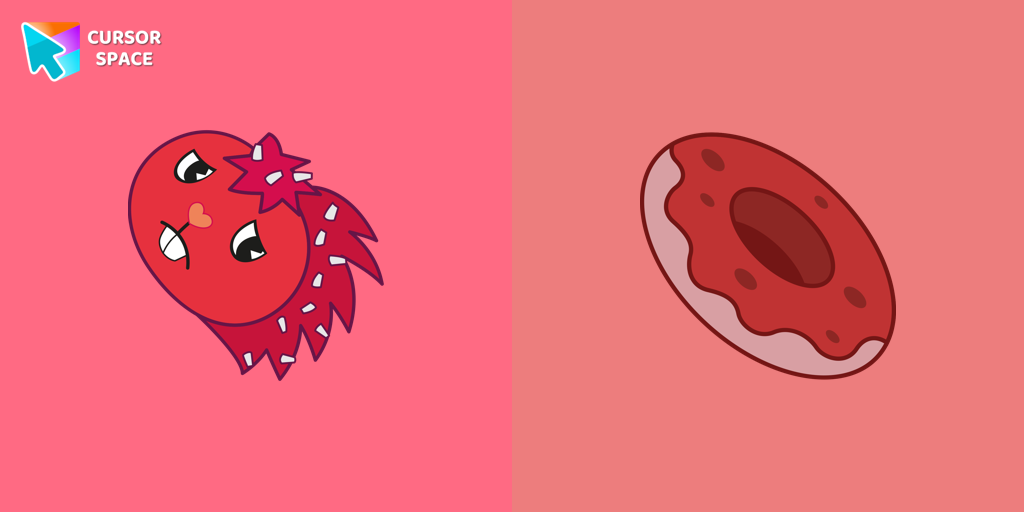 Flaky cursorFlaky, a popular character in the Happy Tree Friends series, is a red porcupine with quills resembling white flakes
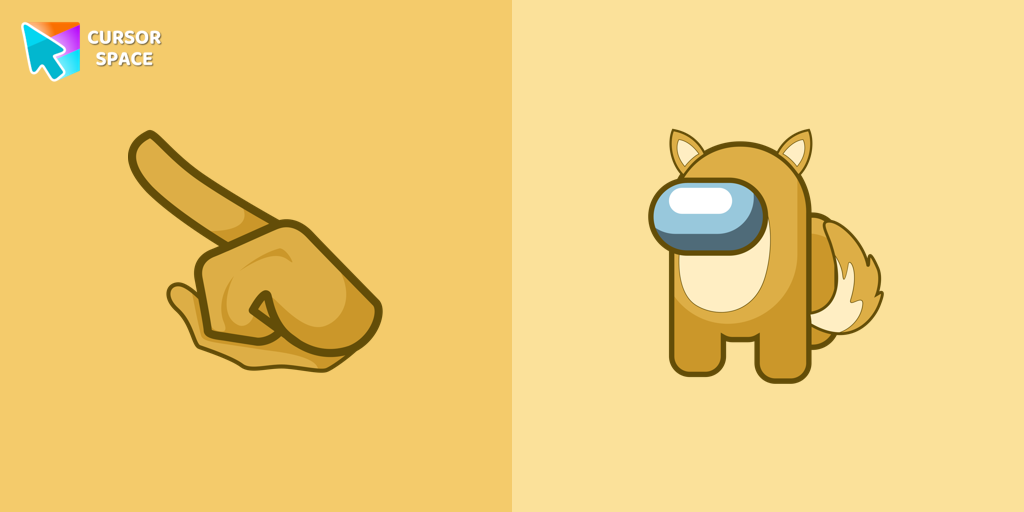 Among Us Fox Character cursorEmbrace Cunning Cuteness with the Among Us Fox Character Cursor
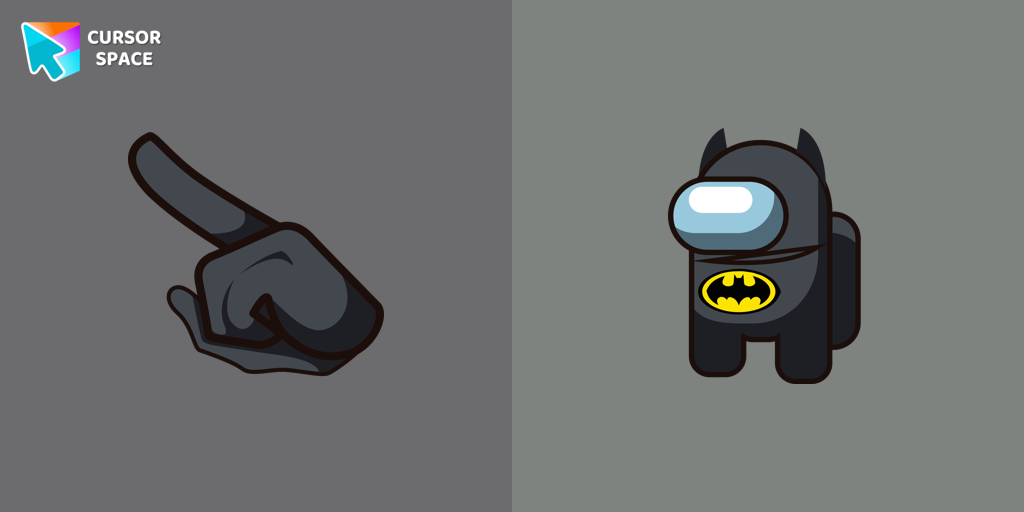 Among Us Batman Character cursorEmbrace the Night with the Among Us Batman Character Cursor
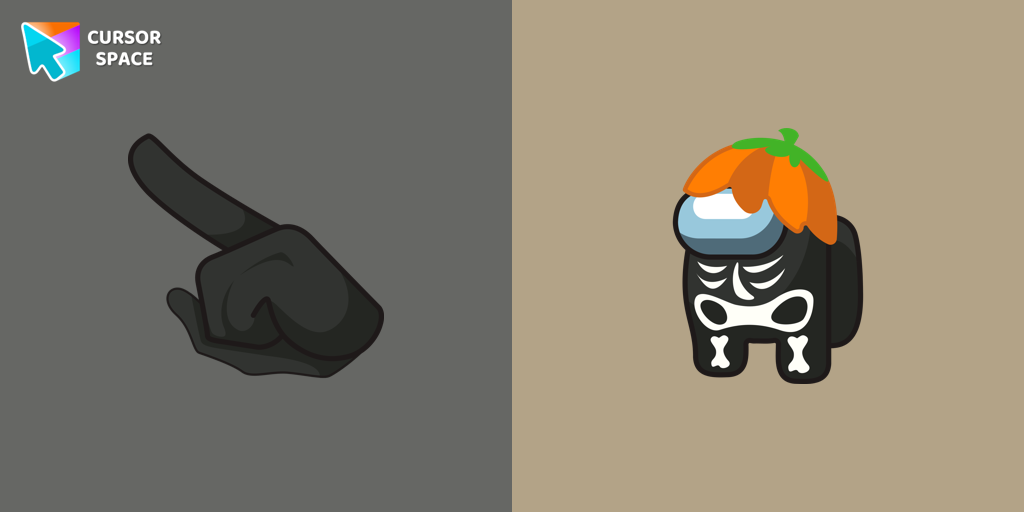 Among Us Skeleton Character cursorCustomize Your Cursor with the Among Us Skeleton Character for a Spook-tacular Experience!
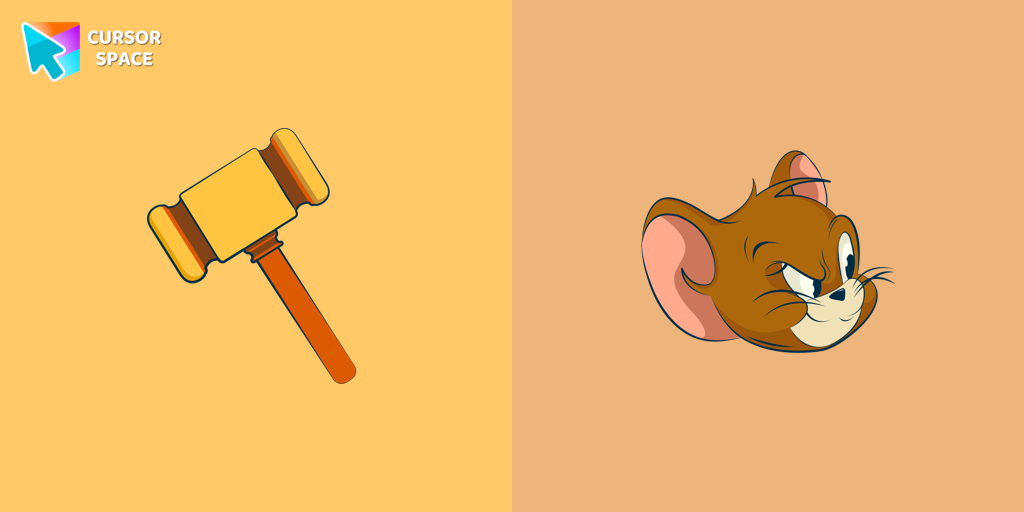 Angry Jerry cursorSpice up your cursor collection with the incredible Tom and Jerry custom cursors, and say goodbye to boring cursors forever.
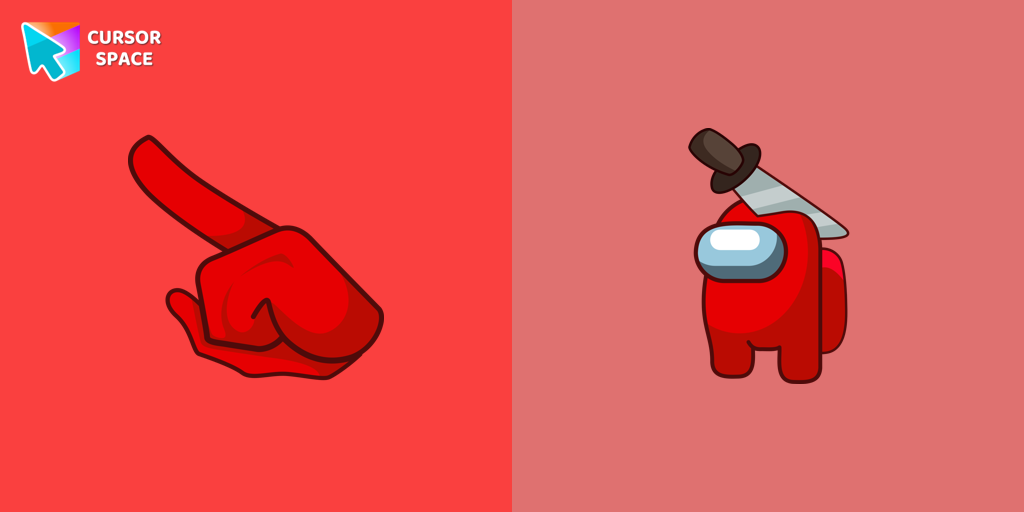 Among Us Red Character with Halloween Hat cursorEmbrace the Spookiness: Unveiling the Among Us Red Character with Halloween Hat Cursor
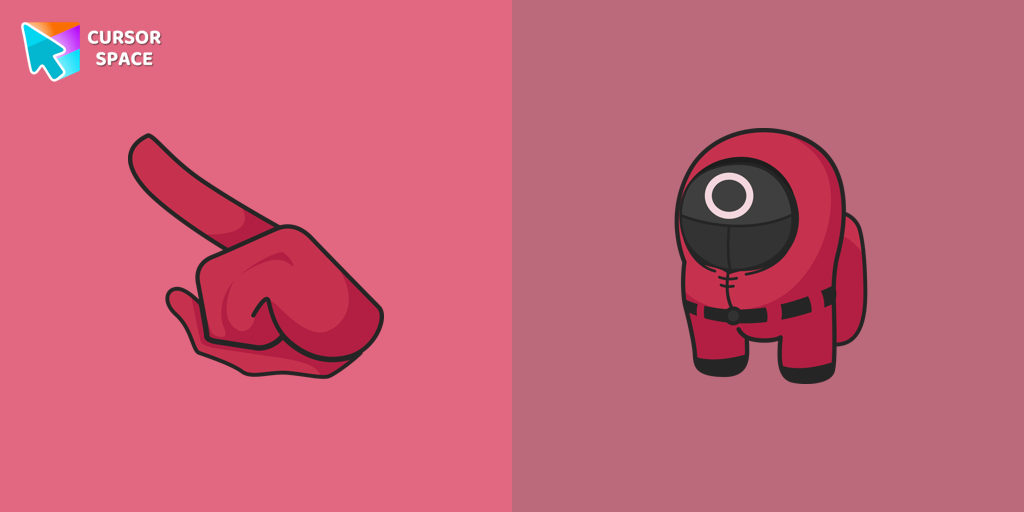 Among Us Squid Game Worker Character cursorAdd an Extra Layer of Immersion to your Among Us Gameplay with the Squid Game Worker Character Cursor
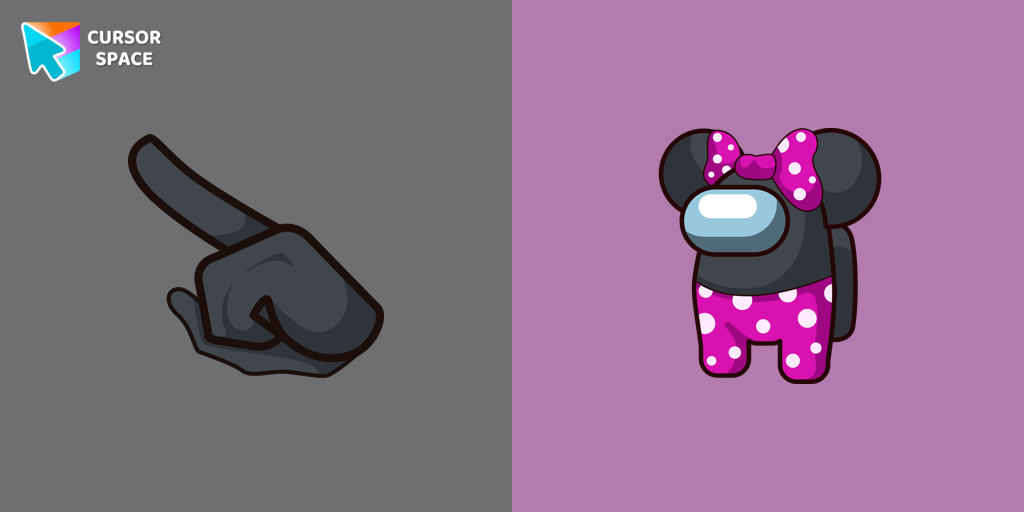 Among Us Minnie Mouse Character cursorAmong Us Minnie Mouse Character Cursor: A Perfect Blend of Cuteness and Intrigue
 Bibata Original Amber CursorEnhance your workspace aesthetics and efficiency with Bibata Original Amber Cursor, a custom cursor offering refined design and excellent visibility.
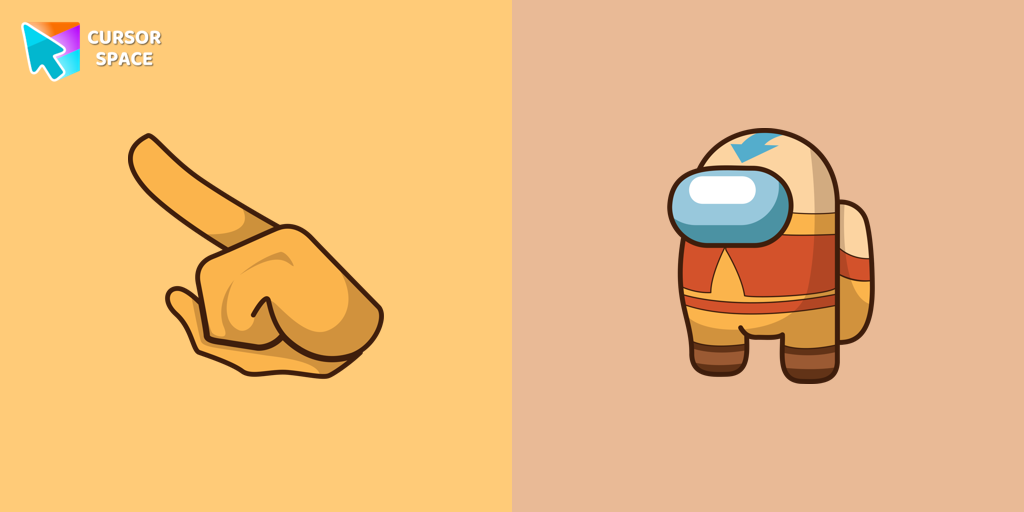 Among Us Avatar Aang Character cursorAdd fun and charm to your browsing with the Among Us Avatar Aang custom cursor for Google Chrome. A playful and colorful cursor for fans of both series.
Explore cursor packs by style
Cursor Space packs include curated cursor sets for everyday browsing: cute, minimal, anime, neon, pixel art, and more. Each pack comes with multiple cursor states (like default and pointer) and can be added to your browser in seconds.
Trending now
Fresh picks based on what people install most often.
Collections
Browse themed sets grouped by vibe and aesthetic.
Top charts
See weekly, monthly, and all-time leaders.
How to install a cursor pack
- Open any pack from the grid above.
- Click the install / add button on the pack page.
- If you don’t have it yet, install the Cursor Space browser extension.
- Apply the pack in the extension and enjoy your new cursor.
FAQ
Quick answers to common questions about cursor packs, collections, and installation.
Are cursor packs free on Cursor Space?
Most cursor packs on Cursor Space are free to browse and install. Some packs may be marked premium depending on licensing. The Cursor Space browser extension is free to install from the Chrome Web Store.
Do cursor packs work on Chrome and Edge?
Yes. Install the Cursor Space extension for Chromium-based browsers (Chrome, Edge, Brave), open a pack page, and click install/apply. The extension applies the cursor set across your browser.
How do I install a custom cursor pack?
Open the pack page, click the install or add button, install the Cursor Space extension if prompted, then apply the pack from the extension popup. Your new cursor appears immediately.
Can I change or remove a custom cursor later?
Yes. Open the Cursor Space extension, choose another pack, or restore the default system cursor from the extension settings.
Is the Cursor Space extension safe?
Cursor Space is distributed via the Chrome Web Store and Edge Add-ons. Keep the extension updated, and only install packs from trusted catalog pages on this site.