
All Cursor Packs
Browse our full collection of custom cursors. Find your next favorite style and install it for free.
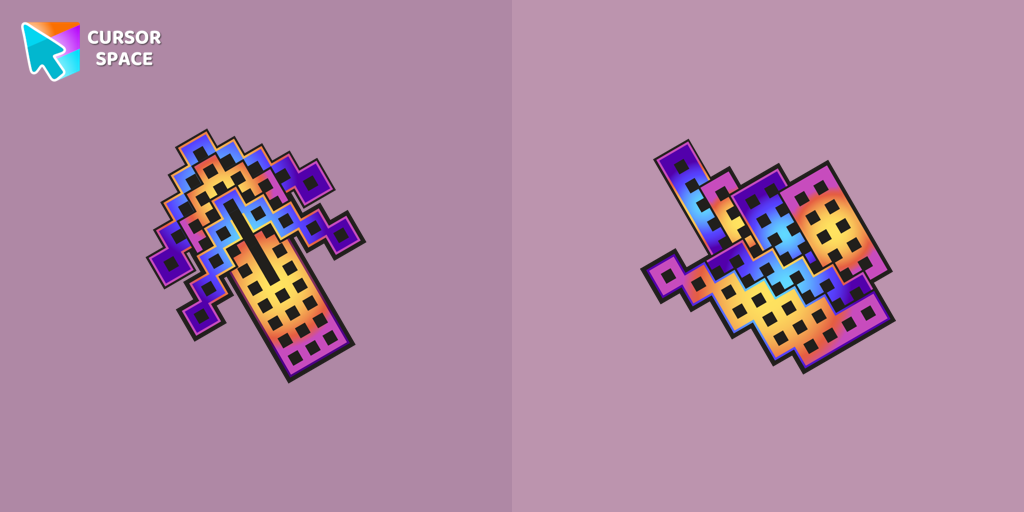 Building cursorElevate your browsing with The Building custom cursor for Chrome. Enjoy a unique design that adds charm and creativity to your everyday pointer.
 Byakuya Togami cursorExplore custom cursor collections featuring Byakuya Togami, pixel art, and gaming icons. Perfect for personalizing your browsing experience!
 Among Us Green Character With Green Leaf cursorEmbrace Nature: Exploring the Among Us Green Character with Green Leaf Cursor
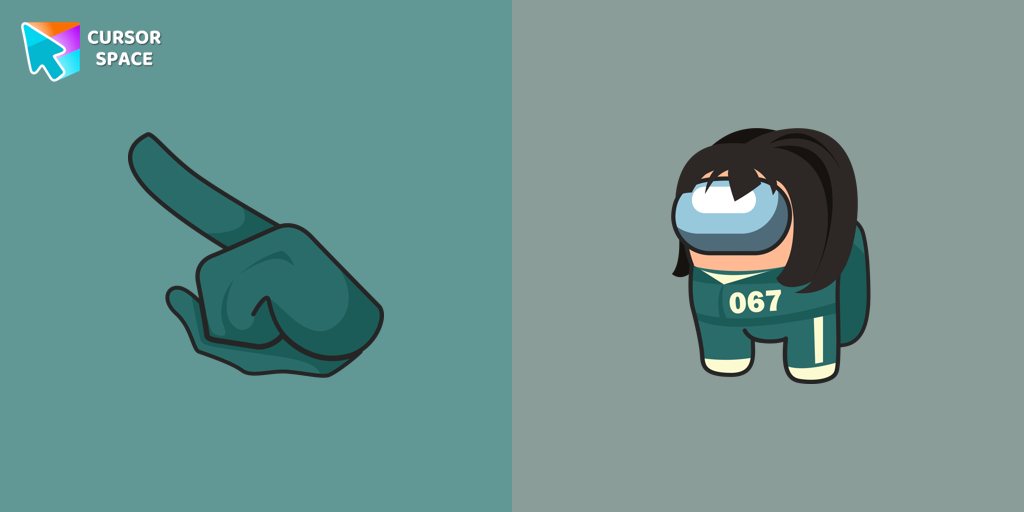 Among Us Squid Game Sae-Byeok Character cursorIntroducing the Adorable Among Us Squid Game Sae-Byeok Character Cursor!
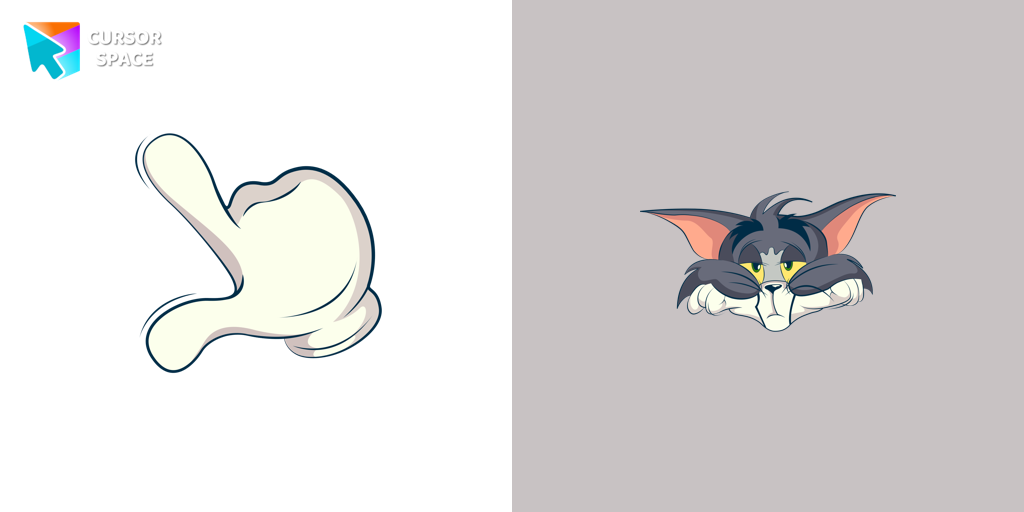 Bored Tom cursorThe Tom and Jerry custom cursor collection for Chrome features a fun and animated cursor of Tom, the mischievous cat.
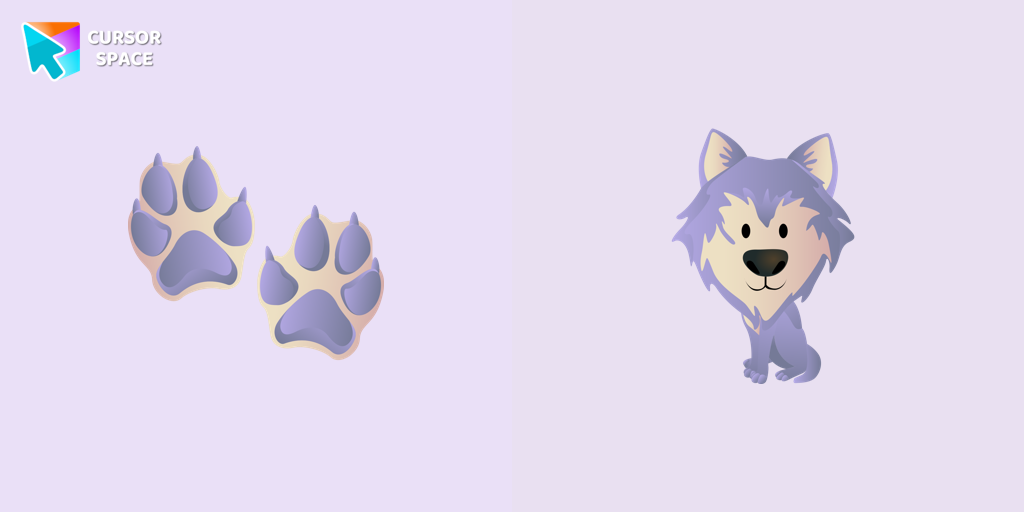 Wolf cursorIn our cute custom cursors collection with animals, we have illustrated a wolf as a custom cursor for browser in a nice art.
 Monkey D. Luffy Pixel cursorMonkey D. Luffy custom cursor from our Cute Pixel cursors collection for mouse and pointer.
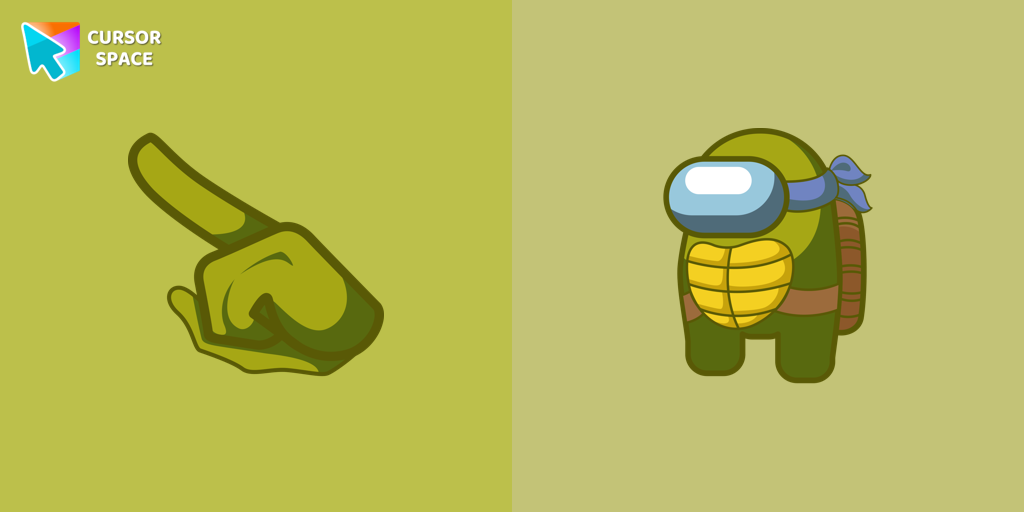 Among Us Ninja Turtle Character cursorUnleash Turtle Power with the Among Us Ninja Turtle Character Cursor
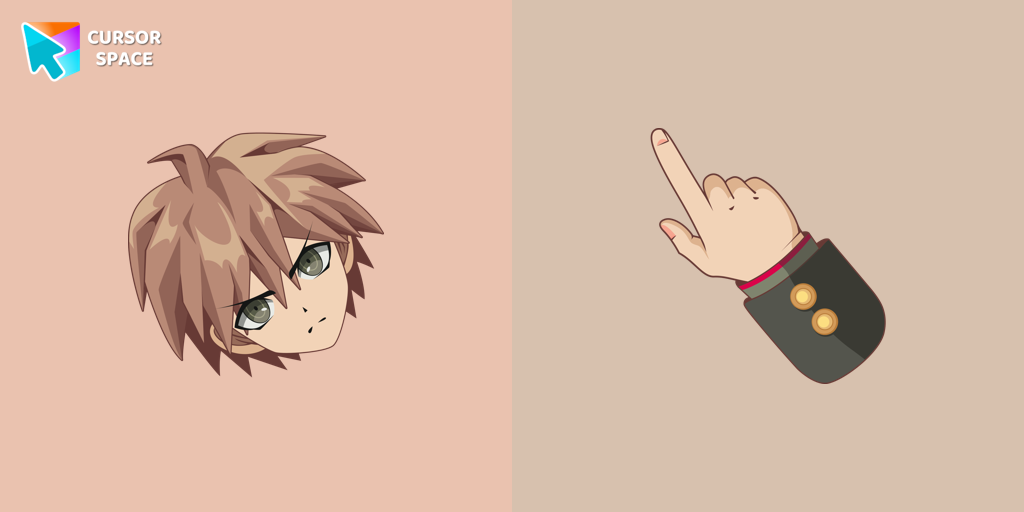 Makoto Naegi cursorEnhance your browsing with Makoto Naegi, the Ultimate Lucky Student, by using our custom cursor. Swap your default cursor for Makoto Naegi's image for a unique touch.
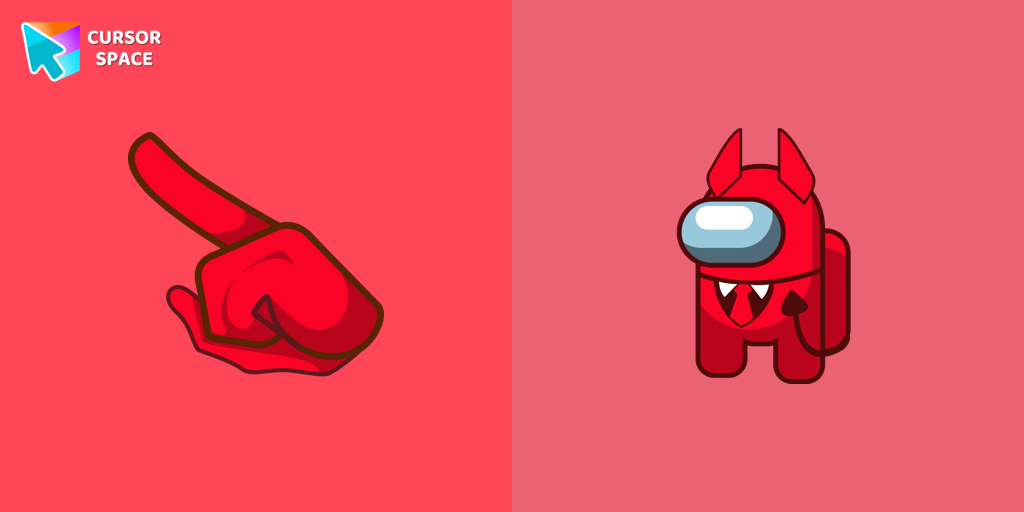 Among Us Devil Character cursorUnleash Adorable Charm with the Cute Among Us Devil Character Cursor!
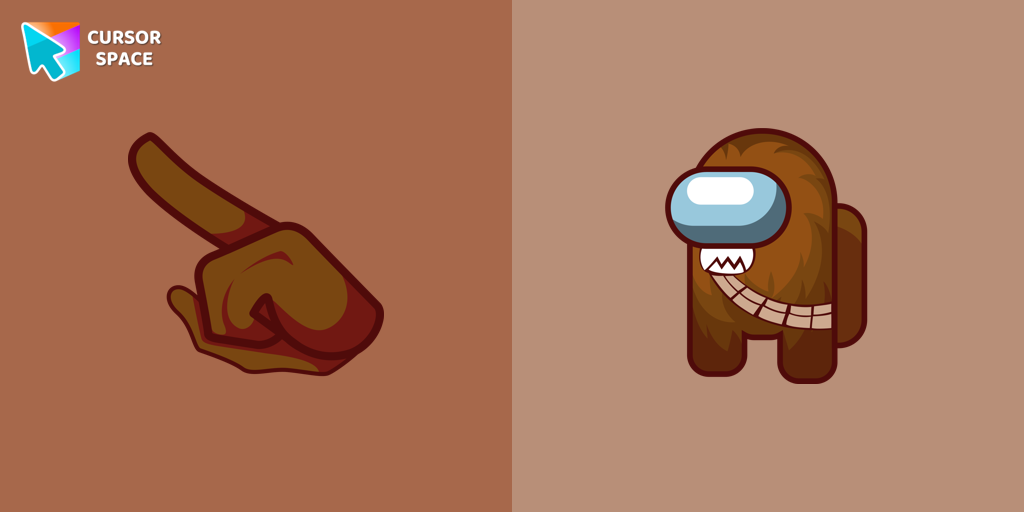 Among Us Chewbacca Character cursorThe Chewbacca character cursor is a highly sought-after customization option in Among Us.
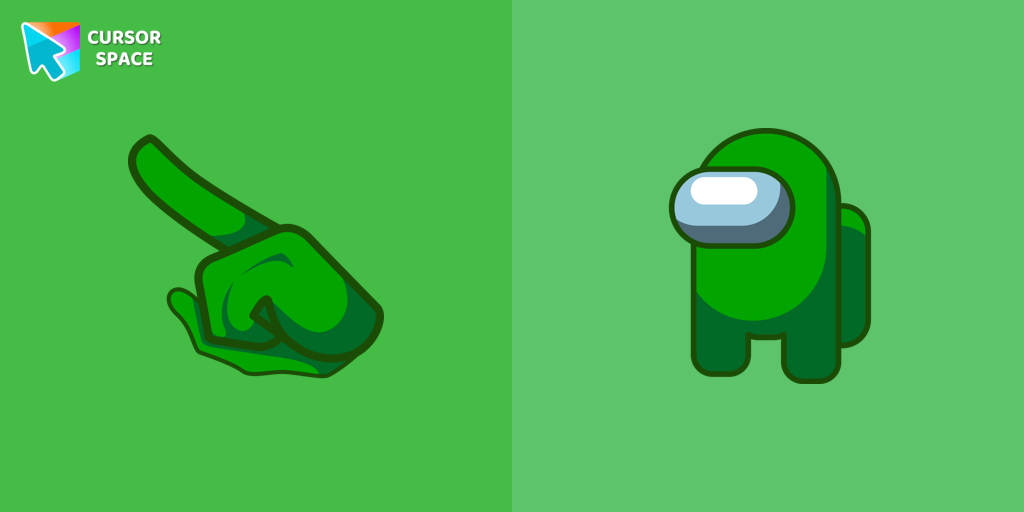 Amp up Your Among Us Game with Green Character CursorsGreen is a color that symbolizes vitality, growth, and unity. When you equip the Among Us Green Character Cursors, you instantly add a burst of energy and vibrancy to your gaming session.
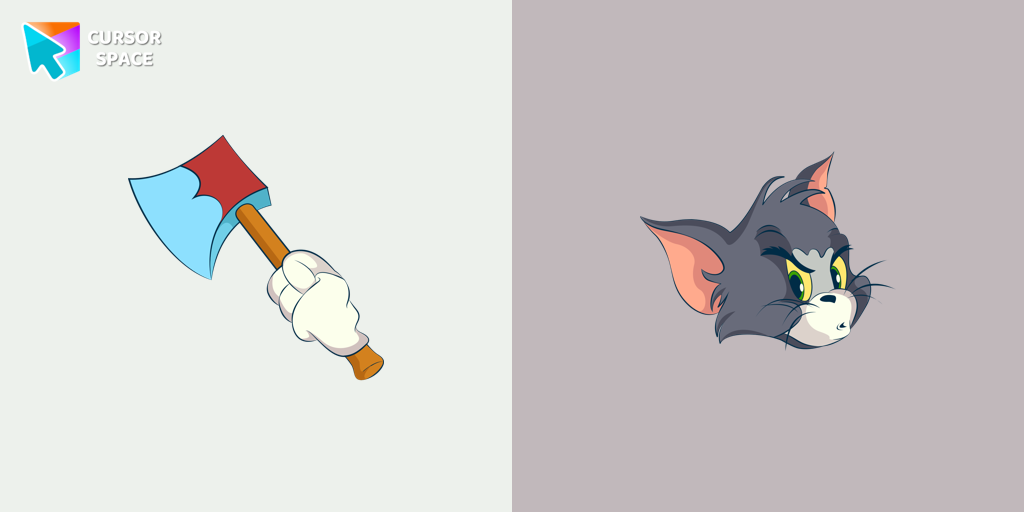 Angry Tom cursorBring the iconic Tom cat to your screen with this custom cursor for Google Chrome. Get the angry Tom cat cursor from the Tom & Jerry collection today!
 Green Spades cursorAdd a fresh vibe to your screen with the Green Spades custom cursor for Chrome. Make your browsing stylish and unique!
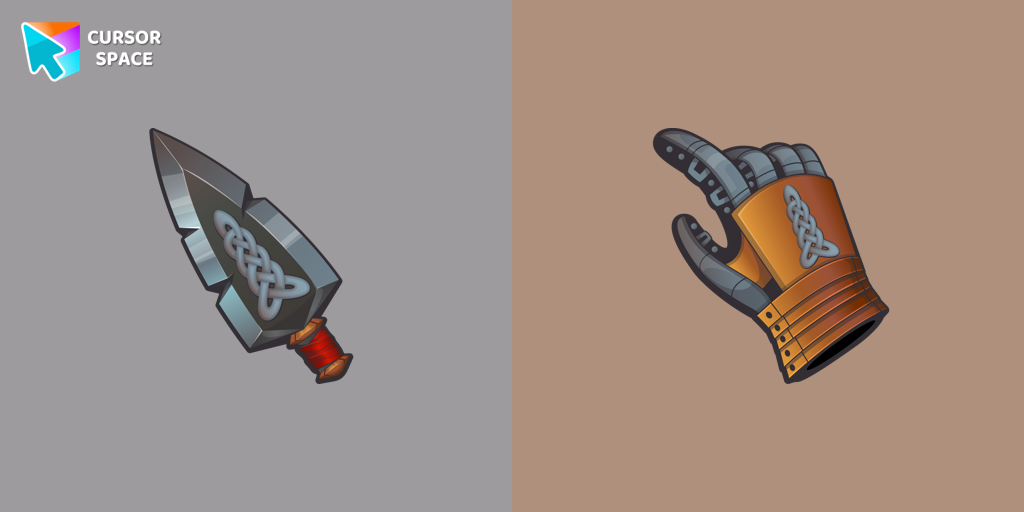 Elf Blade cursorElevate your desktop experience with the Elf Blade custom cursor - adorable, stylish, and unique. Add personality and charm to your digital world.
 Bibata Tinted CursorEnhance visibility and productivity with the Bibata Tinted custom cursor - stylish, nimble, and vibrant for a personalized browsing experience.
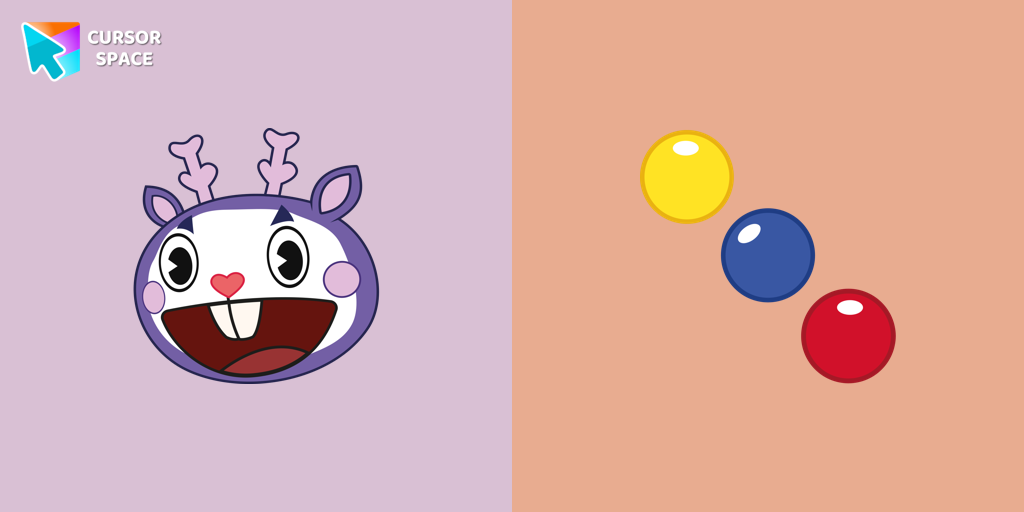 Mime cursorMime, the purple deer character from Happy Tree Friends, is known for communicating solely through gestures.
 Default Blue Pixel cursorBlue Pixel Cursor is a custom cursor from our custom cursors collection for Chrome.
 No-Face Pixel cursorNo-Face is a character in the film, Spirited Away. Add No-Face cursor to the collection of custom cursors with Pixel art for the browser.
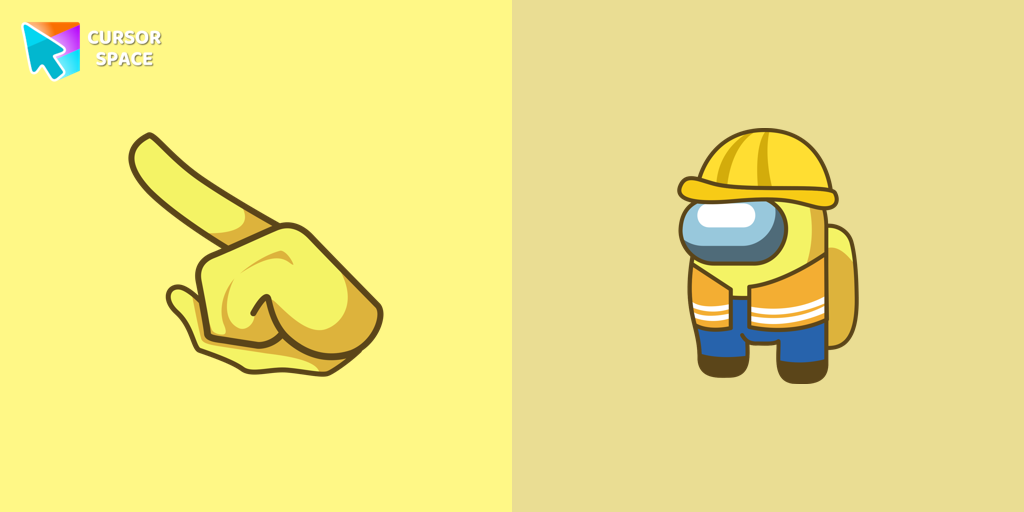 Among Us Builder Character cursorAdd fun to your browsing with the Among Us Builder Character custom cursor. Replace your standard cursor with a playful custom cursor for Google Chrome today!
Explore cursor packs by style
Cursor Space packs include curated cursor sets for everyday browsing: cute, minimal, anime, neon, pixel art, and more. Each pack comes with multiple cursor states (like default and pointer) and can be added to your browser in seconds.
Trending now
Fresh picks based on what people install most often.
Collections
Browse themed sets grouped by vibe and aesthetic.
Top charts
See weekly, monthly, and all-time leaders.
How to install a cursor pack
- Open any pack from the grid above.
- Click the install / add button on the pack page.
- If you don’t have it yet, install the Cursor Space browser extension.
- Apply the pack in the extension and enjoy your new cursor.
FAQ
Quick answers to common questions about cursor packs, collections, and installation.
Are cursor packs free on Cursor Space?
Most cursor packs on Cursor Space are free to browse and install. Some packs may be marked premium depending on licensing. The Cursor Space browser extension is free to install from the Chrome Web Store.
Do cursor packs work on Chrome and Edge?
Yes. Install the Cursor Space extension for Chromium-based browsers (Chrome, Edge, Brave), open a pack page, and click install/apply. The extension applies the cursor set across your browser.
How do I install a custom cursor pack?
Open the pack page, click the install or add button, install the Cursor Space extension if prompted, then apply the pack from the extension popup. Your new cursor appears immediately.
Can I change or remove a custom cursor later?
Yes. Open the Cursor Space extension, choose another pack, or restore the default system cursor from the extension settings.
Is the Cursor Space extension safe?
Cursor Space is distributed via the Chrome Web Store and Edge Add-ons. Keep the extension updated, and only install packs from trusted catalog pages on this site.