
All Cursor Packs
Browse our full collection of custom cursors. Find your next favorite style and install it for free.
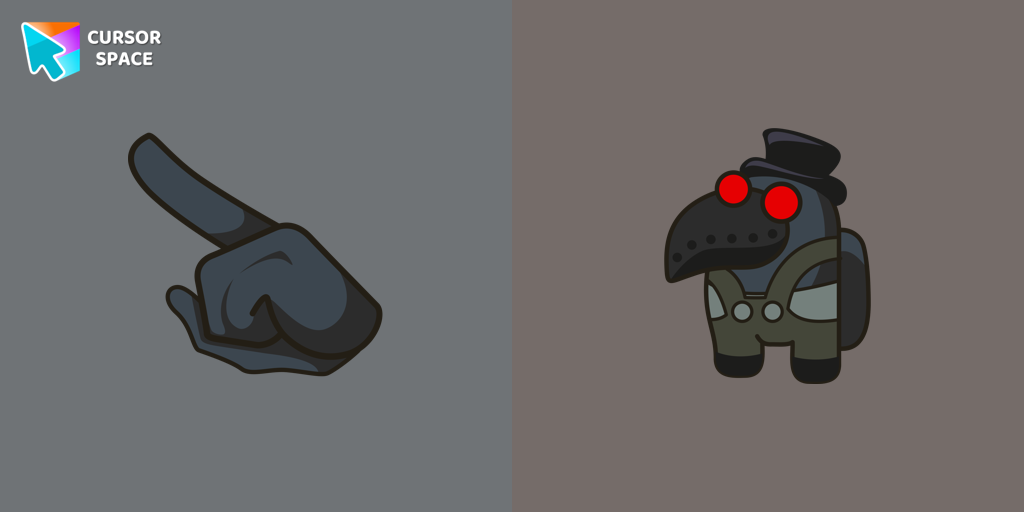 Among Us Plague Doctor Character cursorMysterious and Macabre: Dive into the Among Us Plague Doctor Character Cursor
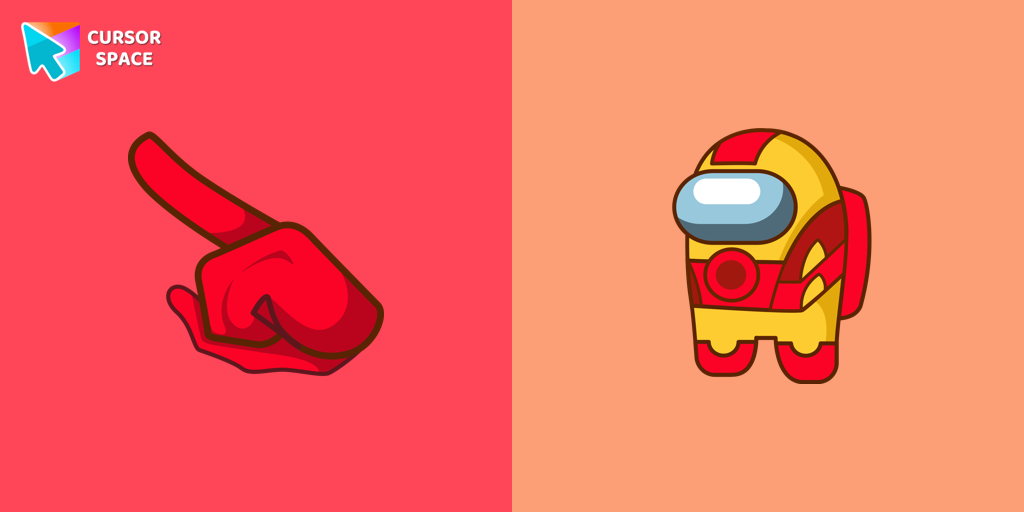 Among Us Iron Man Character CursorIf you're a fan of the popular game Among Us, as well as the legendary superhero Iron Man from the Marvel universe, then get ready to have your minds blown!
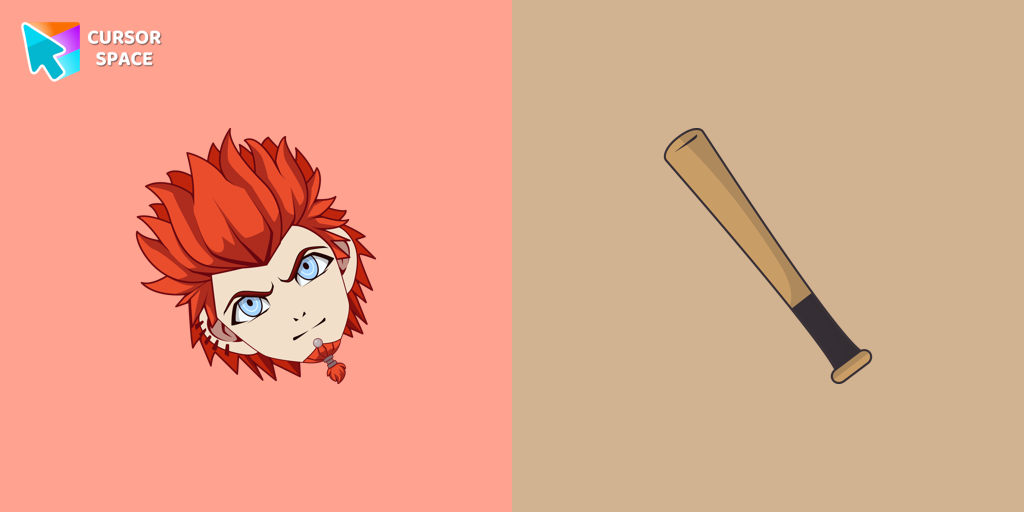 Leon Kuwata cursorA student of Hope's Peak Academy Class 78 and a member of the Killing School Life in Danganronpa, featured in our collection of the same name as a cursor
 Nutty cursorNutty from Happy Tree Friends is a hyperactive character with a sweet obsession. Get the Nutty custom cursor for Google Chrome with a candy wand pointer for a fun touch.
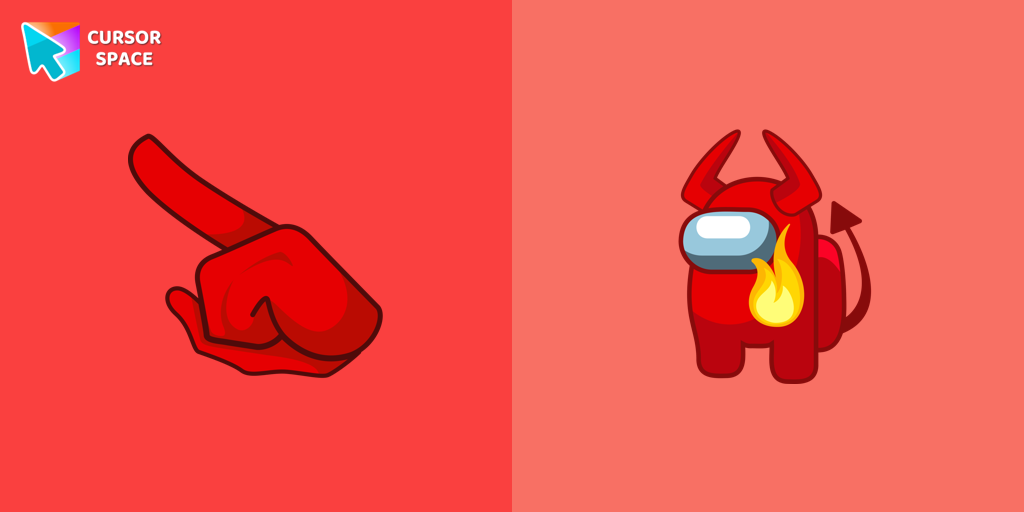 Among Us Red with Devil Horns Character cursorEmbrace the Dark Side: Unleashing the Among Us Red with Devil Horns Character Cursor
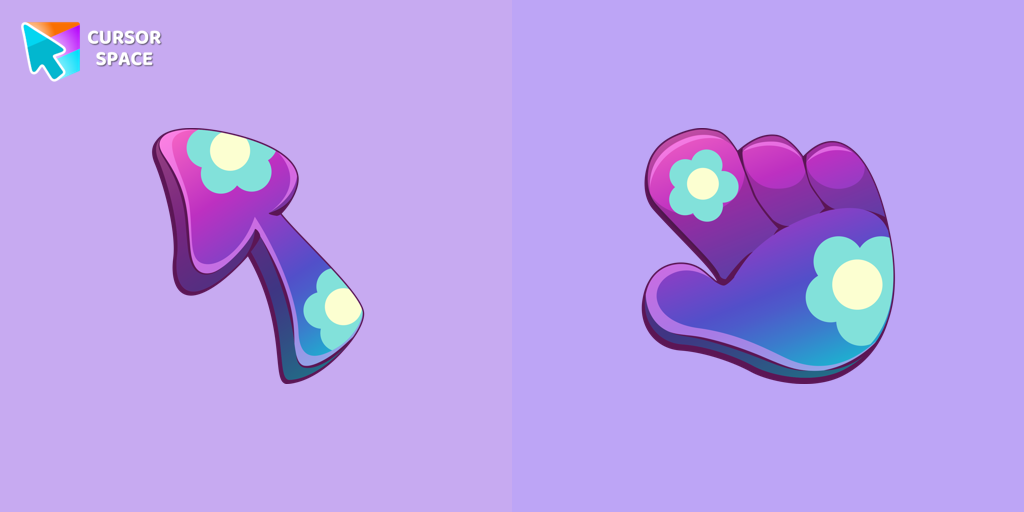 Floristic cursorUpgrade your browsing with custom cursors like the Floristic design. Add elegance and personality to your mouse pointer today!
 The Purple CursorEnhance your Chrome browsing with Custom Cursor Space, a sleek purple cursor crafted to complement your style and elevate your online experience.
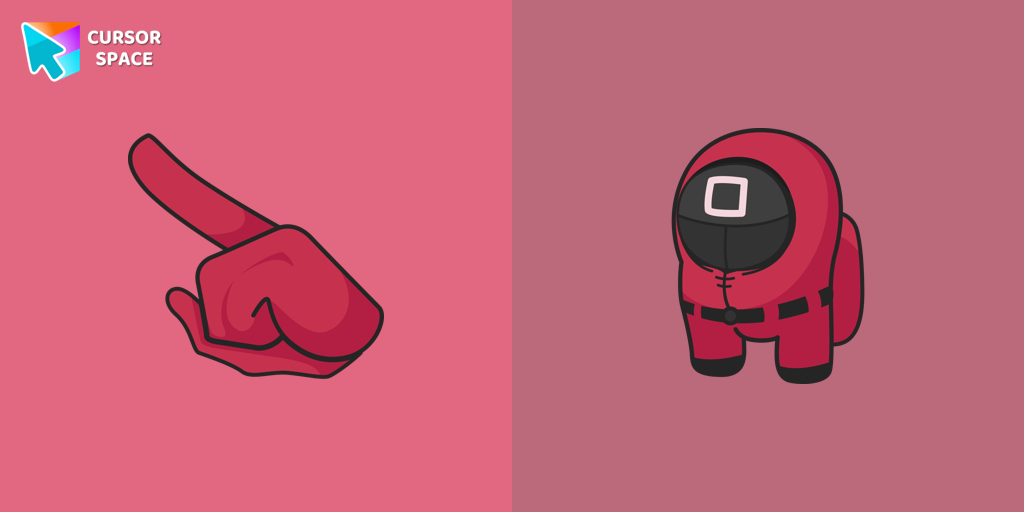 Among Us Squid Game Officer Character cursorExperience the Thrills of Squid Game with the Among Us Officer Character Cursor
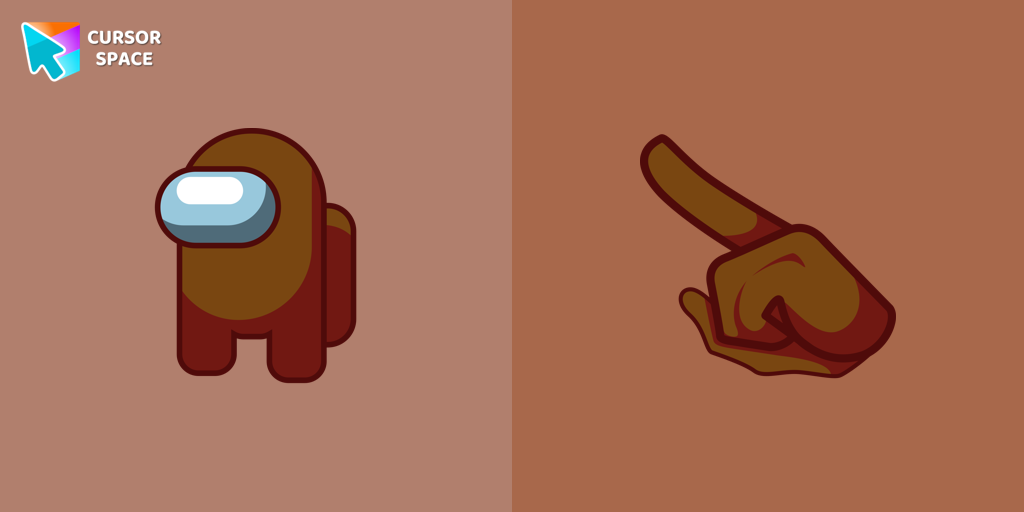 Among Us Brown Character cursorNavigate the Mysterious World of Among Us with the Brown Character Cursor
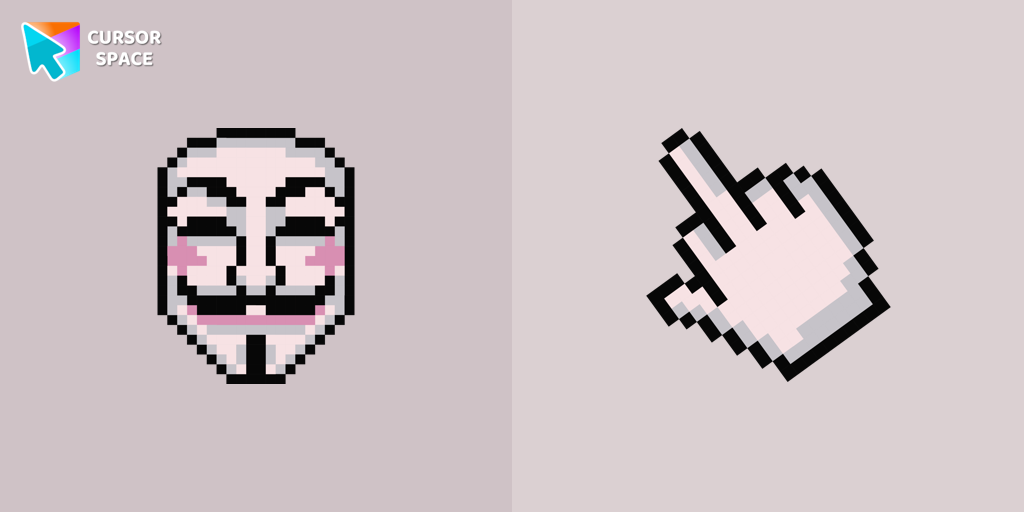 The Guy Fawkes Mask Pixel cursorThe Guy Fawkes Mask Pixel item is a pretty designed set of mouse cursors with a stylish hover.
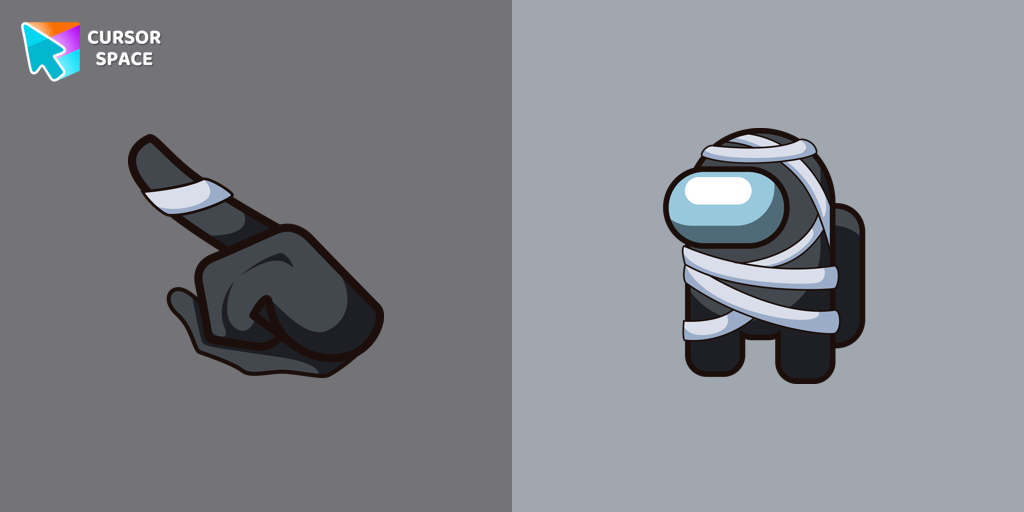 Among Us Mummy Character cursorUnleash the Spooky Fun with the Among Us Mummy Character Custom Cursor
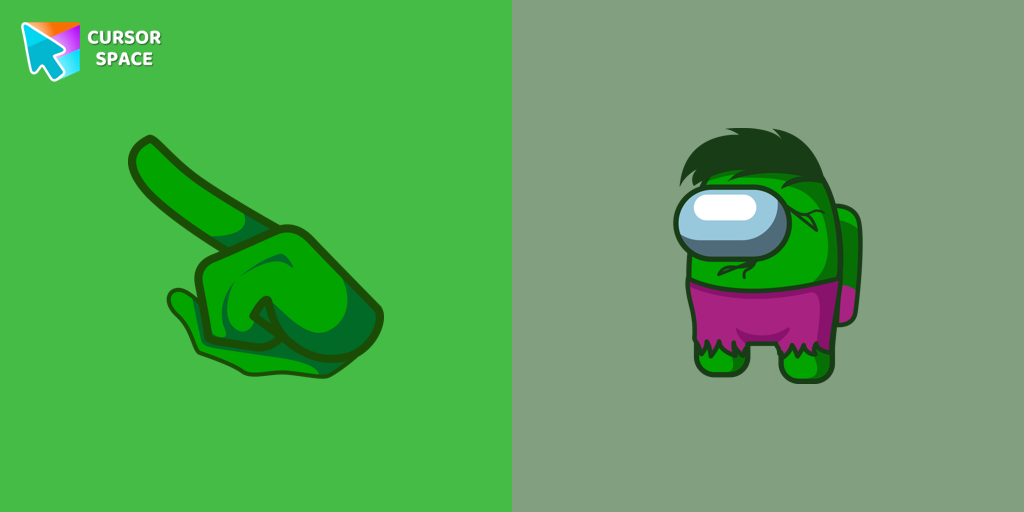 Among Us Hulk Character cursorTransform your Among Us experience with the Hulk custom cursor for Google Chrome. Add a powerful Marvel touch and unleash your inner Hulk while navigating the game.
 Black Widow cursorTransform your browsing with a custom cursor for Google Chrome featuring Black Widow from Marvel. Add her superhero power and elegance to your screen today.
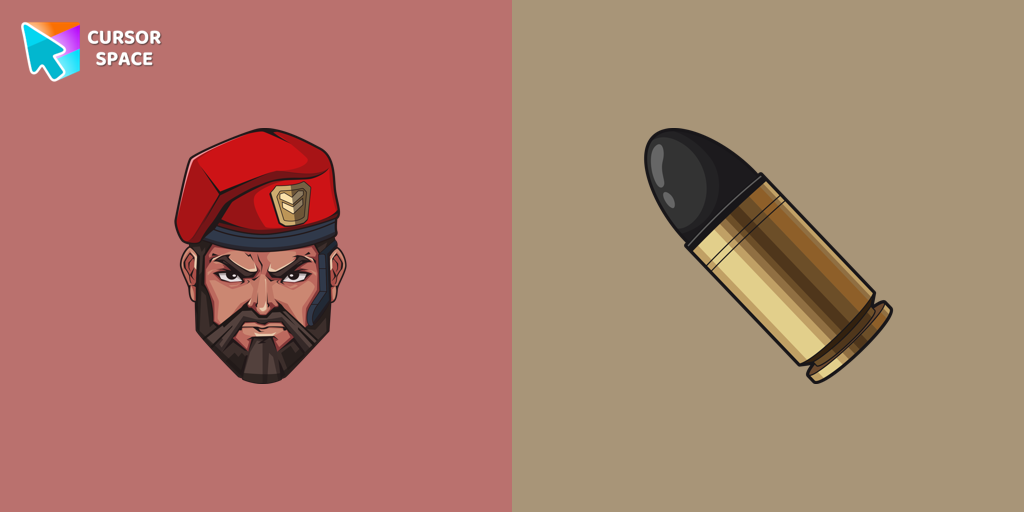 Brimstone cursorUnleash your inner gamer with a VALORANT Brimstone custom cursor for ultimate strategy.
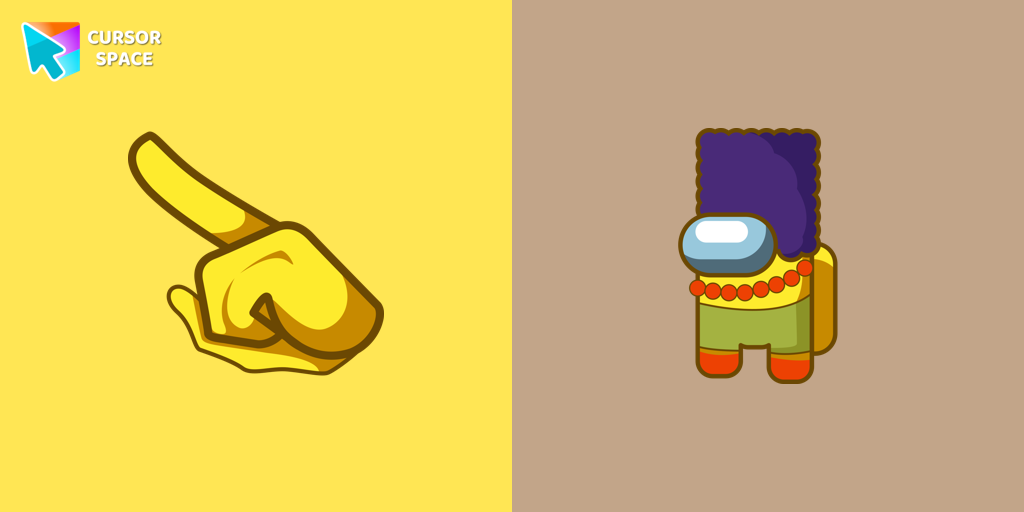 Among Us Marge Simpson Character cursorAdd a touch of nostalgia with the Marge Simpson custom cursor for Google Chrome. Navigate Among Us with her quirky charm and signature blue hair.
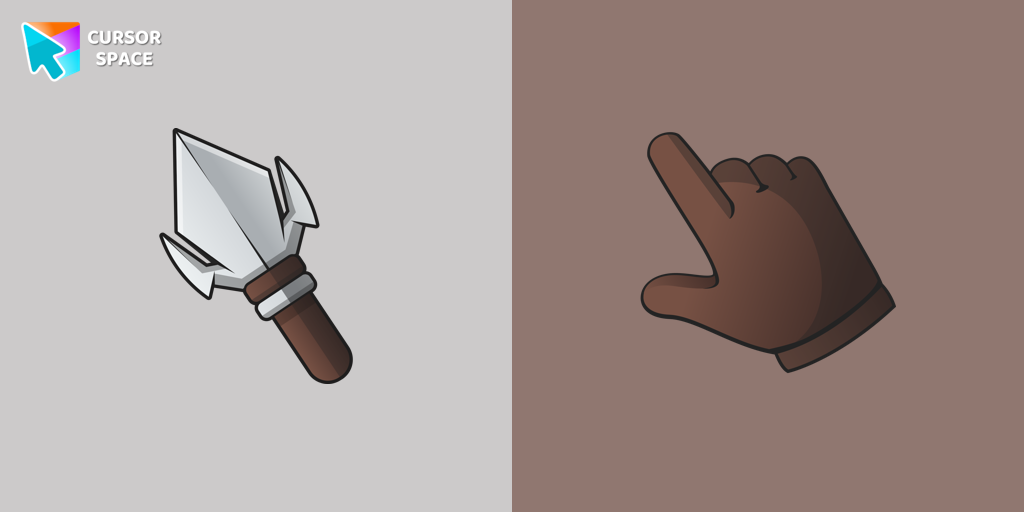 Arrowhead cursorUpgrade your desktop with the Arrowhead custom cursor - featuring a stylish, attention-grabbing design that adds flair and personalization to your experience.
 Green CursorUpgrade your workspace with the Custom Green Minimal Cursor, a simple yet striking design symbolizing harmony, freshness, and positivity.
 Champ Bear cursorEmbrace the Champion Spirit with the Champ Bear Custom Cursor
 Mugman cursorThe Mugman custom cursor is a charming and unique addition to your browsing experience. Add personality with this adorable custom cursor for Google Chrome.
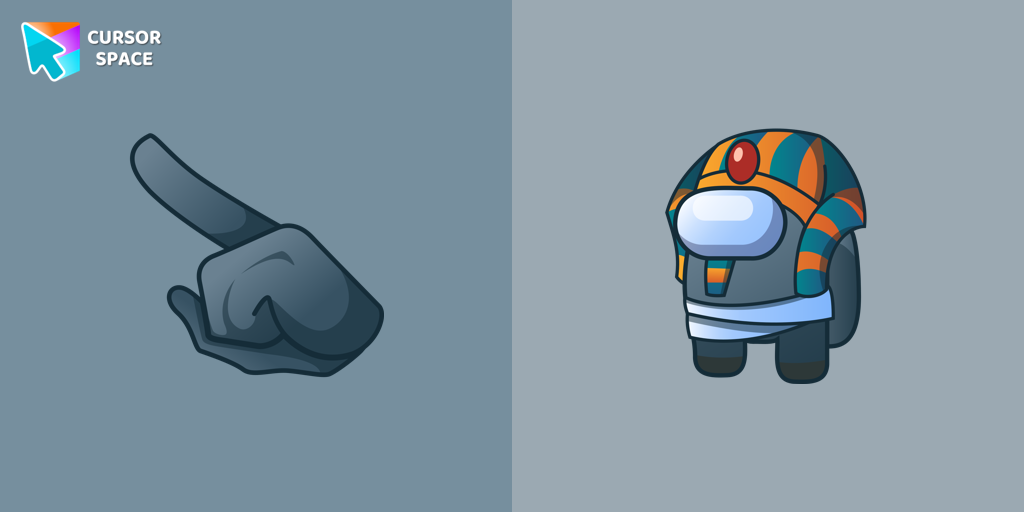 Among us Pharaoh Character cursorIntroducing the Among Us Pharaoh Character Cursor for Your Browser
Explore cursor packs by style
Cursor Space packs include curated cursor sets for everyday browsing: cute, minimal, anime, neon, pixel art, and more. Each pack comes with multiple cursor states (like default and pointer) and can be added to your browser in seconds.
Trending now
Fresh picks based on what people install most often.
Collections
Browse themed sets grouped by vibe and aesthetic.
Top charts
See weekly, monthly, and all-time leaders.
How to install a cursor pack
- Open any pack from the grid above.
- Click the install / add button on the pack page.
- If you don’t have it yet, install the Cursor Space browser extension.
- Apply the pack in the extension and enjoy your new cursor.
FAQ
Quick answers to common questions about cursor packs, collections, and installation.
Are cursor packs free on Cursor Space?
Most cursor packs on Cursor Space are free to browse and install. Some packs may be marked premium depending on licensing. The Cursor Space browser extension is free to install from the Chrome Web Store.
Do cursor packs work on Chrome and Edge?
Yes. Install the Cursor Space extension for Chromium-based browsers (Chrome, Edge, Brave), open a pack page, and click install/apply. The extension applies the cursor set across your browser.
How do I install a custom cursor pack?
Open the pack page, click the install or add button, install the Cursor Space extension if prompted, then apply the pack from the extension popup. Your new cursor appears immediately.
Can I change or remove a custom cursor later?
Yes. Open the Cursor Space extension, choose another pack, or restore the default system cursor from the extension settings.
Is the Cursor Space extension safe?
Cursor Space is distributed via the Chrome Web Store and Edge Add-ons. Keep the extension updated, and only install packs from trusted catalog pages on this site.