
All Cursor Packs
Browse our full collection of custom cursors. Find your next favorite style and install it for free.
 Darth Vader cursorUnleash the power of the dark side with the Darth Vader custom cursor for Google Chrome. Embrace the Sith Lord's presence and upgrade your browsing experience.
 Bob the Minion cursorAdd fun to your browsing with the Bob the Minion custom cursor for Google Chrome. This adorable design brings Bob’s playful charm to your screen.
 Totoro Pixel cursorTotoro is a big, furry, cute, funny, and kind gray creature, the keeper of the forest invisible to adults, an anime movie character now in our Cute Pixel custom cursors collection for Chrome.
 Among Us Captain America Character cursorTransform your browsing with the Captain America custom cursor. Replace the default pointer with this iconic custom cursor for Google Chrome for a heroic touch.
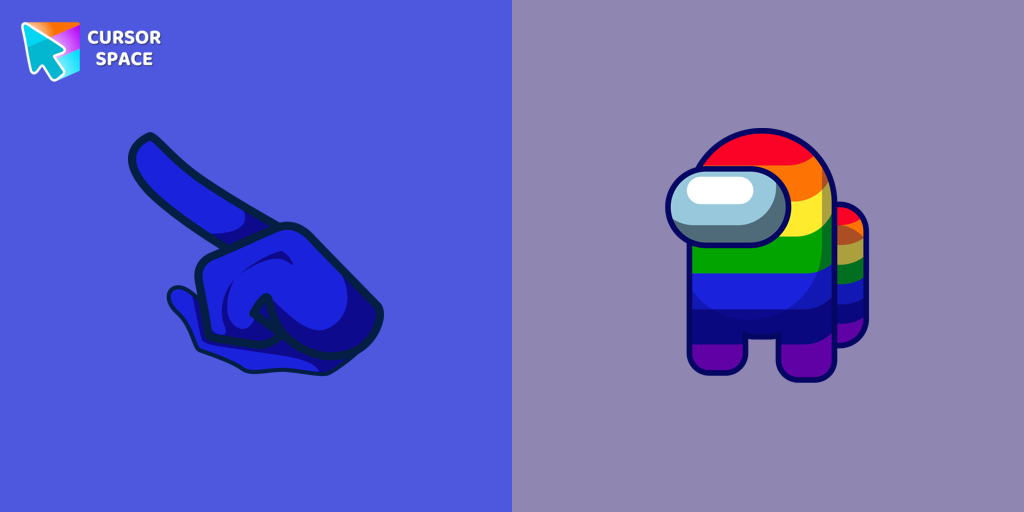 Among Us Rainbow Character cursorIntroducing our Among Us custom cursors collection for Chrome! Now, your favorite Among Us characters can come to life on your screen.
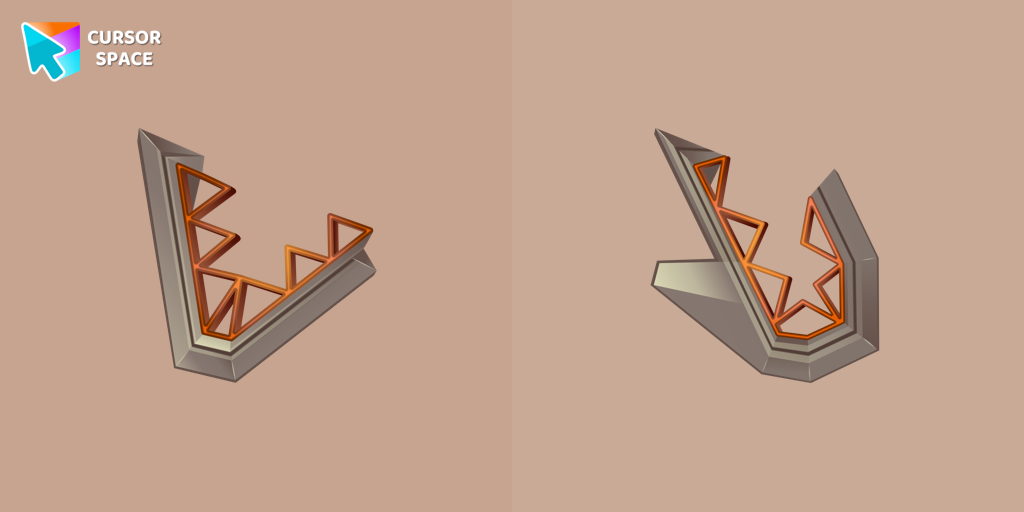 Toothy cursorEnhance your browsing experience with the Toothy custom cursor, a charming and stylish design from the Cursors collection for Chrome. Upgrade your pointer today!
 Oreo spark green cursorsExplore Oreo Spark Dark Custom Cursors for a playful twist on Chrome, combining whimsy and charm in every click.
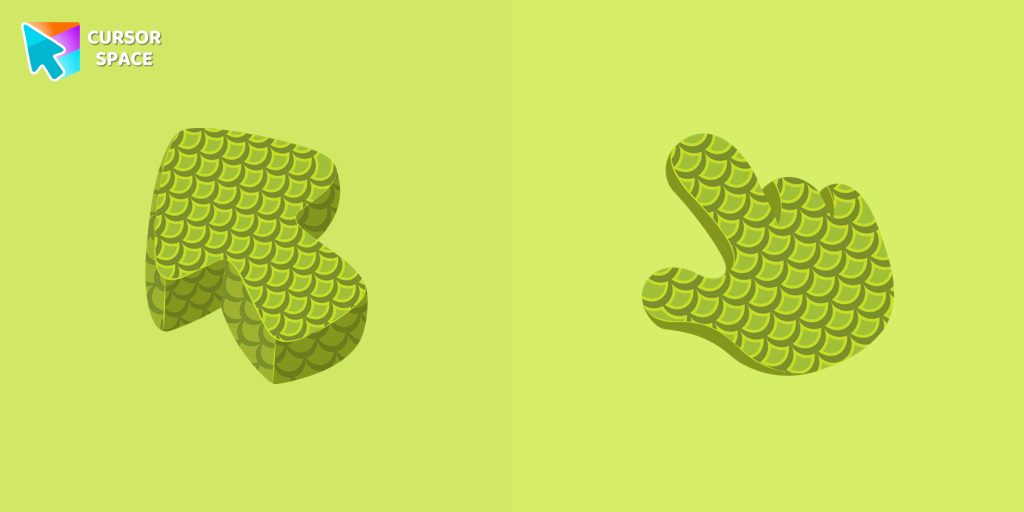 Green Scales Texture cursorExplore the reptile-inspired custom cursor for Google Chrome featuring intricate scales. Elevate your browsing with this unique texture custom cursor.
 Oreo Spark Blue CursorsTransform your screen with Oreo Spark Blue custom cursors and enjoy a calming digital experience.
 Red Riding Hood Hello Kitty cursorAdd Red Riding Hood cursor in the collection of custom cursors with Hello Kitty for the browser.
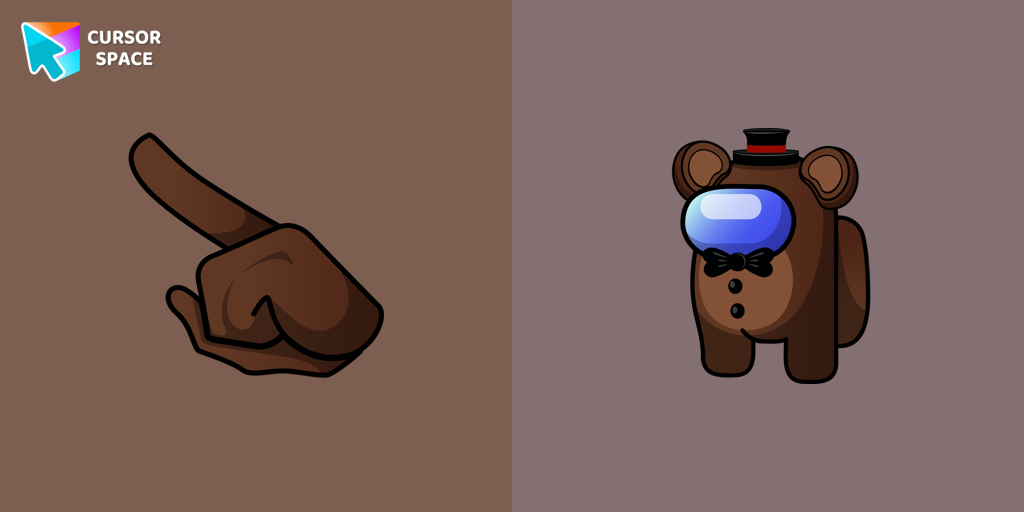 Among Us Toy Freddy Character cursorTransform your browsing with the Among Us Toy Freddy custom cursor for Google Chrome. Add a playful, fun touch to your screen with this unique design.
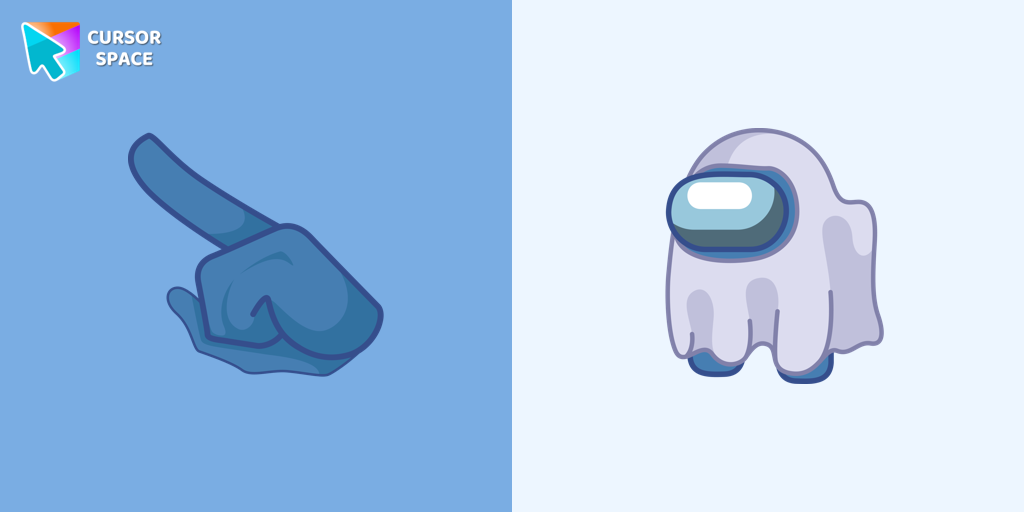 Among Us Ghost Character cursorIntroducing the Among Us Ghost Cursor: Add a Spooky Twist to Your Computer Experience!
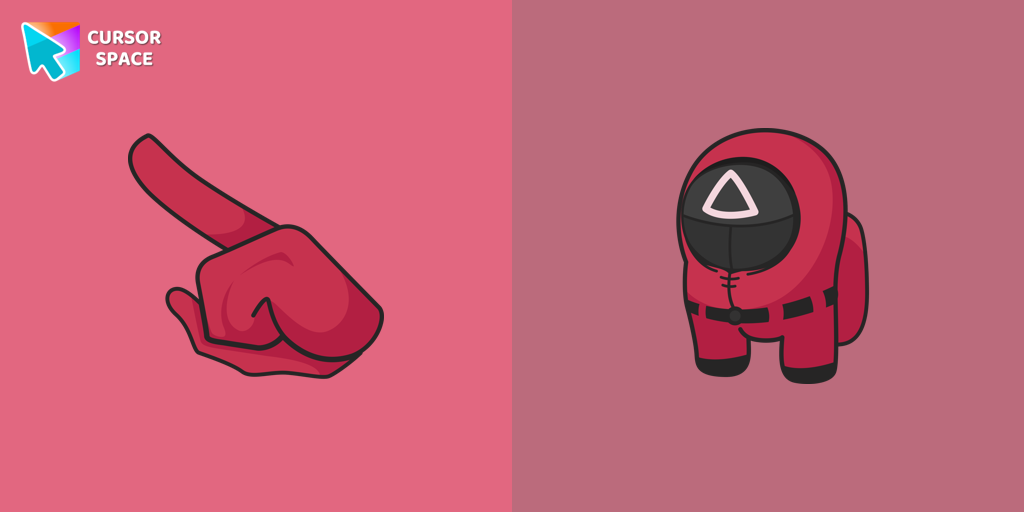 Among Us Squid Game Soldier Character cursorGet the custom cursor for Google Chrome featuring the Among Us Squid Game Soldier. A perfect blend of two iconic worlds for your browsing experience
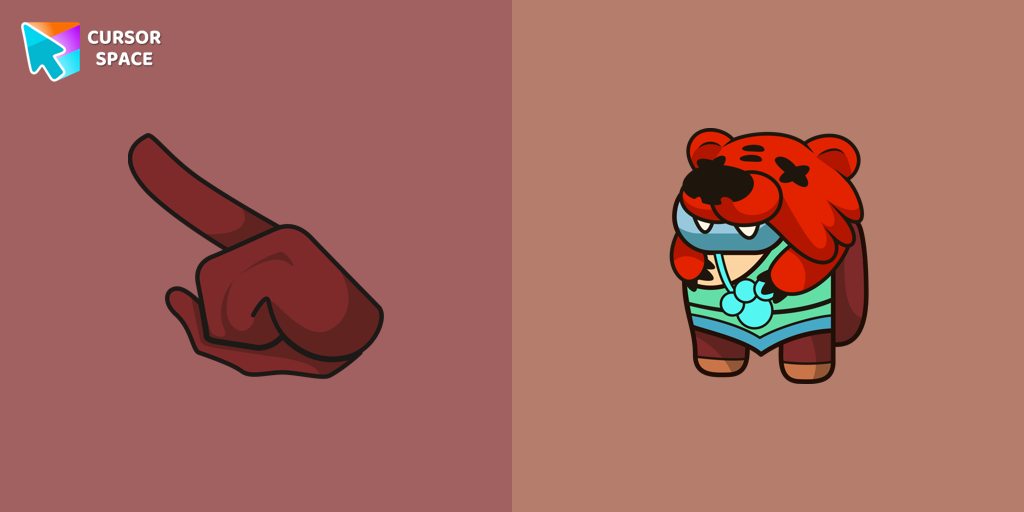 Among Us Nita Character cursorAdd a touch of cuteness with the Among Us Nita custom cursor for Google Chrome. Navigate with her charm and playful personality on your screen!
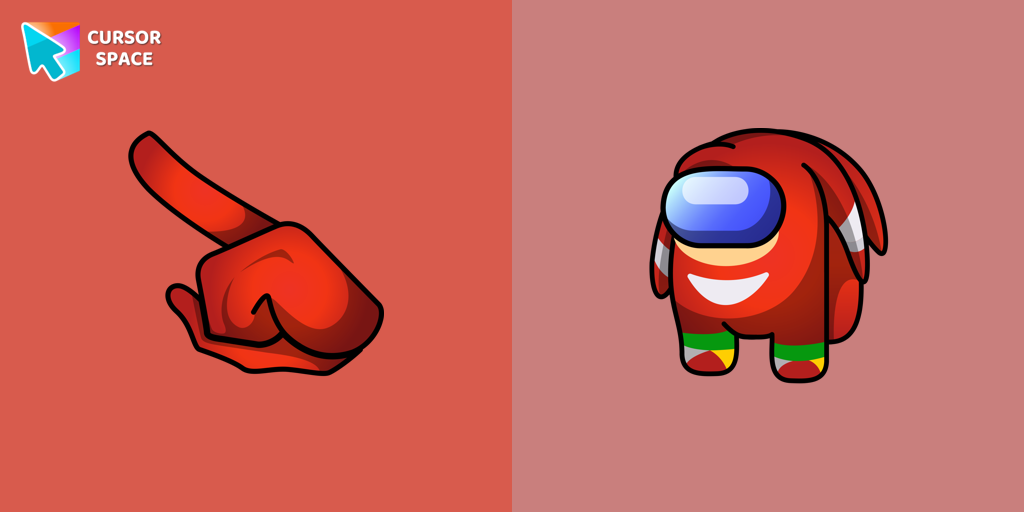 Among Us Knuckles the Echidna Character cursorIntroducing the Among Us Knuckles the Echidna Character Cursor
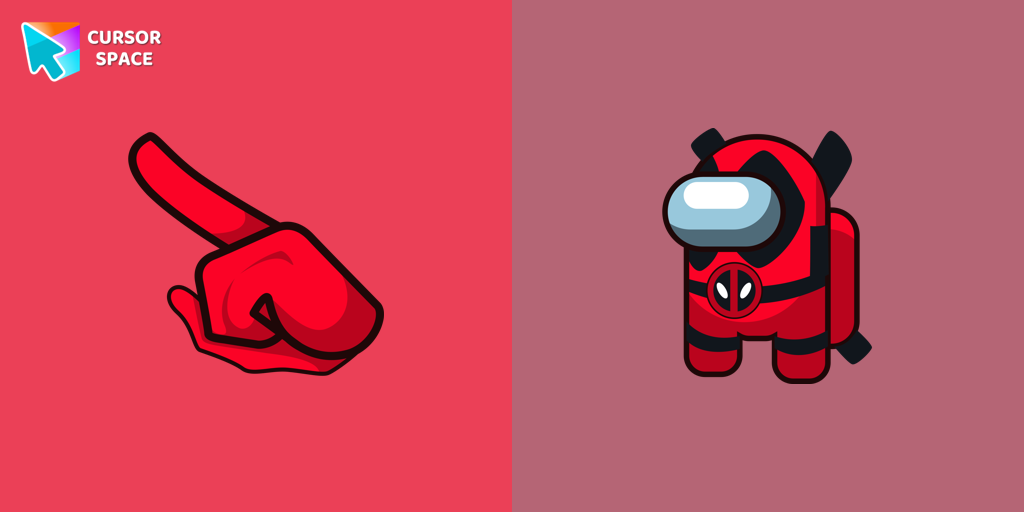 Among Us Deadpool Character cursorMeet Among Us Deadpool cursor for Chrome in a custom cursors collection with Among Us for mouse and pointers.
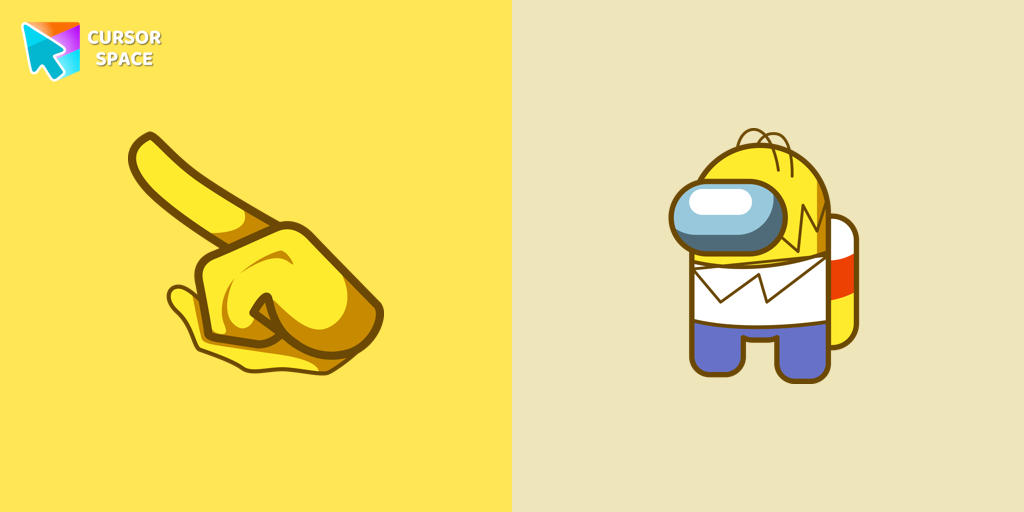 Among Us Homer Simpson Character cursorThe Homer Simpson cursor is the latest addition to the customization options available to players in Among Us.
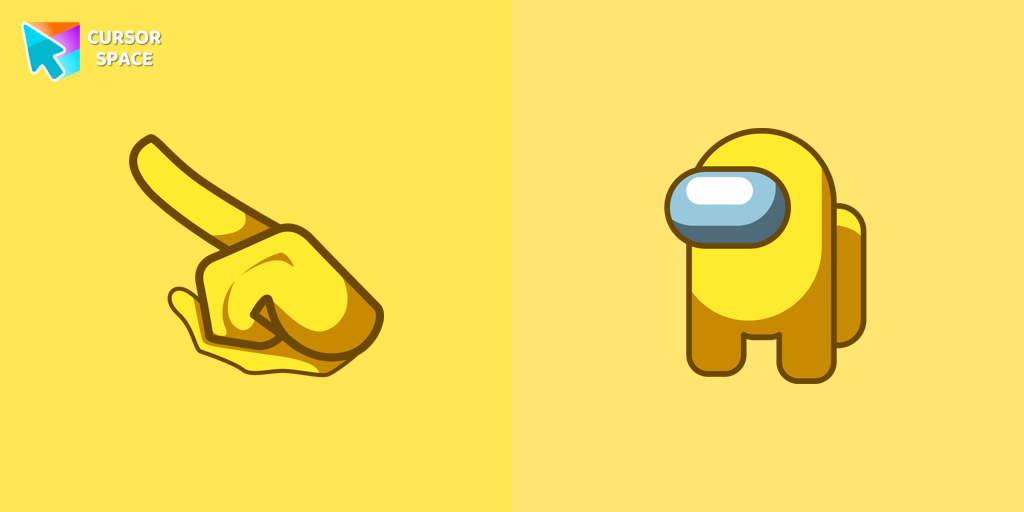 Among Us Yellow Character cursorYellow Among Us Character is a custom cursor from our custom cursors collection for Chrome. There are 18 different colors that players can choose in the lobby during the game.
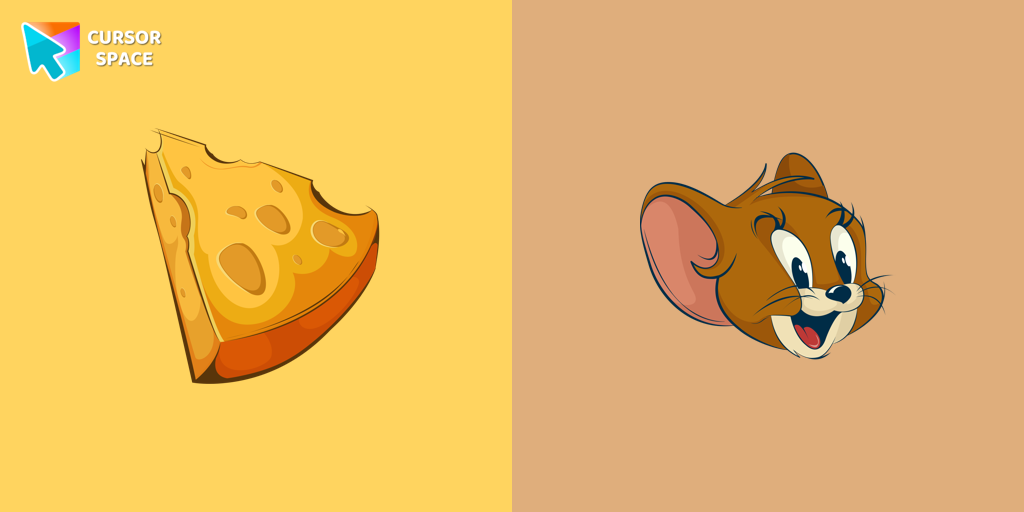 Jerry cursorOur custom cursor featuring Jerry Mouse for Chrome captures his thoughtful mood.
 Ring cursorEnhance your desktop with The Ring custom cursor. Its sleek, animated ring design adds elegance and focus to your workflow.
Explore cursor packs by style
Cursor Space packs include curated cursor sets for everyday browsing: cute, minimal, anime, neon, pixel art, and more. Each pack comes with multiple cursor states (like default and pointer) and can be added to your browser in seconds.
Trending now
Fresh picks based on what people install most often.
Collections
Browse themed sets grouped by vibe and aesthetic.
Top charts
See weekly, monthly, and all-time leaders.
How to install a cursor pack
- Open any pack from the grid above.
- Click the install / add button on the pack page.
- If you don’t have it yet, install the Cursor Space browser extension.
- Apply the pack in the extension and enjoy your new cursor.
FAQ
Quick answers to common questions about cursor packs, collections, and installation.
Are cursor packs free on Cursor Space?
Most cursor packs on Cursor Space are free to browse and install. Some packs may be marked premium depending on licensing. The Cursor Space browser extension is free to install from the Chrome Web Store.
Do cursor packs work on Chrome and Edge?
Yes. Install the Cursor Space extension for Chromium-based browsers (Chrome, Edge, Brave), open a pack page, and click install/apply. The extension applies the cursor set across your browser.
How do I install a custom cursor pack?
Open the pack page, click the install or add button, install the Cursor Space extension if prompted, then apply the pack from the extension popup. Your new cursor appears immediately.
Can I change or remove a custom cursor later?
Yes. Open the Cursor Space extension, choose another pack, or restore the default system cursor from the extension settings.
Is the Cursor Space extension safe?
Cursor Space is distributed via the Chrome Web Store and Edge Add-ons. Keep the extension updated, and only install packs from trusted catalog pages on this site.